


Auto Chess
Play on PC with BlueStacks – the Android Gaming Platform, trusted by 500M+ gamers.

Page Modified on: Jan 21, 2026
Play Auto Chess on PC or Mac
Auto Chess Arena is a strategy online game developed by AUTO CHESS TECHNOLOGY COMPANY LTD. BlueStacks app player is the best PC platform (emulator) to play this Android game on your PC or Mac for an immersive gaming experience!
Play Auto Chess Arena on PC and enjoy this strategy game from the large and gorgeous display on your PC! Compete against friends from all over the world, using your knowledge of logic and economics to build your own economic system!
In the Auto Chess Arena PC game, your mission is to use your ability to think and reason to build a standard economic empire! Dispatch your unique heroes to engage seven different opponents in battle! Will you be knocked out or will you be the one to wear the crown? It’s time to find out!
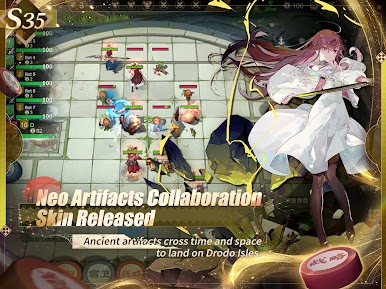
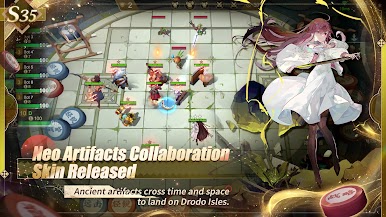
Enjoy this strategy game with tons of unique heroes, 8×8 multi-style board, a rich alliance effect, and witty players! Develop and build your economic systems by advancing in stages and winning points against other users. Use your rewards to bid for heroes and make your team stronger. Enjoy the original tournament modes, turbo modes, and classic multiplayer auto battling!
Download Auto Chess Arena on PC to play an intense, mind-stimulating game! An intellectual chess race awaits you. Can you win?
You can also Play Auto Chess in your browser on your PC or mobile without downloading. Click and Play instantly!













Play Auto Chess on PC. It’s easy to get started.
-
Download and install BlueStacks on your PC
-
Complete Google sign-in to access the Play Store, or do it later
-
Look for Auto Chess in the search bar at the top right corner
-
Click to install Auto Chess from the search results
-
Complete Google sign-in (if you skipped step 2) to install Auto Chess
-
Click the Auto Chess icon on the home screen to start playing

