

Squishy Magic: 3D Toy Coloring
Play on PC with BlueStacks – the Android Gaming Platform, trusted by 500M+ gamers.

Page Modified on: Jan 13, 2026
Play Squishy Magic: 3D Toy Coloring on PC or Mac
Explore a whole new adventure with Squishy Magic: 3D Toy Coloring, a Educational game created by Dramaton. Experience great gameplay with BlueStacks, the most popular gaming platform to play Android games on your PC or Mac.
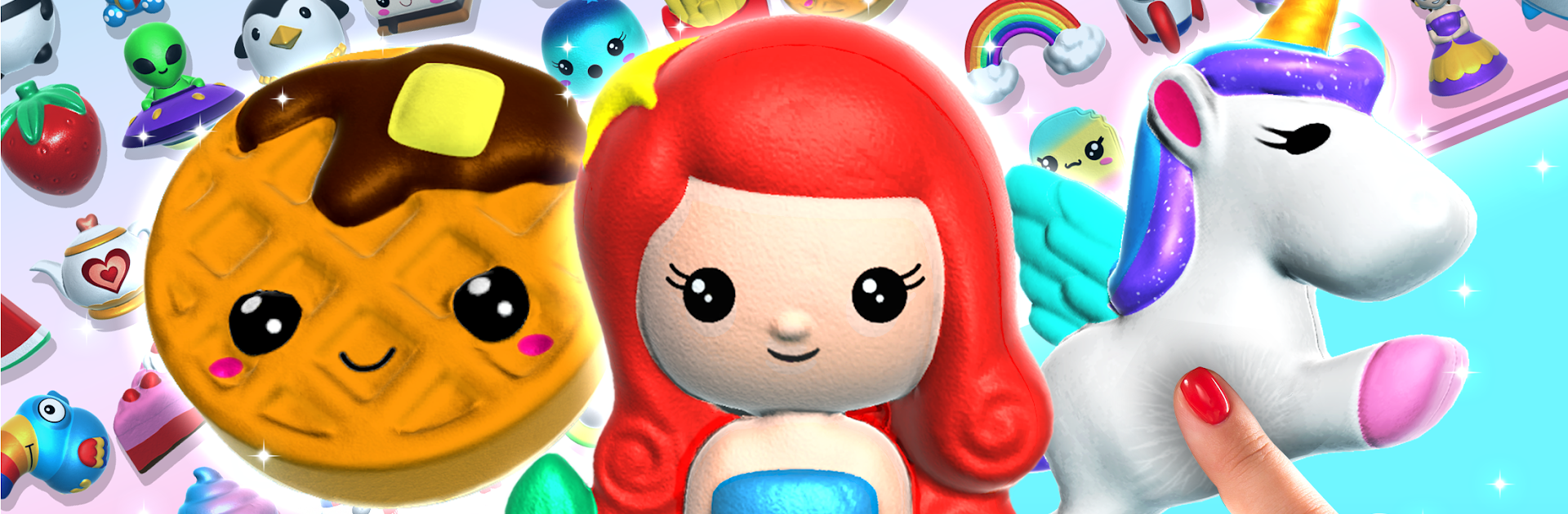
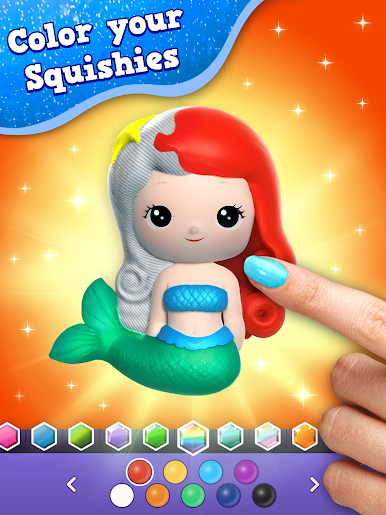
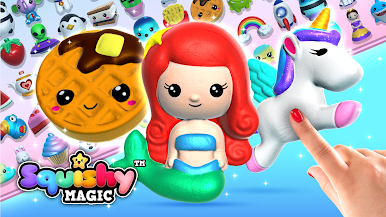
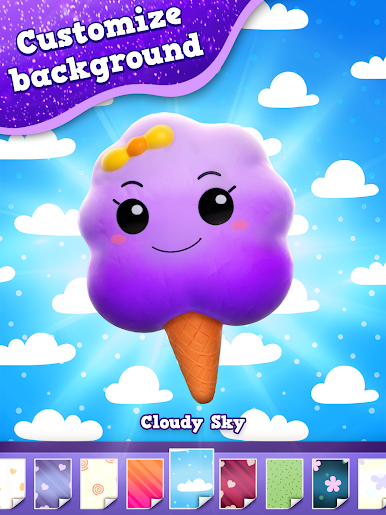
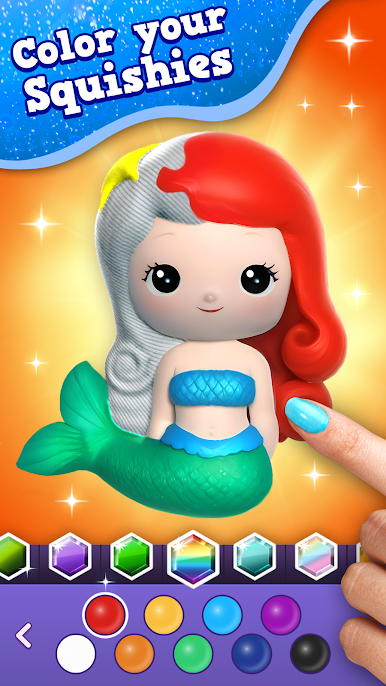
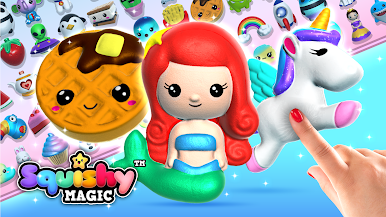
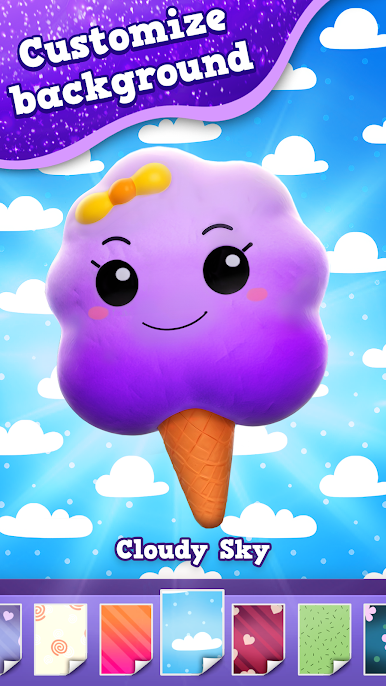
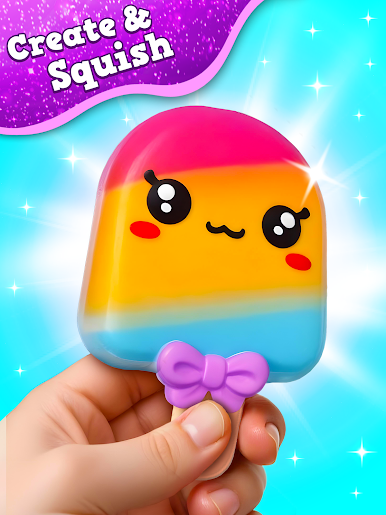
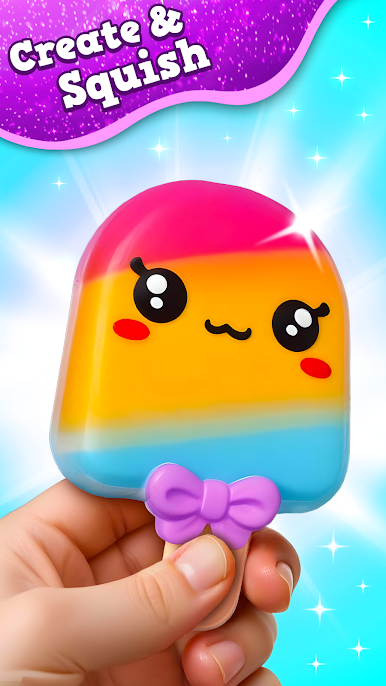
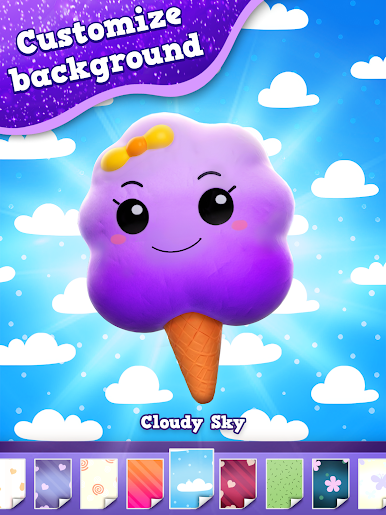
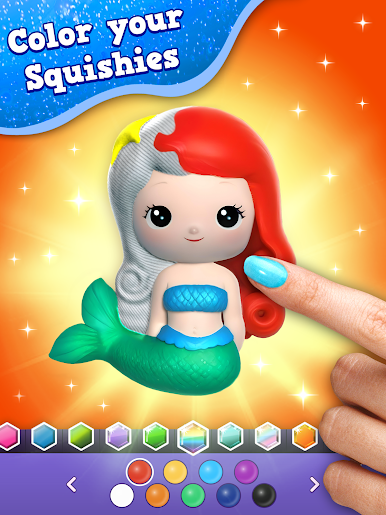
Squishy Magic: 3D Toy Coloring is seriously one of those games that just make you relax after a long day, especially if you like artsy stuff but don’t want anything complicated. It’s all about making these soft, squishy toys in 3D, and you can pick any shape you want—everything from unicorns and donuts to burgers and random cute characters. Then you get to paint every part of it however you like. There’s a huge selection of colors and textures, way more than expected—glossy, pastel, sprays, all kinds of shades—and you’re not limited or locked behind a bunch of paywalls, which is nice.
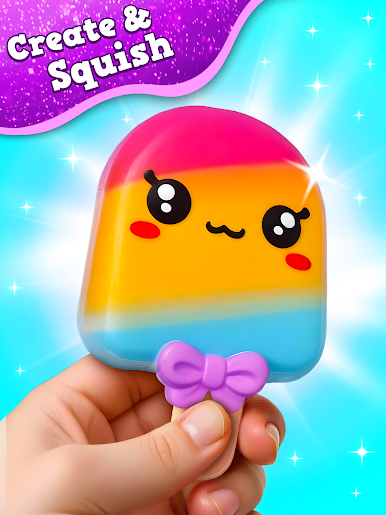
The fun part is once the toy’s painted, you get to play with it—pressing, squeezing, and watching it squish back into place. The physics are surprisingly close to what real squishy toys feel like, and the sounds are oddly calming. If you put it on your PC with BlueStacks, you can really see the details in the designs, and clicking around feels really satisfying in a hands-on way. Squishy Magic’s got that ASMR thing going, so it’s not just about coloring, it’s about those little sounds and motions that help you slow down for a second. It’s not tough or stressful, and you don’t have to be good at art to enjoy making your own toys and collecting designs. If you’re into relaxing games where you get to create, squish, and mess around with cute stuff, this game definitely hits the spot.
Ready to top the leaderboard? We bet you do. Let precise controls and sharp visuals optimized on BlueStacks lead you to victory.













Play Squishy Magic: 3D Toy Coloring on PC. It’s easy to get started.
-
Download and install BlueStacks on your PC
-
Complete Google sign-in to access the Play Store, or do it later
-
Look for Squishy Magic: 3D Toy Coloring in the search bar at the top right corner
-
Click to install Squishy Magic: 3D Toy Coloring from the search results
-
Complete Google sign-in (if you skipped step 2) to install Squishy Magic: 3D Toy Coloring
-
Click the Squishy Magic: 3D Toy Coloring icon on the home screen to start playing

