


Pastelsy Crush - Match 3
Play on PC with BlueStacks – the Android Gaming Platform, trusted by 500M+ gamers.

Page Modified on: Sep 11, 2026
Play Pastelsy Crush - Match 3 on PC or Mac
Explore a whole new adventure with Pastelsy Crush – Match 3, a Puzzle game created by TP Automation JSC. Experience great gameplay with BlueStacks, the most popular gaming platform to play Android games on your PC or Mac.
About the Game
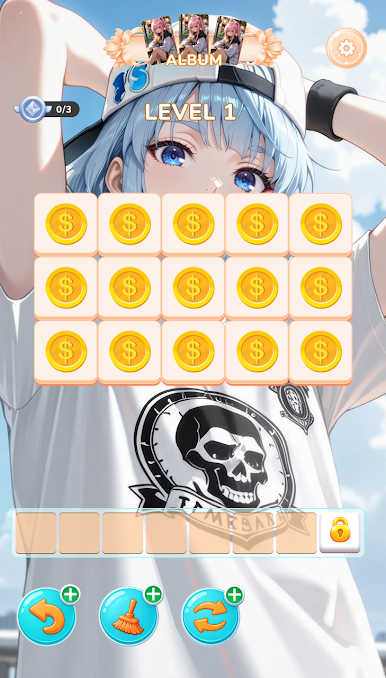
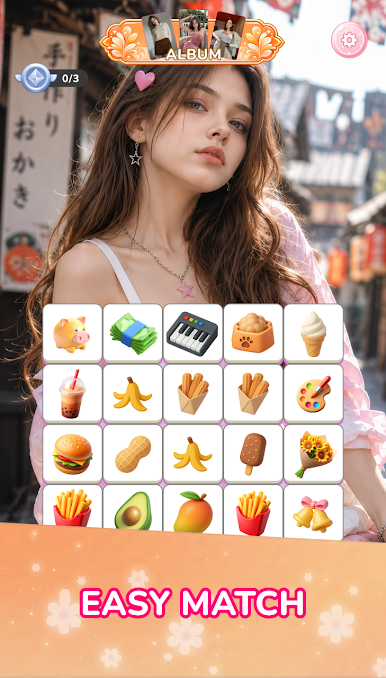
Pastelsy Crush – Match 3 wraps classic Puzzle matching in a soft, watercolor daydream. You’ll swap colorful tiles, spark chain reactions, and gently bring faded scenes back to life. It’s easy to pick up, surprisingly strategic, and perfect when you want a calm brain-tickle between busy moments.
Game Features
- Hand-Painted Worlds: Stroll through breezy, pastel scenes—think cottony clouds, ribbon accents, and sparkly details—each board feeling like a page from a sketchbook.
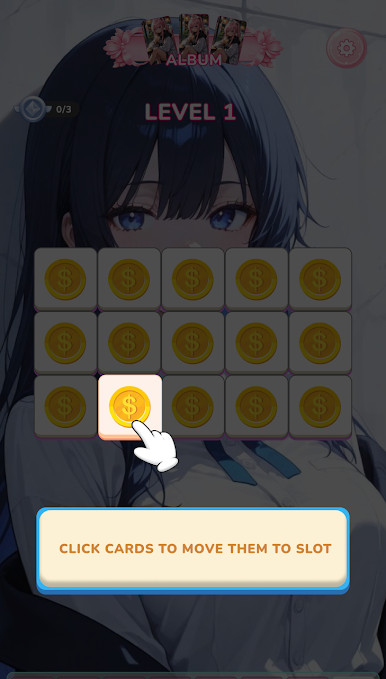
- Satisfying Matching: Line up tiles, watch bright chains pop, and clear the board with smart moves that feel both cozy and clever.
- Clever Power-Ups: Trigger Petal Burst, Ribbon Swirl, and Pastel Rainbow to sweep away clusters, slice through tricky spots, and set up big, showy combos.
- Plenty to Play: Work through hundreds of thoughtfully designed stages, from breezy warm-ups to brain-teasing layouts that reward planning.
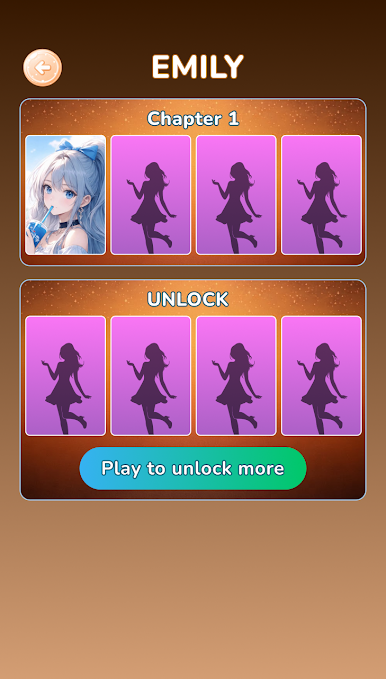
- Whimsical Companions: Meet cute little pals along the way—charming helpers who cheer you on as you restore color to every corner.
- Relaxing Vibes: Soft melodies, gentle animations, and a calm pace create a soothing space to unwind without rushing the fun.
- Progress at Your Pace: Retry tough boards, chase three-star finishes, or just enjoy a few comfy matches—no pressure, just pleasant puzzles.
- Play Comfortably on PC: Prefer a bigger view and click-precise control? Fire it up on BlueStacks and kick back while you match in comfort.
BlueStacks gives you more room to focus on the game and less time adjusting around mobile limitations.


Play Pastelsy Crush - Match 3 on PC. It’s easy to get started.
-
Download and install BlueStacks on your PC
-
Complete Google sign-in to access the Play Store, or do it later
-
Look for Pastelsy Crush - Match 3 in the search bar at the top right corner
-
Click to install Pastelsy Crush - Match 3 from the search results
-
Complete Google sign-in (if you skipped step 2) to install Pastelsy Crush - Match 3
-
Click the Pastelsy Crush - Match 3 icon on the home screen to start playing

