


Happy Draw - AI Guess Drawing
Play on PC with BlueStacks – the Android Gaming Platform, trusted by 500M+ gamers.

Page Modified on: Jun 13, 2024
Run Happy Draw - AI Guess Drawing Game on PC or Mac
Upgrade your experience. Try Happy Draw – AI Guess Drawing Game, the fantastic Entertainment app from happy.ai.app, from the comfort of your laptop, PC, or Mac, only on BlueStacks.
About the App
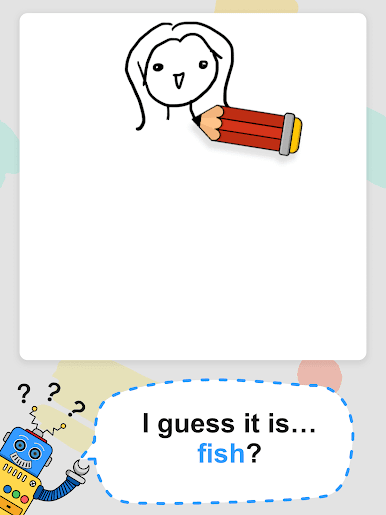
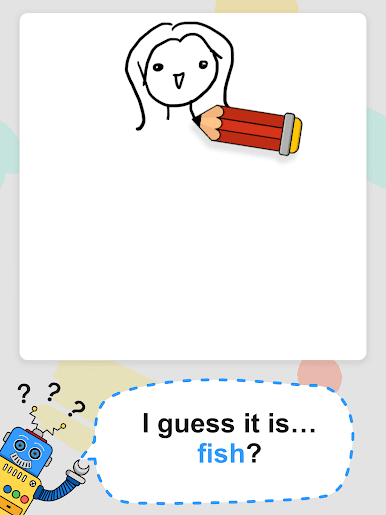
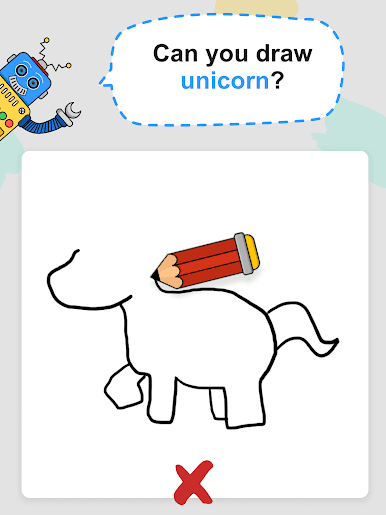
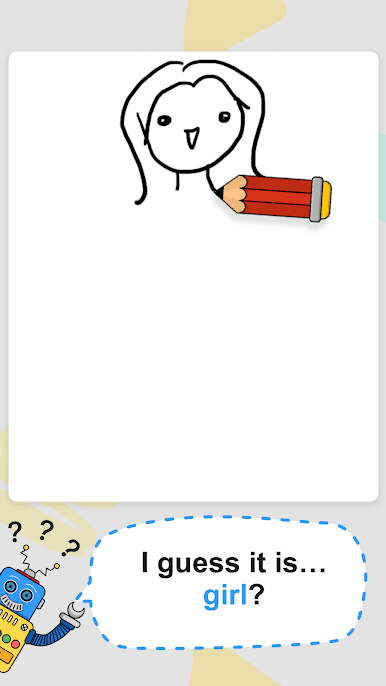
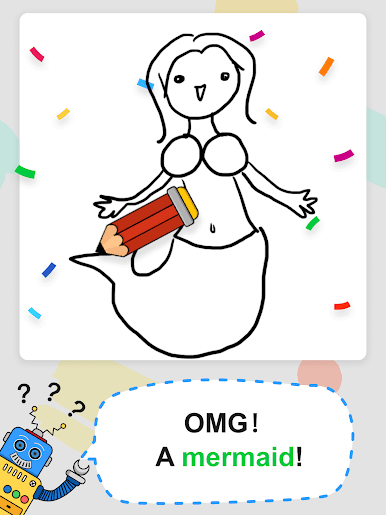
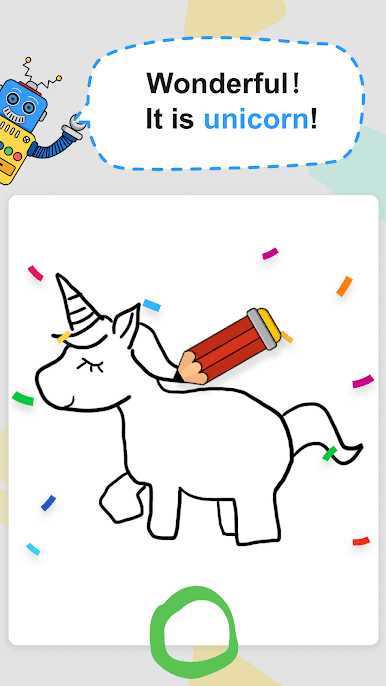
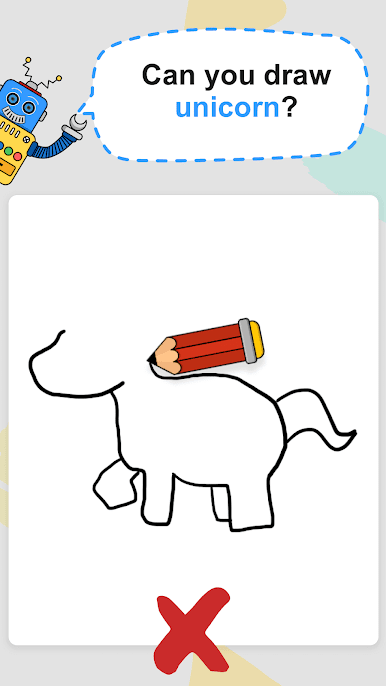
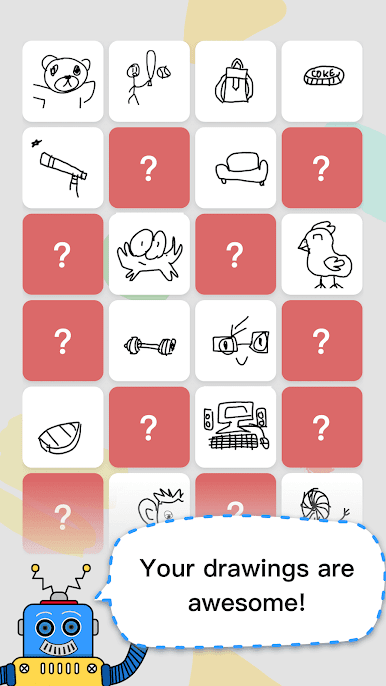
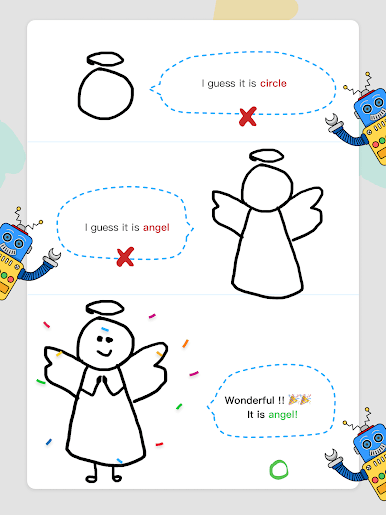
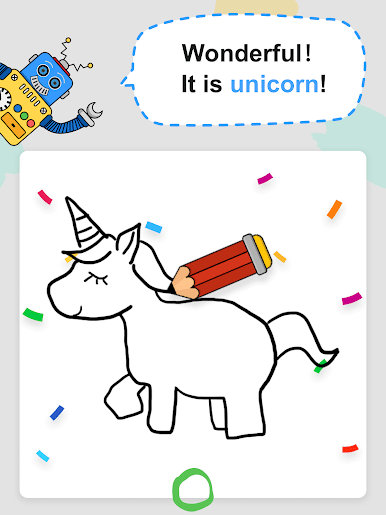
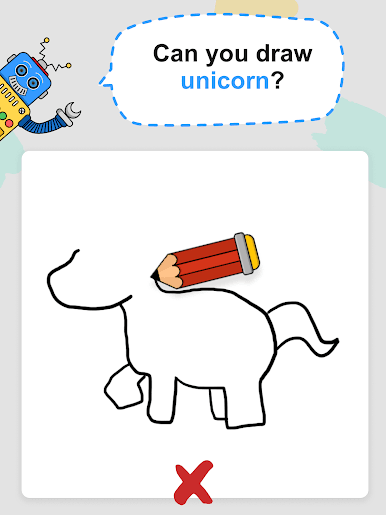
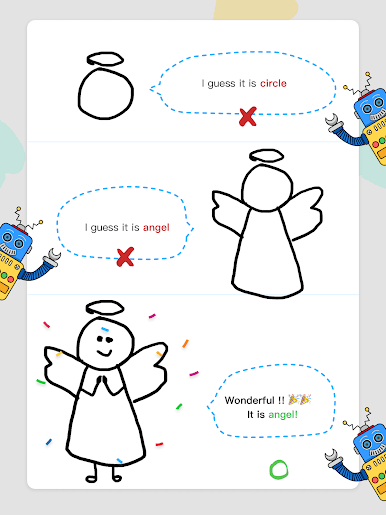
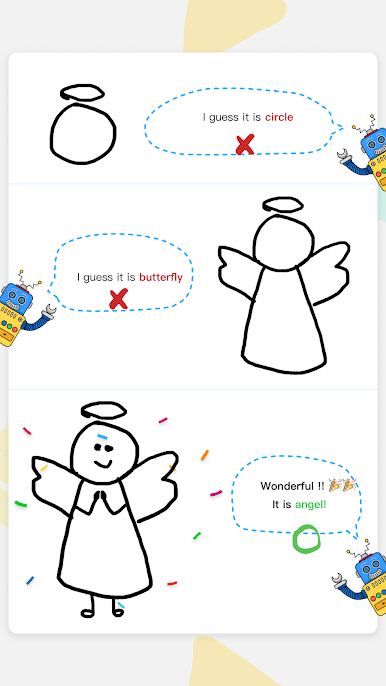
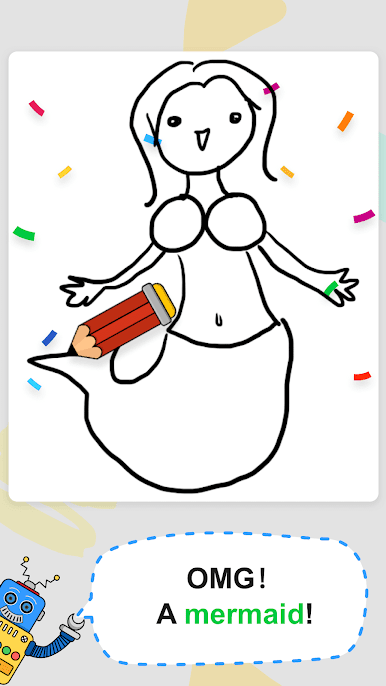
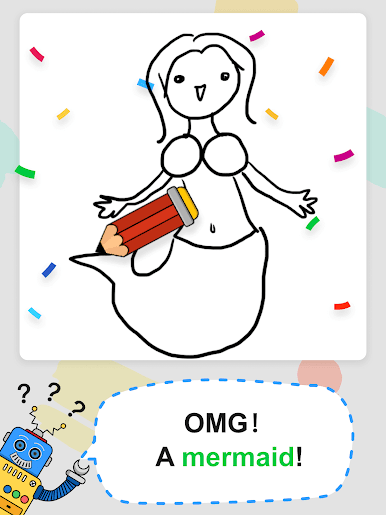
Ready to put your doodling skills to the test? Happy Draw – AI Guess Drawing Game from happy.ai.app is a playful twist on the classic drawing game, blending quick thinking with a splash of creativity. It’s simple—draw a prompt and see if either a friend or the clever AI guesses what you’ve whipped up. Whether you’re playing solo to beat the clock or hanging out with friends, you’re in for some laughs and a bunch of “wait, what IS that?” moments.
App Features
-
AI-Powered Solo Play
Want to play right now? In single-player mode, you sketch whatever word pops up, and the friendly AI tries to guess your doodle. No waiting for real people or awkward silences. -
Multiplayer Drawing Battles
Challenge your friends in real time! Jump into multiplayer mode for a head-to-head drawing contest—see who gets the most points or just who can be the silliest artist. -
Timed and Chill Options
Only have a minute? There’s a time-limited game that gives you 20 seconds to capture your idea before the clock runs out. No pressure if you’re feeling laid back—switch to no time limit mode and doodle at your own pace. -
Tons of Levels to Unlock
Over 300 prompts and levels keep things fresh. Whether you stick figures or go full Picasso, there’s always another word to draw. -
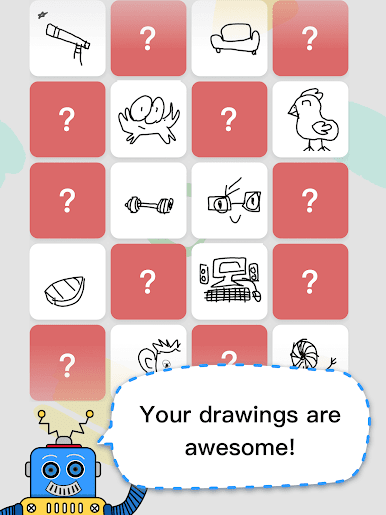
Art Gallery Sharing
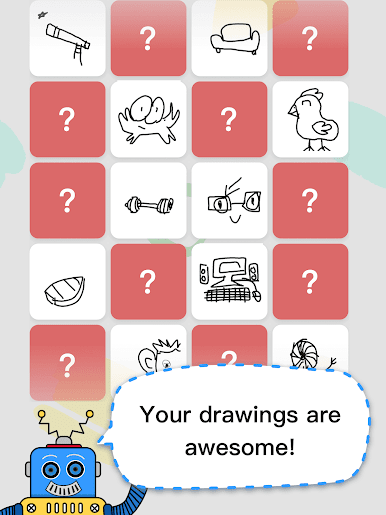
Show off your masterpieces! The app lets you share your favorite creations with friends and family, or just revisit your past drawings for a good chuckle. -
Easy Fun on Any Screen
Enjoy all the drawing fun on your phone, or, if you want a bigger canvas, give it a spin with BlueStacks on your PC.
Happy Draw – AI Guess Drawing Game from happy.ai.app makes every round a surprise, putting smiles (and maybe some head-scratching) at the center of your entertainment.
Big screen. Bigger performance. Use BlueStacks on your PC or Mac to run your favorite apps.
Play Happy Draw - AI Guess Drawing on PC. It’s easy to get started.
-
Download and install BlueStacks on your PC
-
Complete Google sign-in to access the Play Store, or do it later
-
Look for Happy Draw - AI Guess Drawing in the search bar at the top right corner
-
Click to install Happy Draw - AI Guess Drawing from the search results
-
Complete Google sign-in (if you skipped step 2) to install Happy Draw - AI Guess Drawing
-
Click the Happy Draw - AI Guess Drawing icon on the home screen to start playing

