


Dopamine Detox: Bad Habits
Play on PC with BlueStacks – the Android Gaming Platform, trusted by 500M+ gamers.

Page Modified on: Aug 31, 2024
Run Dopamine Detox: Breaking Bad Habits on PC or Mac
Multitask effortlessly on your PC or Mac as you try out Dopamine Detox: Breaking Bad Habits, a Productivity app by Draxex on BlueStacks.
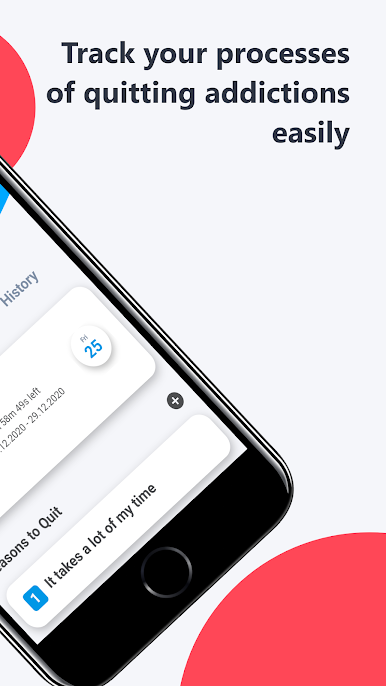
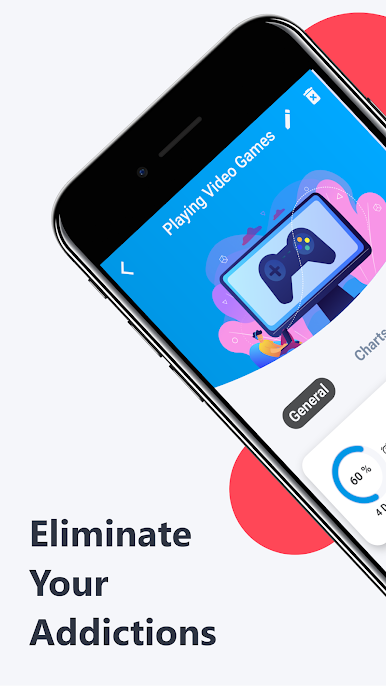
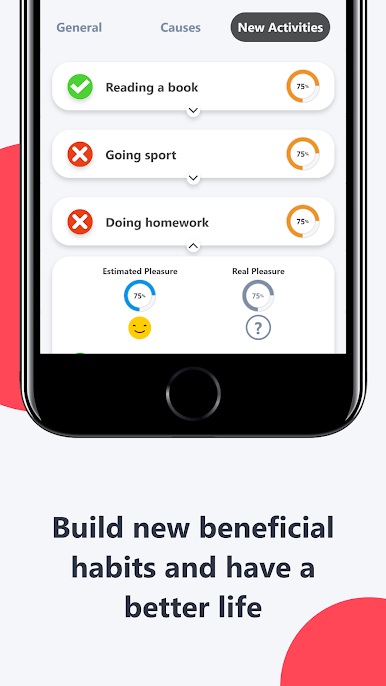
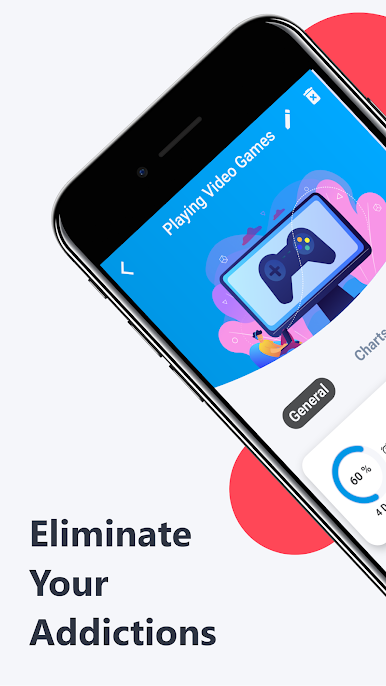
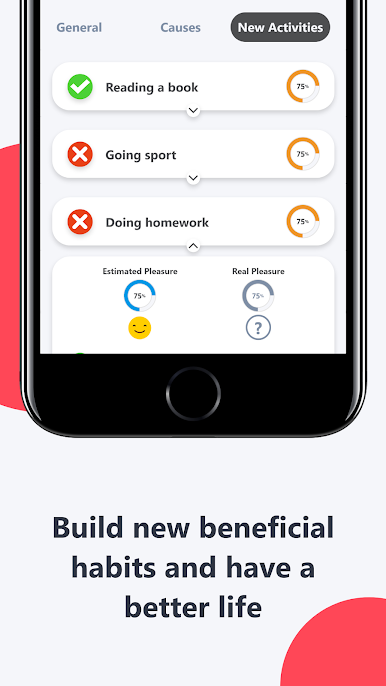
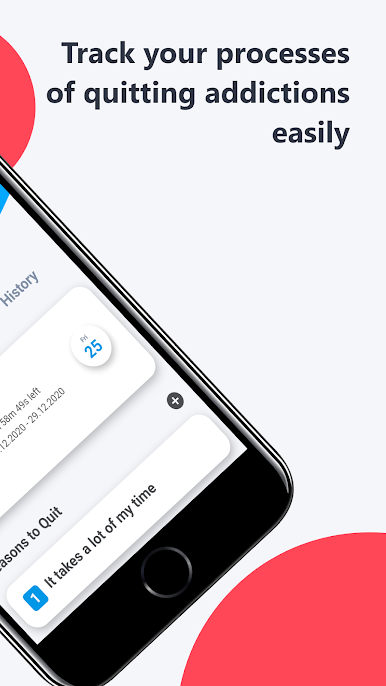
So, Dopamine Detox: Breaking Bad Habits is one of those apps that actually tries to help with all the stuff people usually want to cut down on—like mindless scrolling, overeating, maybe even things like smoking or other habits that are tough to break. The vibe is simple and no-nonsense: after opening it up (especially on PC if you’re running it through BlueStacks), the first thing that stands out is how you get to choose which habits you want to work on. There’s a spot to jot down the reason why each one is a problem for you, so you’ve always got a reminder in your own words.
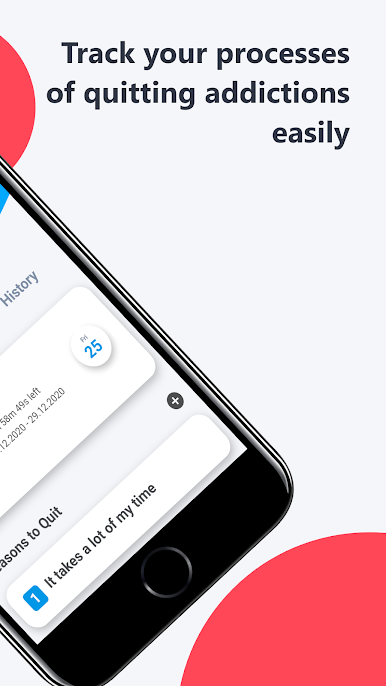
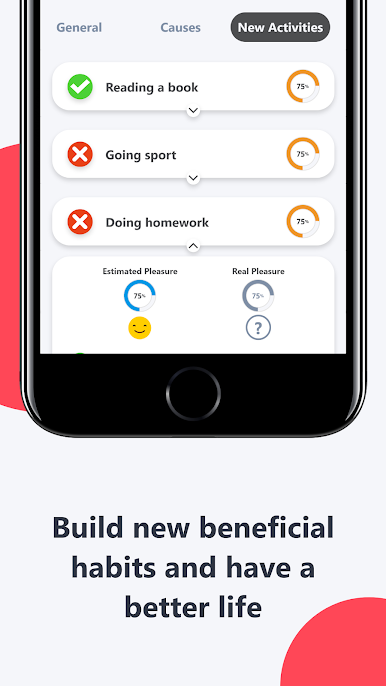
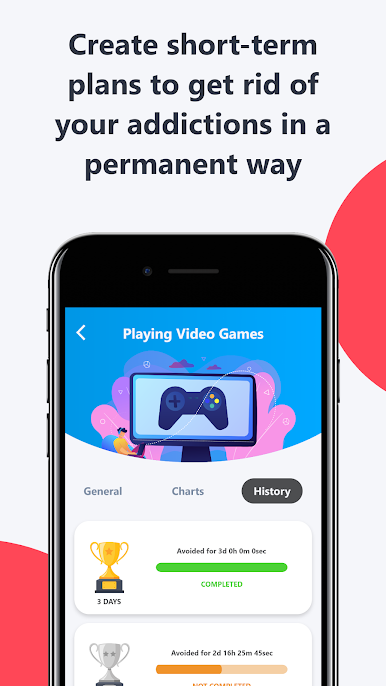
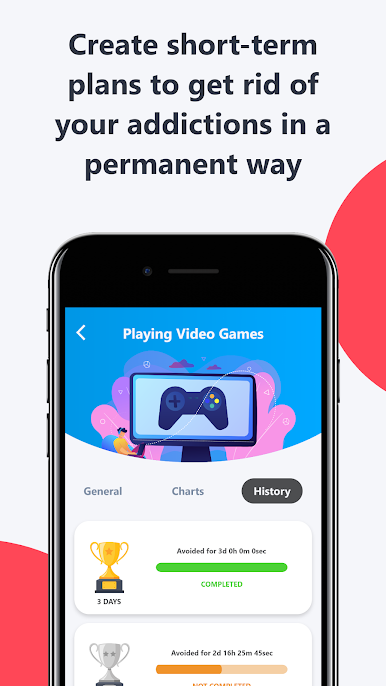
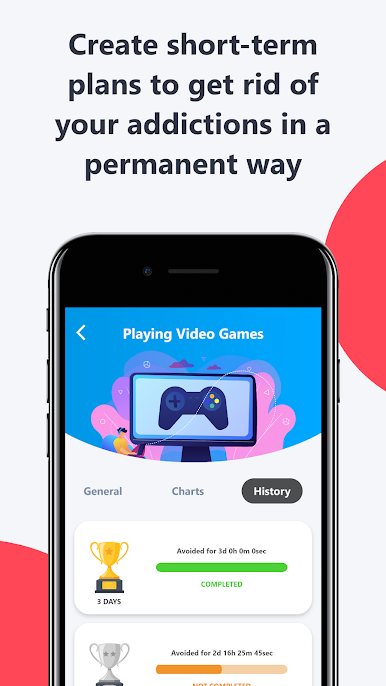
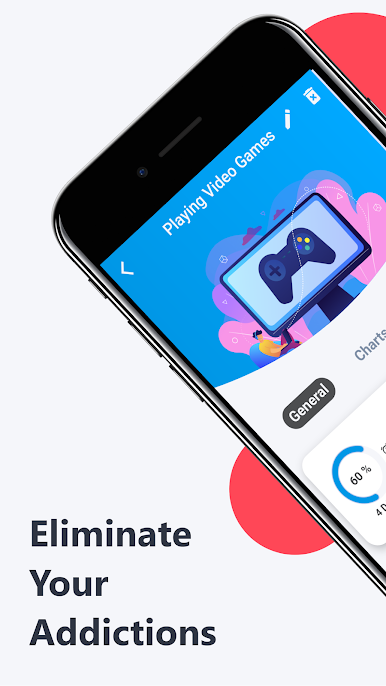
What’s interesting is the app lets you break things down into shorter periods you think you can handle. Instead of trying to completely change everything at once, it’s more about baby steps—setting short-term goals that feel actually doable. There’s a tracker to show how long you’ve been sticking to your plan, and it even lets you add new habits you want to pick up. You can set reminders for yourself, check out your history to see how things have been going, and the progress is laid out in a way that makes it easy to see the difference over time. There are also little motivational quotes sprinkled in, which aren’t super flashy but do break things up a bit. It’s not trying to be your therapist or anything, but for anyone really trying to keep tabs on what they want to quit—or just needing a nudge to remember why they started—there’s enough here to make tracking progress a bit less overwhelming. Using it on PC with BlueStacks keeps everything extra organized and easy to look at, so no awkward tiny screens when you’re trying to write or check your progress.
Big screen. Bigger performance. Use BlueStacks on your PC or Mac to run your favorite apps.
Play Dopamine Detox: Bad Habits on PC. It’s easy to get started.
-
Download and install BlueStacks on your PC
-
Complete Google sign-in to access the Play Store, or do it later
-
Look for Dopamine Detox: Bad Habits in the search bar at the top right corner
-
Click to install Dopamine Detox: Bad Habits from the search results
-
Complete Google sign-in (if you skipped step 2) to install Dopamine Detox: Bad Habits
-
Click the Dopamine Detox: Bad Habits icon on the home screen to start playing

