


Auto Gladiators
Play on PC with BlueStacks – the Android Gaming Platform, trusted by 500M+ gamers.

Page Modified on: Jul 15, 2026
Main Auto Gladiators on PC
Every battle is different, every strategy is only yours.
A GLADIATOR GAME LIKE NO OTHER
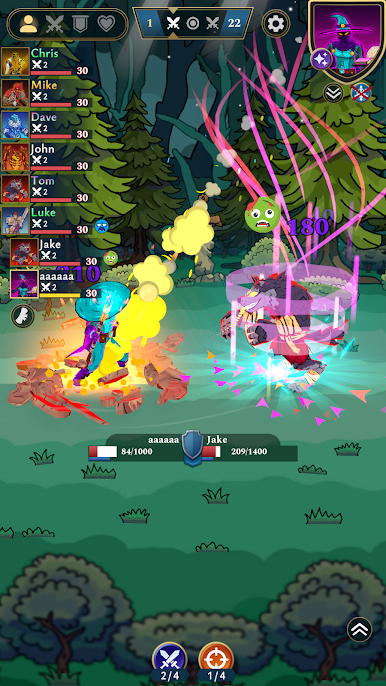
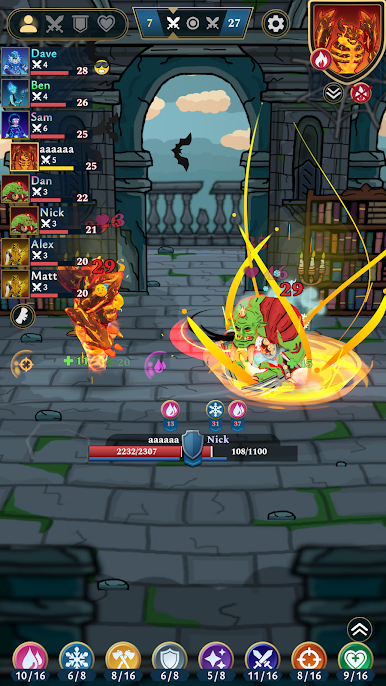
Auto Gladiators introduces mechanics never seen before in auto battlers. Almost endless hero builds, a deep rogue-like progression system, and intense arena battles make every match unique. Whether you prefer a Savage Berserker, a Dark Archmage, or an unbreakable Juggernaut, you decide how your gladiator grows
UNMATCHED STRATEGY & DEPTH
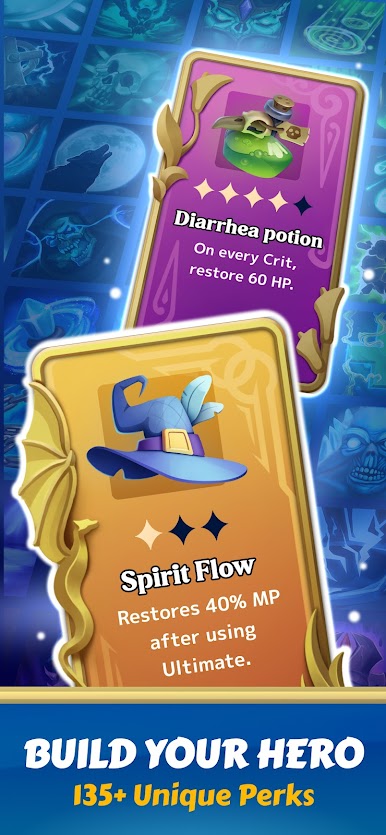
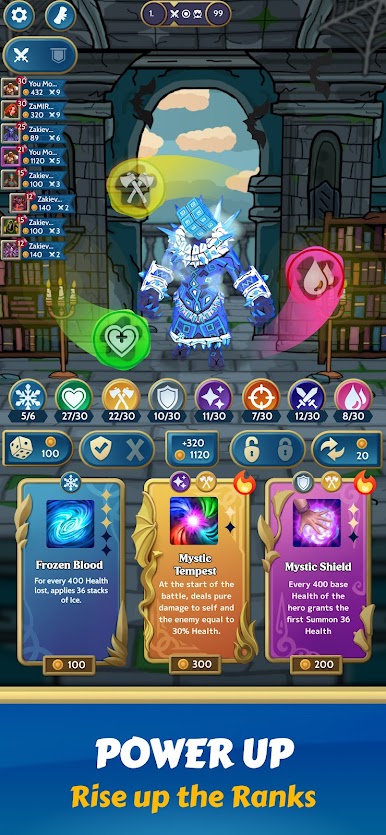
Choose from multiple heroes, each with unique abilities and specialization paths. Merge, upgrade, and combine skill cards from nine distinct schools — Crit, Flame, Giant, Ice, Shield, Attack, Magic, Regeneration, Wound, and more — to forge your gladiator’s destiny.
INNOVATIVE ECONOMY & TACTICAL DECISIONS
Auto Gladiators is not only about fighting, but also about economy, risk, and reward.
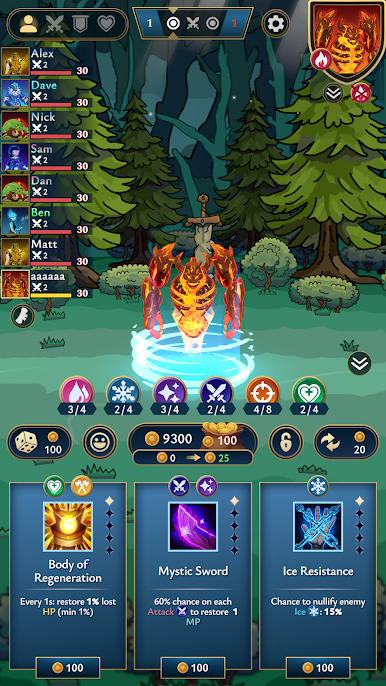
• Smart economy: manage your gold wisely — save it for passive income or invest in powerful upgrades.
• Dynamic skill growth: adapt your build every round using dozens of synergies between artifacts and skills.
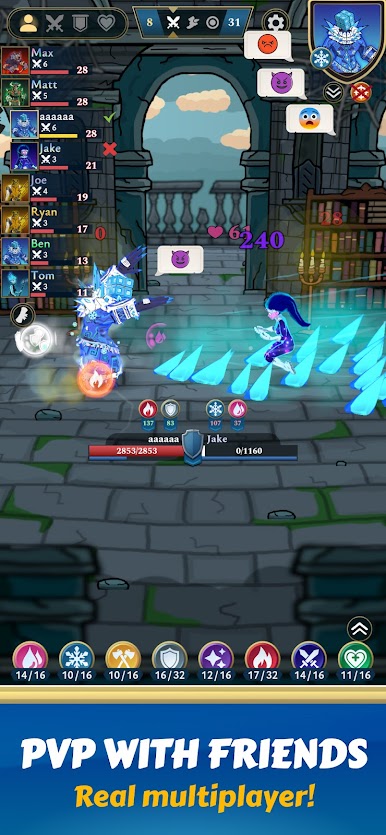
• Real-time PvP battles: face seven other players in strategic gladiator duels where every choice can decide the match.
KEY FEATURES
✅ Revolutionary auto battler mechanics - 135+ skill synergies & limitless build diversity.
✅ Strategic duels - plan every move in real-time battles against other players.
✅ Hero evolution - upgrade, combine, and adapt your hero’s abilities dynamically.
✅ Deep economic strategy - balance short-term power and long-term investments.
✅ Competitive gameplay - fight your way to the top and prove your tactical mastery!
🔹 Auto Gladiators is currently in ALPHA. This is only the beginning: expect frequent updates, new heroes, new gladiator archetypes, and fresh mechanics. Join now and help shape the future of the most advanced gladiator auto battler ever made.
Play Auto Gladiators on PC. It’s easy to get started.
-
Download and install BlueStacks on your PC
-
Complete Google sign-in to access the Play Store, or do it later
-
Look for Auto Gladiators in the search bar at the top right corner
-
Click to install Auto Gladiators from the search results
-
Complete Google sign-in (if you skipped step 2) to install Auto Gladiators
-
Click the Auto Gladiators icon on the home screen to start playing

