


Royal Kingdom
Play on PC with BlueStacks – the Android Gaming Platform, trusted by 500M+ gamers.

Page Modified on: Oct 2, 2026
Main Royal Kingdom on PC
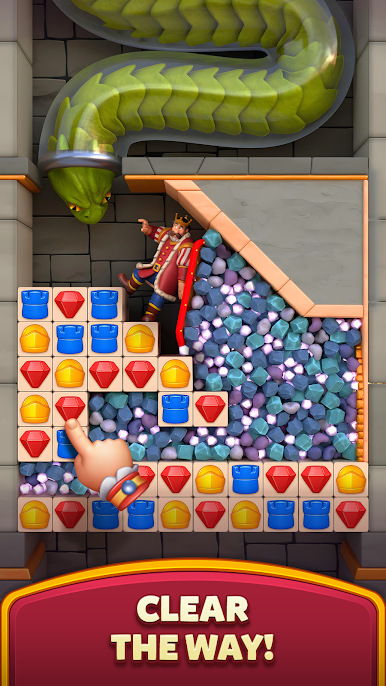
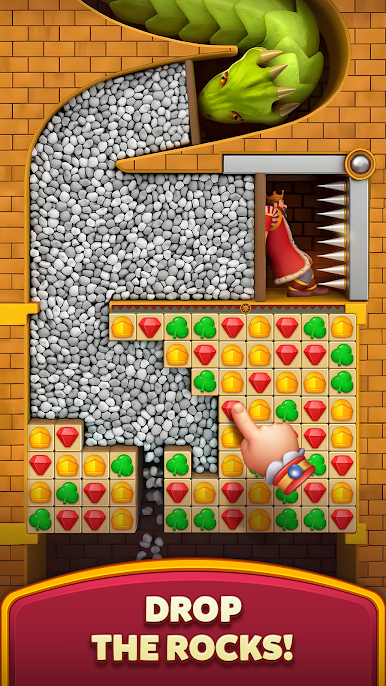
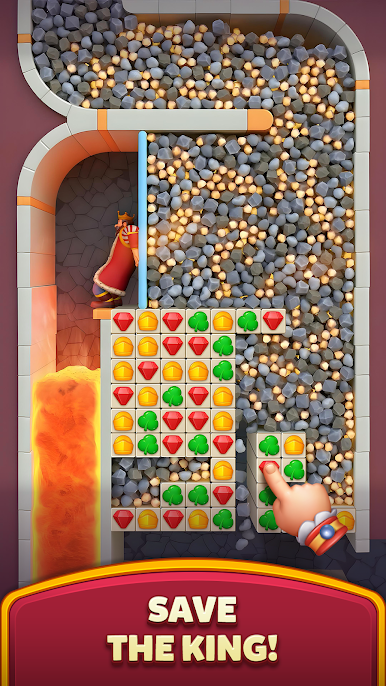
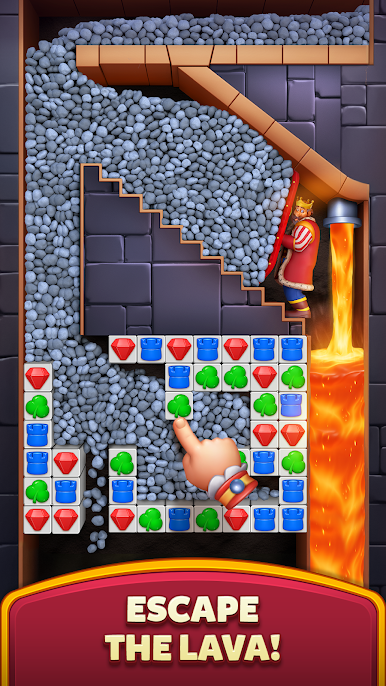
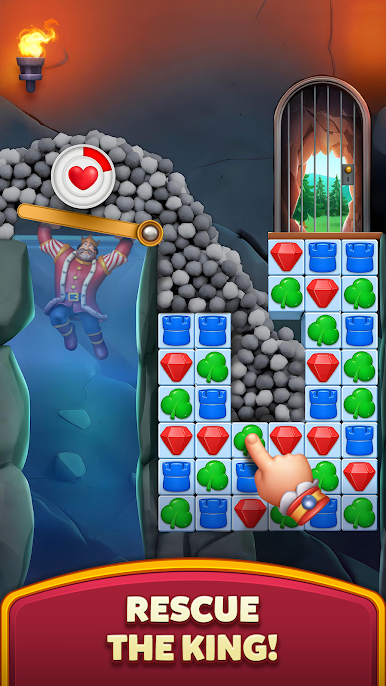
You’ll meet King Richard, King Robert's younger brother, as well as a charming cast of new characters, including Princess Bella and the Wizard, to embark on a journey to build legendary kingdoms! Solve match 3 puzzles to explore new lands and defeat the Dark King & his army!
MASTER MATCH 3 PUZZLES
Test your skills and become the ultimate match 3 expert by solving fun yet challenging puzzles! Beat thrilling levels and overcome unique obstacles!
BUILD AND EXPLORE KINGDOMS
With the help of the Builder, craft a kingdom befitting royalty. Solve puzzles, earn coins, and unlock diverse districts - from the Parliament Square to the University and the Princess Tower.
CONQUER THE DARK KING
Defend the kingdom from the Dark King’s attack by solving match 3 puzzles - destroy his castles and evil minions to see him fall. Victory is one match away!
EXPAND YOUR RULING
Rise through the ranks and claim the top spot on the leaderboard, master your puzzle solving skills for generous rewards, and expand your kingdom by uncovering uncharted lands as you play!
ENJOY THE FINEST VISUALS
Immerse yourself in Royal Kingdom's stunning graphics and smooth animations. A puzzle game experience like never before - captivating and seamless.
What are you waiting for? Download Royal Kingdom and join the ranks of the noble adventurers! With hours of fun, challenging gameplay, and a magical world, this puzzle game is fit for royalty!
Need some help? Visit our support page in the Royal Kingdom app or send us a message at contact@dreamgames.com.
Play Royal Kingdom on PC. It’s easy to get started.
-
Download and install BlueStacks on your PC
-
Complete Google sign-in to access the Play Store, or do it later
-
Look for Royal Kingdom in the search bar at the top right corner
-
Click to install Royal Kingdom from the search results
-
Complete Google sign-in (if you skipped step 2) to install Royal Kingdom
-
Click the Royal Kingdom icon on the home screen to start playing

