


Royal Match
Play on PC with BlueStacks – the Android Gaming Platform, trusted by 500M+ gamers.

Page Modified on: Oct 26, 2026
Main Royal Match on PC
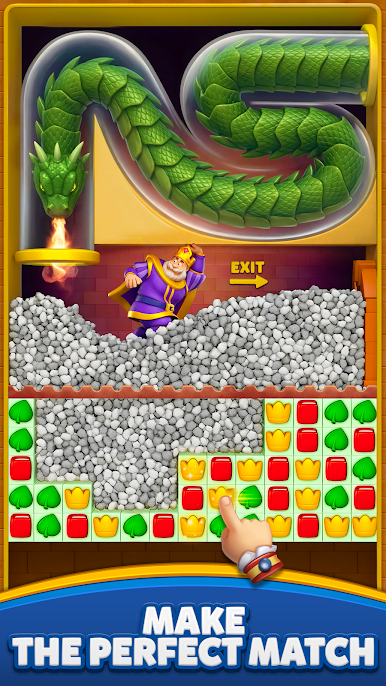
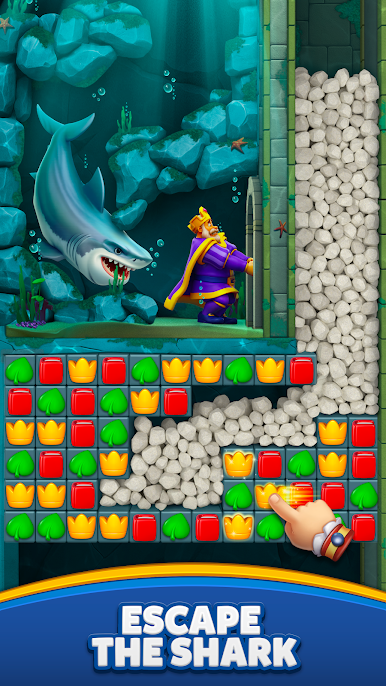
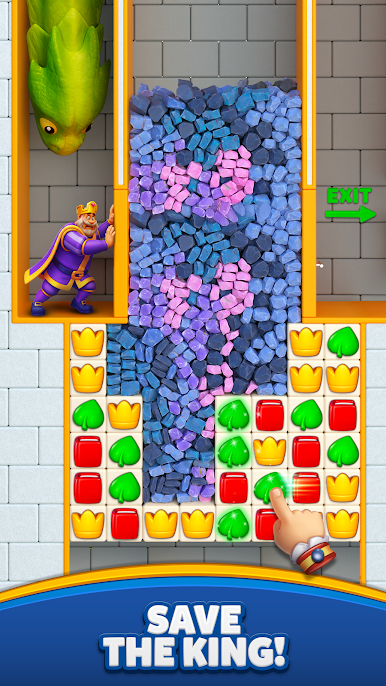
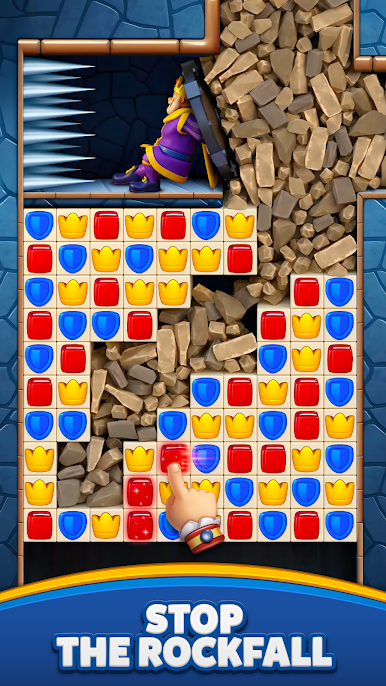
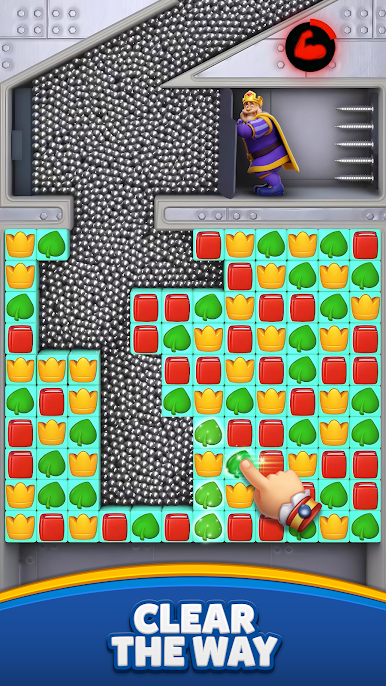
We have thousands of challenging match-3 levels for you to play in the Royal Arena! On this fun journey, you will solve exciting puzzles, receive coins for unlocking new areas, decorate King Robert’s castle and get extra boosters to continue your saga. Also you can compete with millions of players in events such as King's Cup, Sky Race, Team Battle, Lightning Rush and claim exciting rewards for your achievements. Fun and challenge never ends and you will never have a dull moment in Royal Match.
And BOOM! It is 100% ad free and no wifi needed - internet free.
Jump into the adventure and play now! We have lots of sweet puzzles to enjoy. Each new episode comes with free coins, helpful boosters, surprising awards, challenging tasks and wonderful areas.
- A unique match 3 gameplay and fun levels for both masters and new match 3 players!
- Unlock and blast powerful boosters!
- Collect loads of coins and special treasures in bonus levels!
- Watch out for obstacles on the road such as birds, boxes, potions, cupboards, diamonds, magic hats, coin safes, mysterious mailboxes and piggy!
- Open amazing chests for a chance to win coins, boosters, unlimited life and power-ups!
- Explore the new rooms, royal chambers, splendid gardens, and many more exciting areas in King Robert’s castle!
- Decorate the areas, including the King’s room, kitchen, garden, garage, and many other amazing rooms!
- Challenge your friends on Facebook and reach the top of the leaderboards!
Download now and start swapping for endless fun.
Need some help? Visit our support page in the Royal Match app or send us a message at contact@dreamgames.com.
Play Royal Match on PC. It’s easy to get started.
-
Download and install BlueStacks on your PC
-
Complete Google sign-in to access the Play Store, or do it later
-
Look for Royal Match in the search bar at the top right corner
-
Click to install Royal Match from the search results
-
Complete Google sign-in (if you skipped step 2) to install Royal Match
-
Click the Royal Match icon on the home screen to start playing

