

Blob Juggle
Play on PC with BlueStacks – the Android Gaming Platform, trusted by 500M+ gamers.

Page Modified on: May 26, 2026
Play Blob Juggle on PC or Mac
Explore a whole new adventure with Blob Juggle, a Arcade game created by Driven Catalyst, LLC. Experience great gameplay with BlueStacks, the most popular gaming platform to play Android games on your PC or Mac.
About the Game
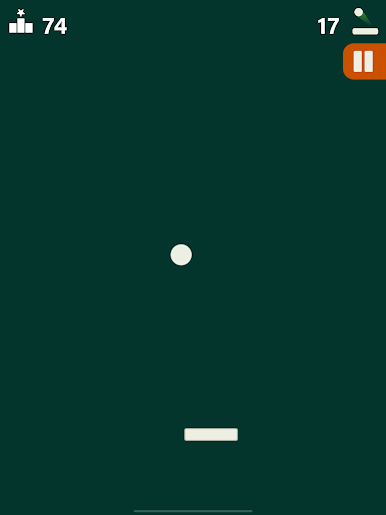
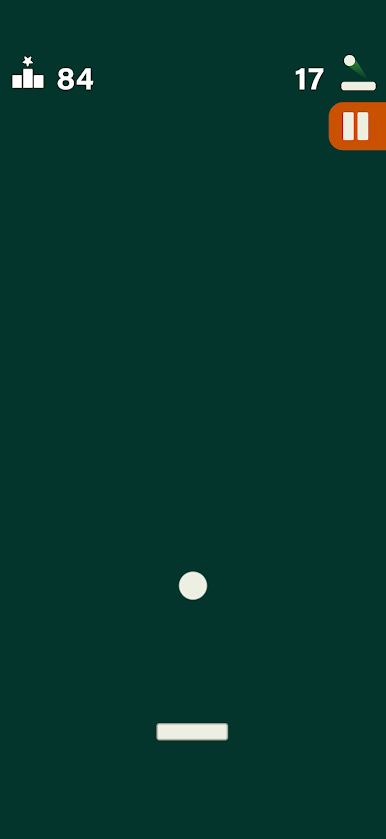
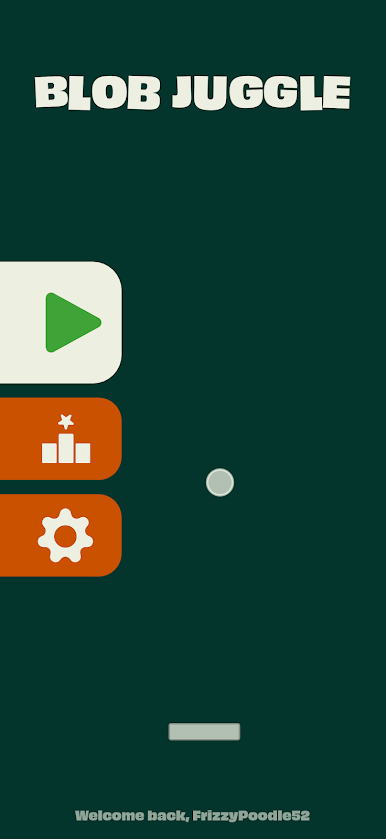
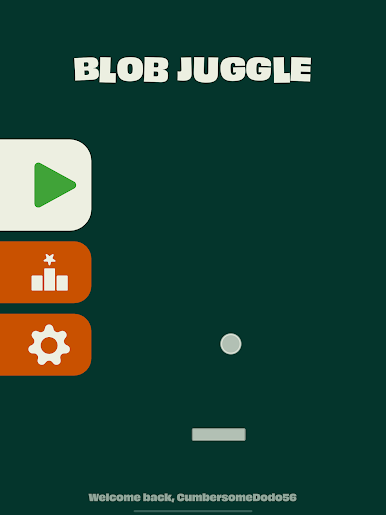
Blob Juggle is a quick, pick-up-and-play Arcade challenge about keeping a bouncy little blob in the air using a simple paddle. It looks easy at first—slide, tap, bounce—but the longer you last, the more your timing and angles really matter. It’s that “one more try” kind of game, perfect for short breaks or zoning out while you chase a better rally.
Game Features
- One-thumb control: Slide the paddle with one finger and pop the blob back up—simple, responsive, and easy to learn in seconds.
- Timing that matters: Every bounce changes the blob’s arc and speed, turning a basic tap into a tiny skill check.
- Satisfying squish: The blob stretches, squishes, and springs back with each hit, so every save feels great.
- Instant retries: Miss once and the run’s over, but you’re back in with a tap—no waiting, no fuss.
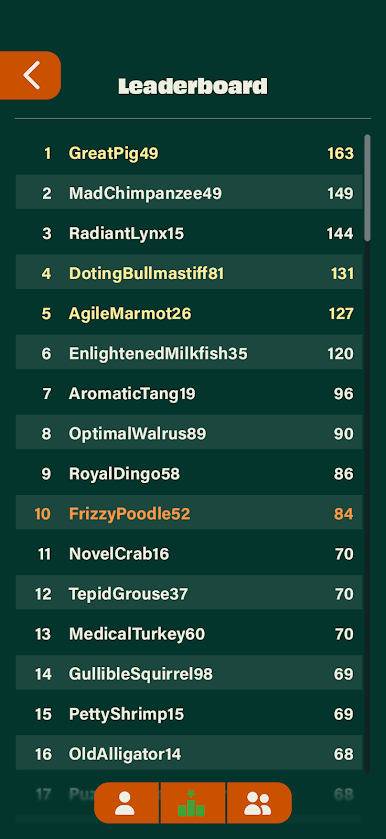
- Score-chasing fun: Push your longest rally, beat your personal best, and keep nudging that number higher.
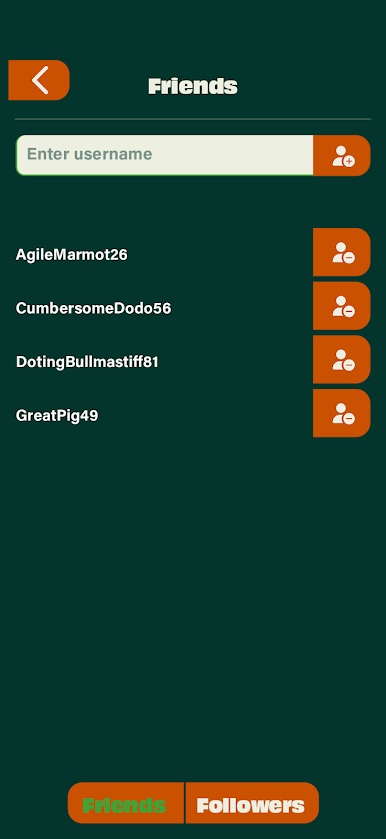
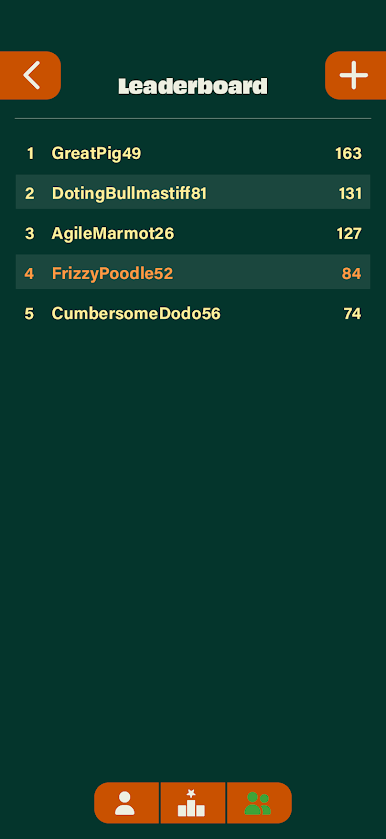
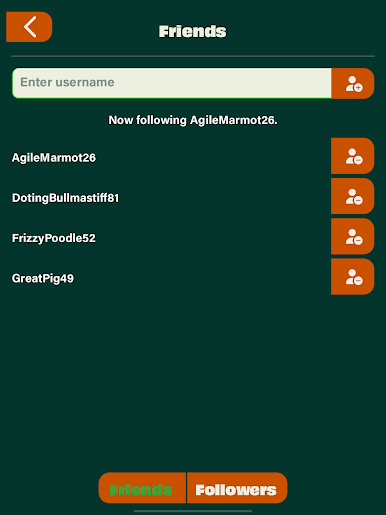
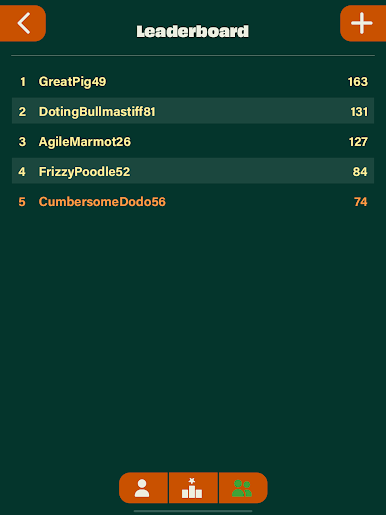
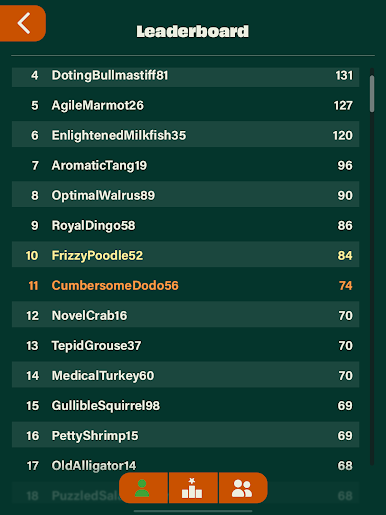
- Friends on the board: Follow pals and compare top scores for some friendly pressure and bragging rights.
- Built for short sessions: Got a minute? Perfect. Got ten? Even better. It’s easy to jump in and out whenever.
- Clean, no-frills focus: Just you, a paddle, and a blob—no clutter, no distractions, all skill.
- BlueStacks option: Prefer a bigger screen? It plays smoothly on BlueStacks if you like that setup.
Get ready for a buttery smooth, high-performance gaming action only on BlueStacks.

Play Blob Juggle on PC. It’s easy to get started.
-
Download and install BlueStacks on your PC
-
Complete Google sign-in to access the Play Store, or do it later
-
Look for Blob Juggle in the search bar at the top right corner
-
Click to install Blob Juggle from the search results
-
Complete Google sign-in (if you skipped step 2) to install Blob Juggle
-
Click the Blob Juggle icon on the home screen to start playing

