


Dungeon of Legion
Play on PC with BlueStacks – the Android Gaming Platform, trusted by 500M+ gamers.

Page Modified on: Dec 24, 2025
Play Dungeon of Legion on PC
CORE GAMEPLAY:
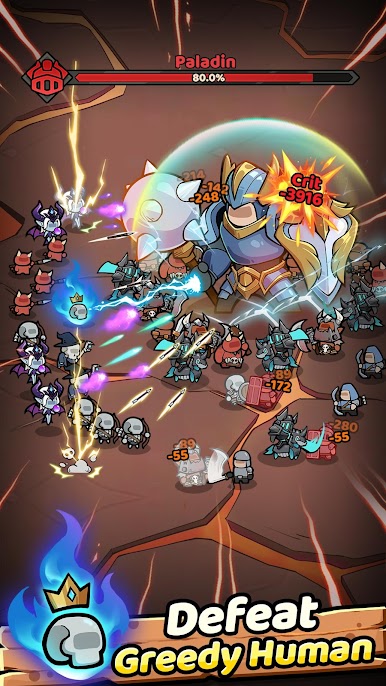
DEFEAT HUMAN LEGIONS:
Face greedy human! Purge the dungeon of crazy!
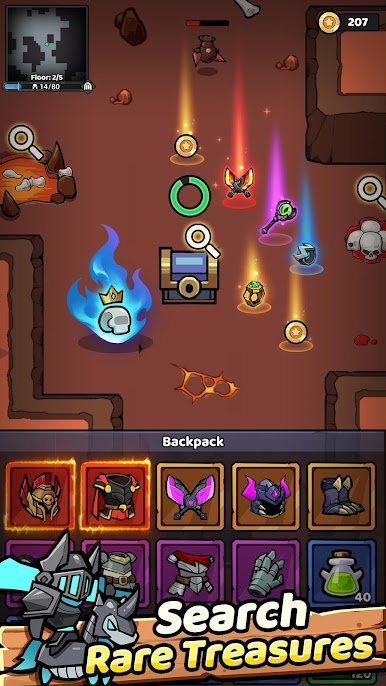
SEARCH FOR LOST TREASURE:
Explore hidden depths! Uncover legendary wealth and powerful artifacts!
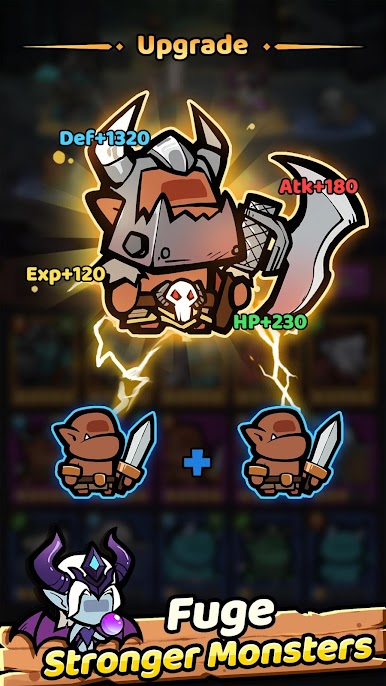
MERGE POWERFUL HEROES:
Fuse your monsters! Create unstoppable champions to lead your party!
COLLECT INFINITE EQUIPMENT:
Gear up for glory! Loot endless weapons and armor to empower your monsters!
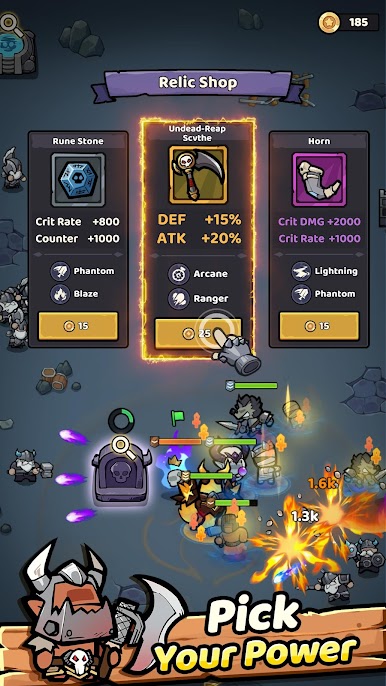
CHOOSE MAGIC RELICS:
Unlock ancient powers! Select mystical relics to turn the tide of battle!
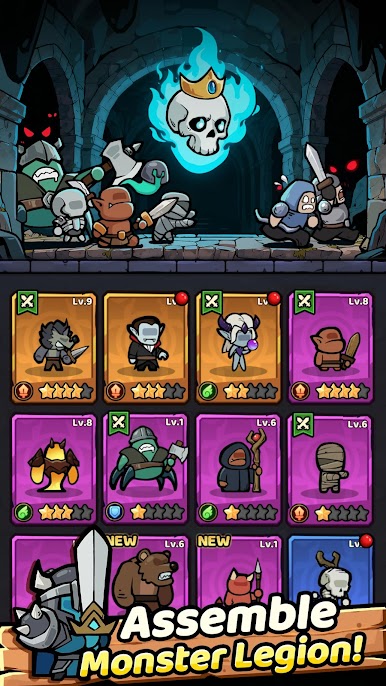
SUMMON BRAVE ALLIES:
Expand your party! Call upon skeletons, banshees, and death knights to join your quest!
Build the greatest hero party ever known! Lead your champions — from mighty trolls to wise liches — and reclaim the realm from humanity!
DOWNLOAD NOW and begin your epic journey!
Play Dungeon of Legion on PC. It’s easy to get started.
-
Download and install BlueStacks on your PC
-
Complete Google sign-in to access the Play Store, or do it later
-
Look for Dungeon of Legion in the search bar at the top right corner
-
Click to install Dungeon of Legion from the search results
-
Complete Google sign-in (if you skipped step 2) to install Dungeon of Legion
-
Click the Dungeon of Legion icon on the home screen to start playing

