


DraStic DS Emulator
Play on PC with BlueStacks – the Android Gaming Platform, trusted by 500M+ gamers.

Page Modified on: Feb 8, 2023
Overview
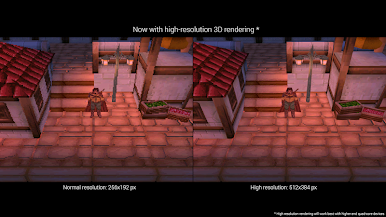
- Enhance the game's 3D graphics to 2 by 2 times their original resolution (this optional feature works best on high end quad core devices)
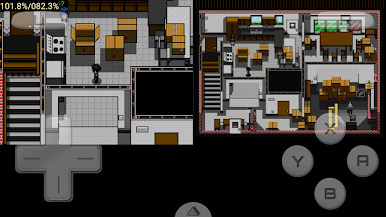
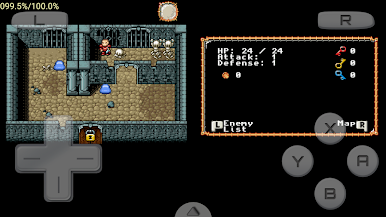
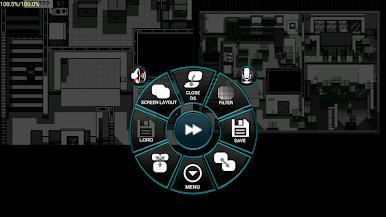
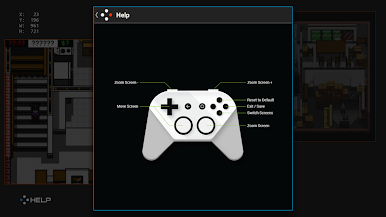
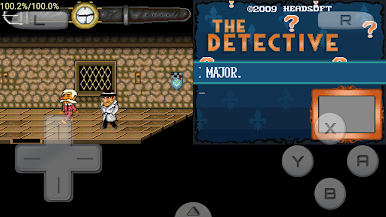
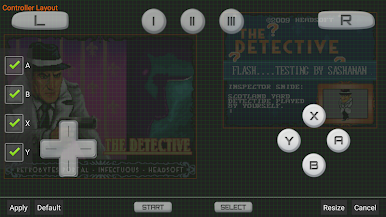
- Customize the placement and size of the screens, for portrait and landscape modes
- Fully supports add-on controllers and physical controls
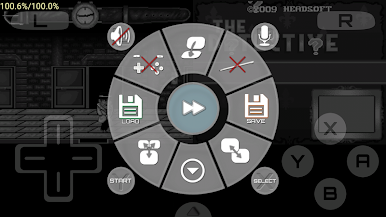
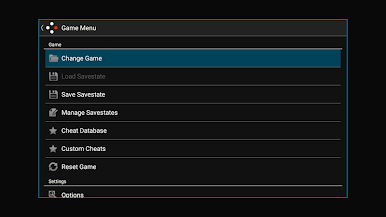
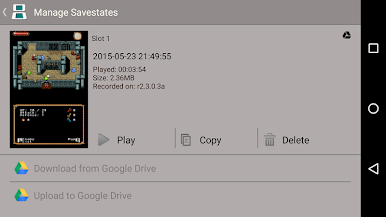
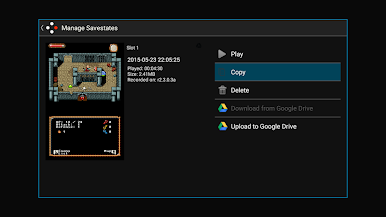
- Save and resume your progress anywhere with save states
- Tweak your gaming experience with a database of thousands of game enhancement codes
- Increase emulation speed with fast-forward
DraStic is only intended for play of private backups of legally acquired games. This product is not affiliated with or endorsed by the company that made the handheld it emulates in any way. Do not ask us for ROMs or help getting them - any request will be ignored.
NOTE: WiFi/multiplayer emulation is not supported at this time.
If you need assistance join our discord at https://discord.gg/cx4eCBCHGz
Review our privacy policy here: https://docs.google.com/document/d/14TNkaG3vx4onLCjVuS-WhXpG-AarrJ6vVfVh-me-GVc/edit?usp=sharing
Some answers to frequently asked questions here: https://drastic-ds.com/viewtopic.php?f=4&t=2
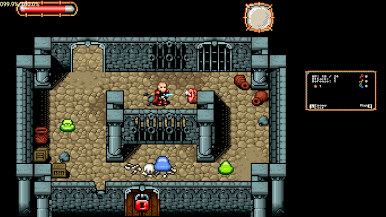
Play DraStic DS Emulator on PC. It’s easy to get started.
-
Download and install BlueStacks on your PC
-
Complete Google sign-in to access the Play Store, or do it later
-
Look for DraStic DS Emulator in the search bar at the top right corner
-
Click to install DraStic DS Emulator from the search results
-
Complete Google sign-in (if you skipped step 2) to install DraStic DS Emulator
-
Click the DraStic DS Emulator icon on the home screen to start playing

