


Laser Master: Rip'em All
Play on PC with BlueStacks – the Android Gaming Platform, trusted by 500M+ gamers.

Page Modified on: Nov 12, 2025
Play Rip'em All on PC or Mac
From the innovators and creators at Sunday.gg, Rip’em All is another fun addition to the World of Action games. Go beyond your mobile screen and play it bigger and better on your PC or Mac. An immersive experience awaits you.
About the Game
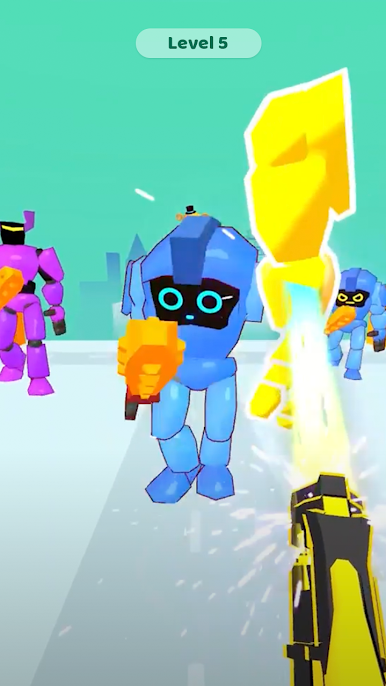
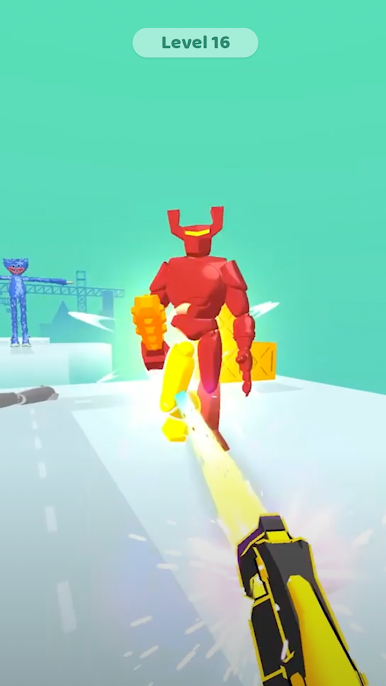
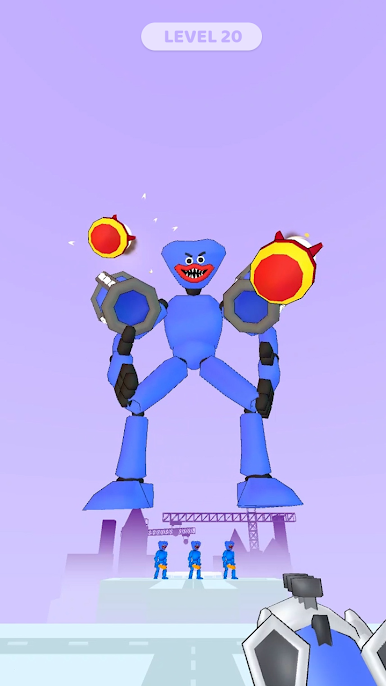
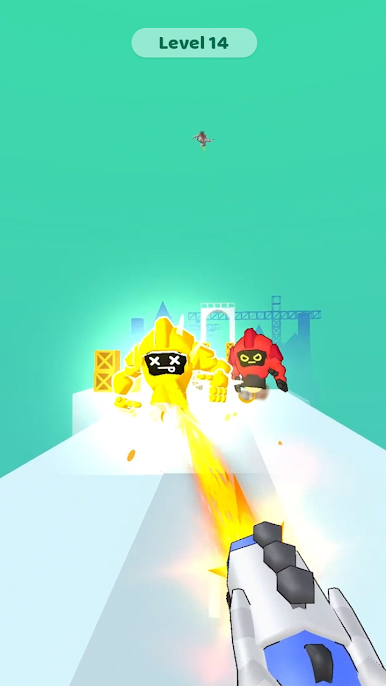
If you’re into fast-paced chaos and things getting blown apart, Rip’em All from Sunday.gg has your name all over it. Picture yourself in a world where you and your laser cannon are all that stand between safety and total mayhem—except, let’s be real, you’re here for the mayhem. It’s wild, intense, and full of over-the-top action that keeps your heart pounding every round.
Game Features
-
All Kinds of Laser Cannons
Try out a bunch of different laser cannons, each with its own unique twist. Whether you like quick blasts or massive beams that sweep the field, you’ll find your favorite way to, well, rip everything to shreds. -
Survival Challenge
Everybody’s gunning for that top spot. You’re not just racking up points; you’re fighting to be the last one standing through wave after wave of destruction. -
Addictive Action
Things escalate fast here. The more you play, the more chaos you get—explosions, piles of targets, and that satisfying feeling when you clear a tough wave. -
Simple, Pick-Up-and-Play Controls
You don’t need to memorize a bunch of buttons. The controls are simple and intuitive, so you’re right in the action from the start, especially if you’re using BlueStacks to play. -
No Two Games Alike
Every run throws something new at you. From different enemy waves to random power-ups, it’s a fresh challenge every time you hit play.
Ready to top the leaderboard? We bet you do. Let precise controls and sharp visuals optimized on BlueStacks lead you to victory.





Play Laser Master: Rip'em All on PC. It’s easy to get started.
-
Download and install BlueStacks on your PC
-
Complete Google sign-in to access the Play Store, or do it later
-
Look for Laser Master: Rip'em All in the search bar at the top right corner
-
Click to install Laser Master: Rip'em All from the search results
-
Complete Google sign-in (if you skipped step 2) to install Laser Master: Rip'em All
-
Click the Laser Master: Rip'em All icon on the home screen to start playing

