


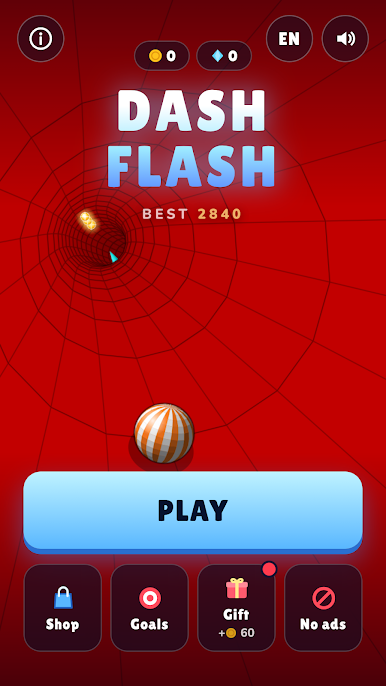
Dash Flash
Play on PC with BlueStacks – the Android Gaming Platform, trusted by 500M+ gamers.

Page Modified on: Nov 23, 2026
Overview
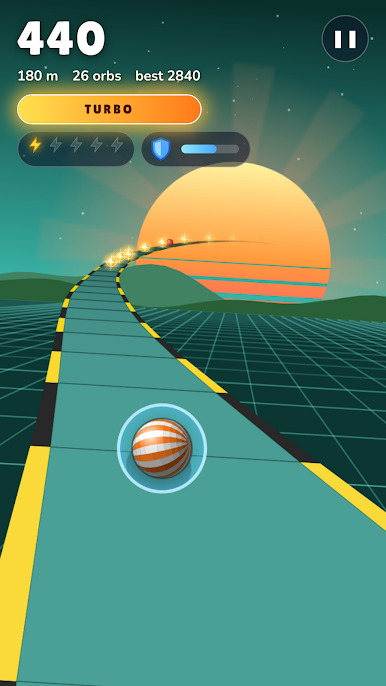
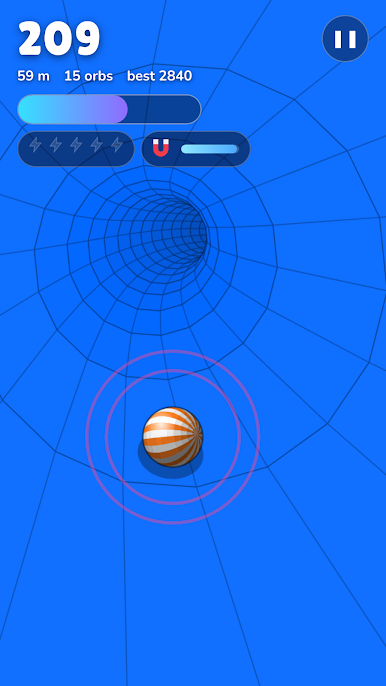
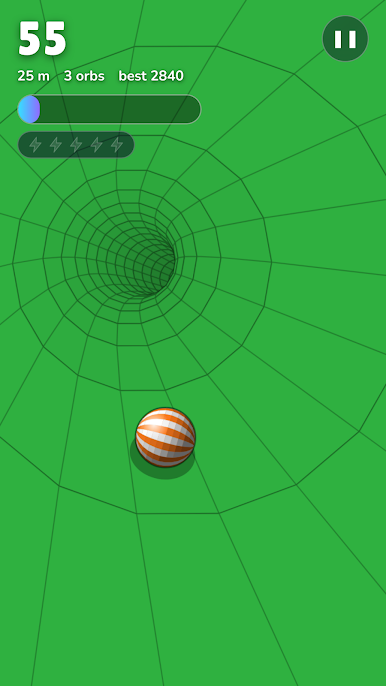
Steer a ball racing at full speed through neon tunnels and roads floating in the air. Hold one side of the screen and the ball rolls that way. Simple to learn, hard to put down.
WHAT AWAITS YOU
Tunnels and roads: keep switching zones, each with its own colors, views and pace.
One-finger controls: hold the left or right side to turn.
Ramps and turbo pads: jump gaps, catch the boosts and beat your distance record.
Power-ups: magnet, shield, night mode, star and coin bag.
Daily challenge: collect 5 lightning bolts between your runs and win a chest.
Mission series: complete 3 missions and earn coins and gems.
CUSTOMIZE YOUR BALL
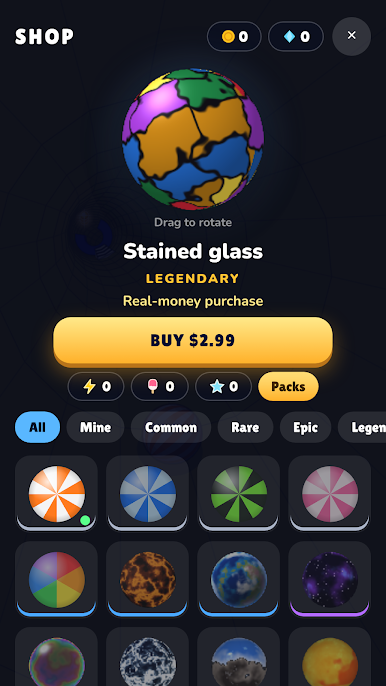
50+ designs across rarities: common, rare, epic and legendary. Earn coins and gems as you play, open chests and unlock balls with lightning bolts, popsicles and stars. Premium designs and the diamond chest are also available.
PLAY YOUR WAY
Works offline.
Quick runs, perfect for a few spare minutes.
Available in 10 languages.
Free to play. Includes optional ads to revive or earn gifts, and in-app purchases, including removing the ads between runs.
Download Dash Flash and see how far you can go.
Play Dash Flash on PC. It’s easy to get started.
-
Download and install BlueStacks on your PC
-
Complete Google sign-in to access the Play Store, or do it later
-
Look for Dash Flash in the search bar at the top right corner
-
Click to install Dash Flash from the search results
-
Complete Google sign-in (if you skipped step 2) to install Dash Flash
-
Click the Dash Flash icon on the home screen to start playing

