


DuoCards - Vocabulary Builder
Play on PC with BlueStacks – the Android Gaming Platform, trusted by 500M+ gamers.

Page Modified on: Jul 25, 2025
Run DuoCards - Vocabulary Builder on PC or Mac
Why limit yourself to your small screen on the phone? Run DuoCards – Vocabulary Builder, an app by DuoCards, best experienced on your PC or Mac with BlueStacks, the world’s #1 Android emulator.
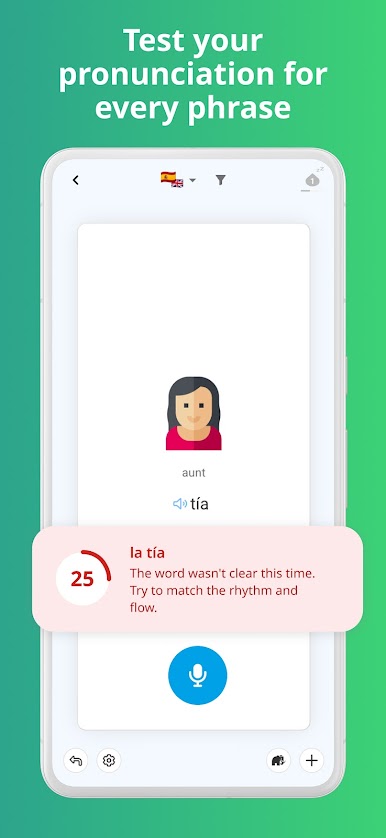
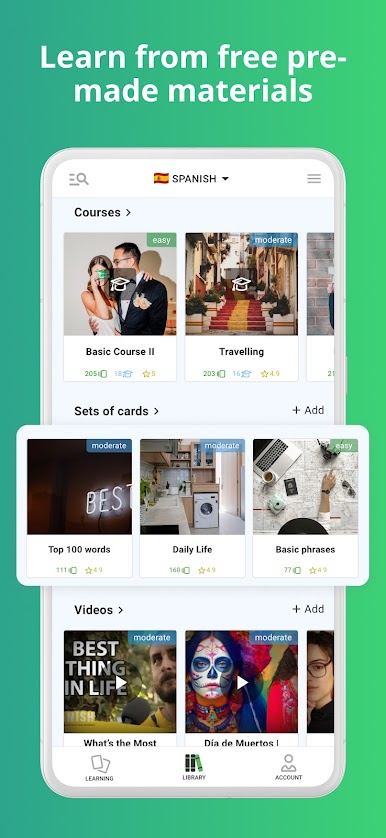
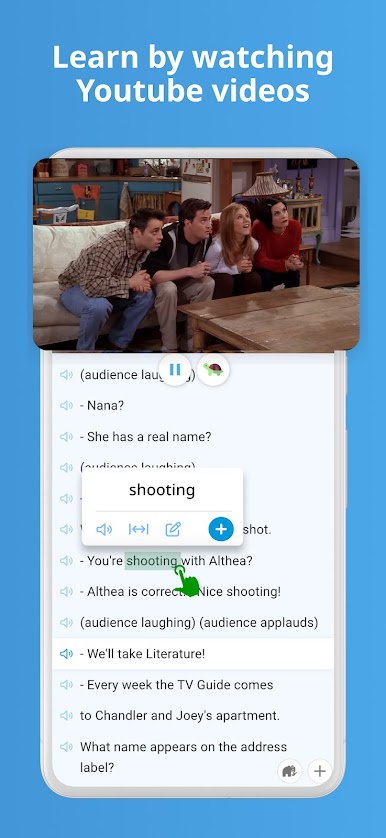
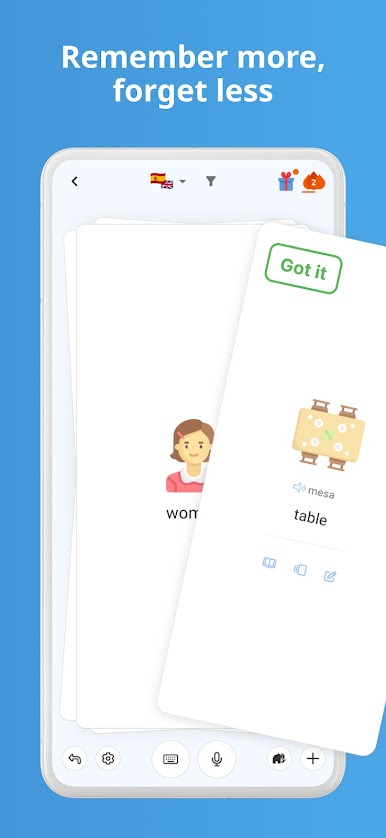
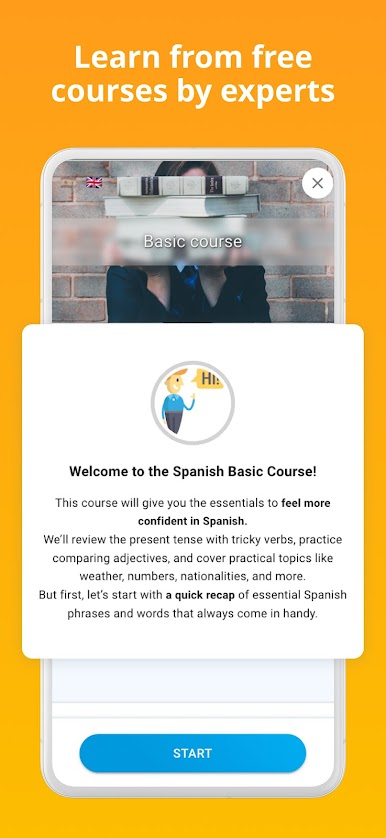
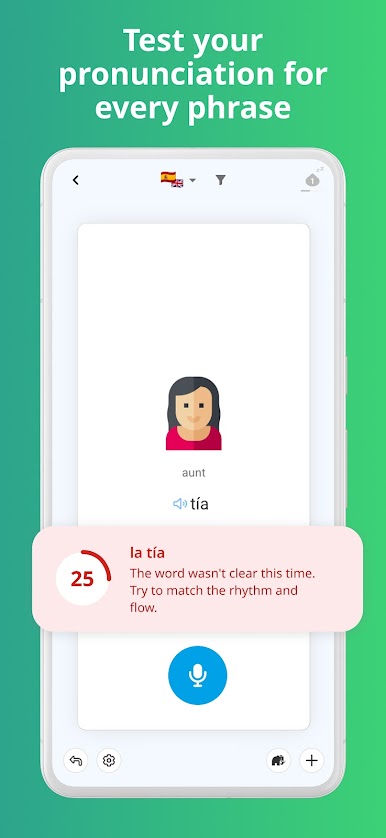
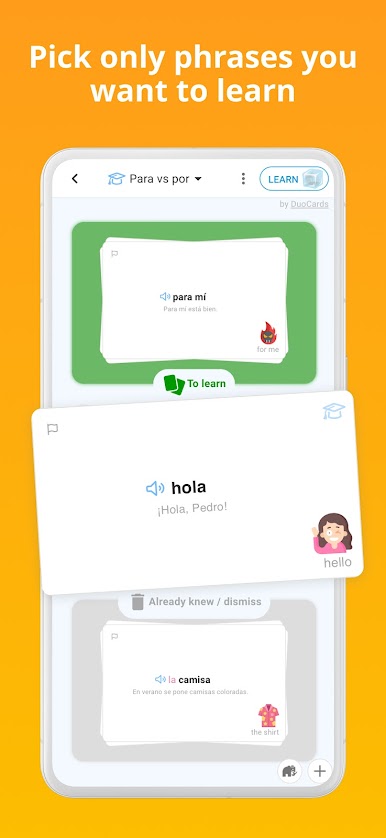
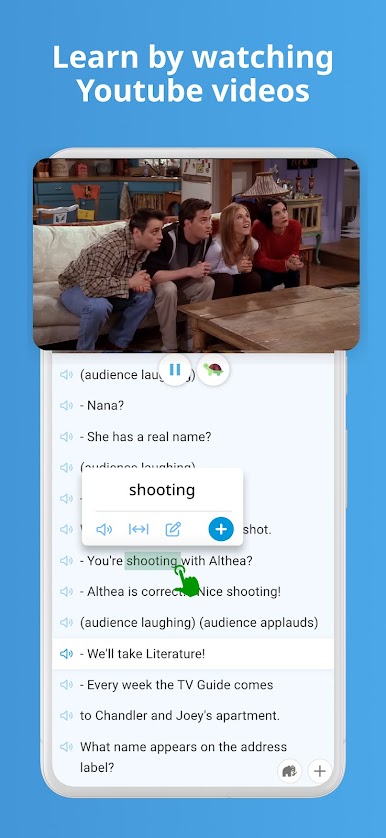
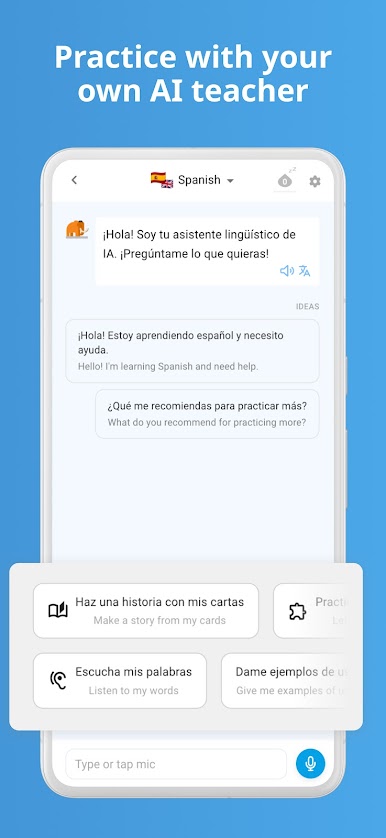
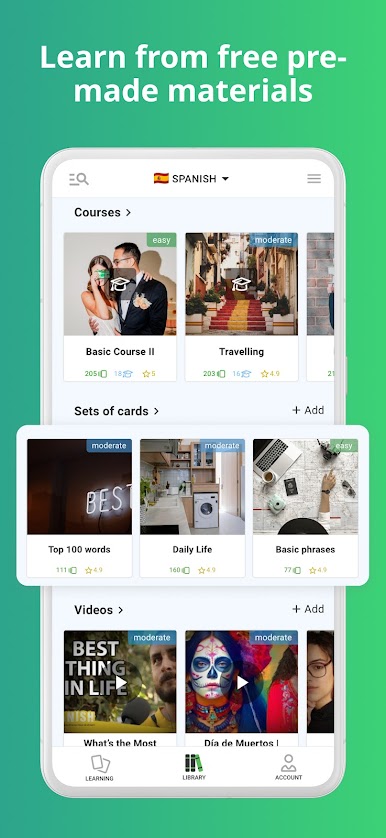
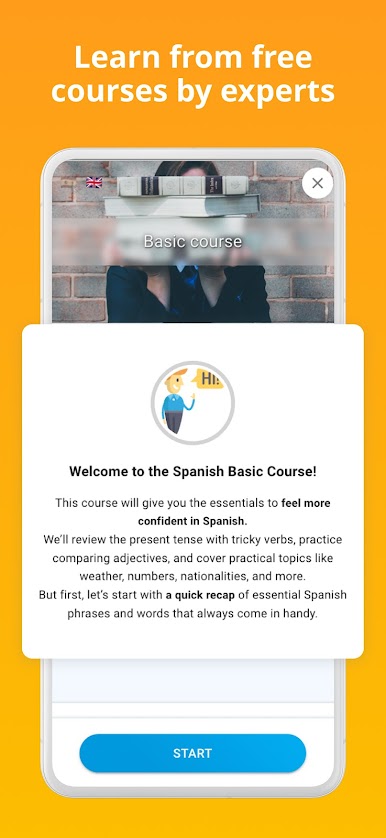
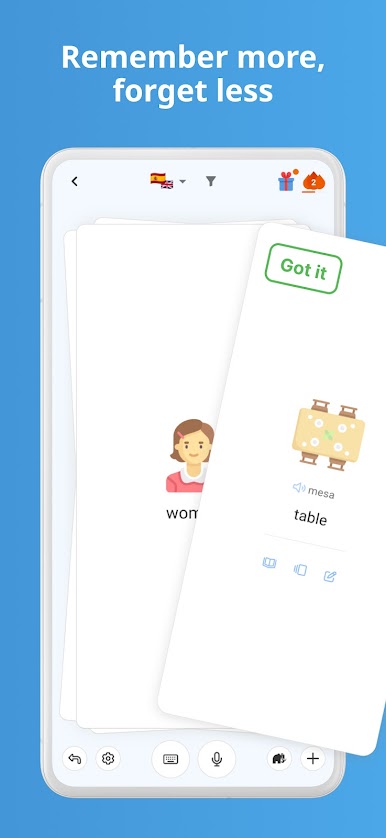
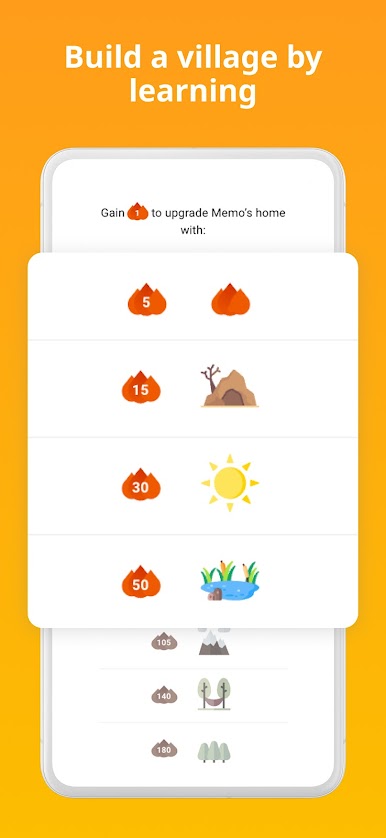
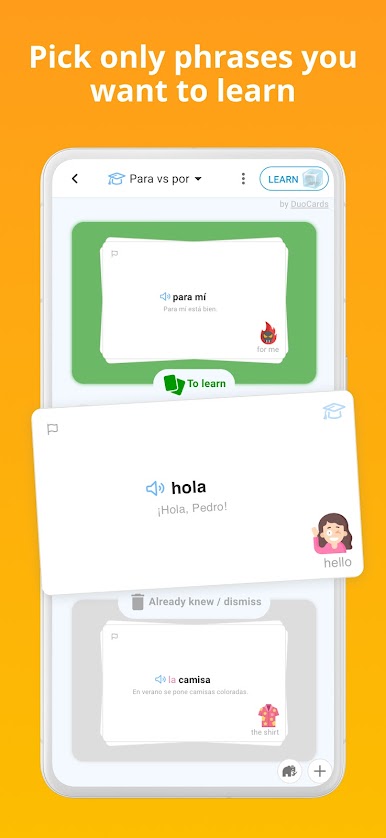
DuoCards feels like a clean, no-stress way to build vocabulary without getting lost in grammar drills. It is all flashcards and short reviews, powered by spaced repetition, so words come back right when the brain would forget them. There are decks for a ton of languages, from Spanish and French to Japanese kanji and Korean, and the AI bit suggests new words and phrases that match the user’s level. The coolest trick is how it works with content: YouTube videos show subtitles, and tapping a word pauses the clip, translates it, and saves it to a deck. Articles work the same way, so learning does not stop at flashcards. There is a built-in translator, offline mode for commuting, and decks can be shared with friends. Progress tracking feels nerdy in a good way, with streaks, known versus unknown counts, and even a heatmap that shows how often someone studies.
On PC with BlueStacks, it is comfy to use. Typing answers is faster on a keyboard, the video subtitles are easier to read on a bigger screen, and dragging through cards with a mouse feels quick. It is not loud or gamified to the point of distraction, but there are light game elements to keep focus. No required subscription is pushed in the face, which is nice, and bilingual support makes switching languages smooth when the brain gets tired. It is straightforward, practical, and it just gets out of the way so learning can happen.
BlueStacks brings your apps to life on a bigger screen—seamless and straightforward.
Play DuoCards - Vocabulary Builder on PC. It’s easy to get started.
-
Download and install BlueStacks on your PC
-
Complete Google sign-in to access the Play Store, or do it later
-
Look for DuoCards - Vocabulary Builder in the search bar at the top right corner
-
Click to install DuoCards - Vocabulary Builder from the search results
-
Complete Google sign-in (if you skipped step 2) to install DuoCards - Vocabulary Builder
-
Click the DuoCards - Vocabulary Builder icon on the home screen to start playing

