


Duplicate File Remover
Play on PC with BlueStacks – the Android Gaming Platform, trusted by 500M+ gamers.

Page Modified on: Sep 6, 2025
Run Duplicate File Remover on PC or Mac
Why limit yourself to your small screen on the phone? Run Duplicate File Remover, an app by WiFi Booster – WiFi Speed Test, best experienced on your PC or Mac with BlueStacks, the world’s #1 Android emulator.
About the App
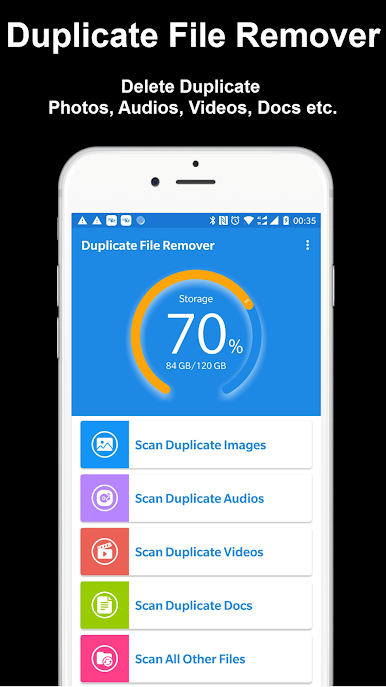
Let’s face it: unnecessary duplicates can really slow down your device. With Duplicate File Remover from WiFi Booster – WiFi Speed Test, cleaning up your phone gets a whole lot easier. Whether it’s extra copies of photos from a group chat or those music tracks you accidentally saved twice, this tool makes finding and managing duplicates straightforward. You can expect a smoother, less cluttered experience, and maybe even a little surprise at all the space you reclaim.
App Features
-
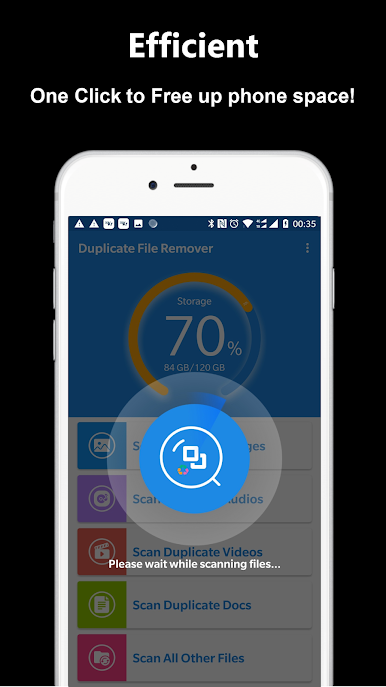
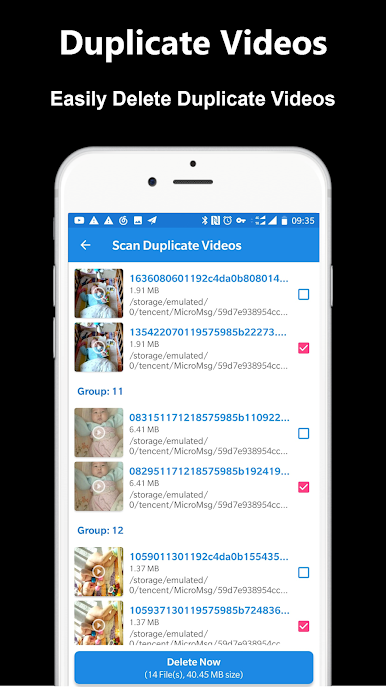
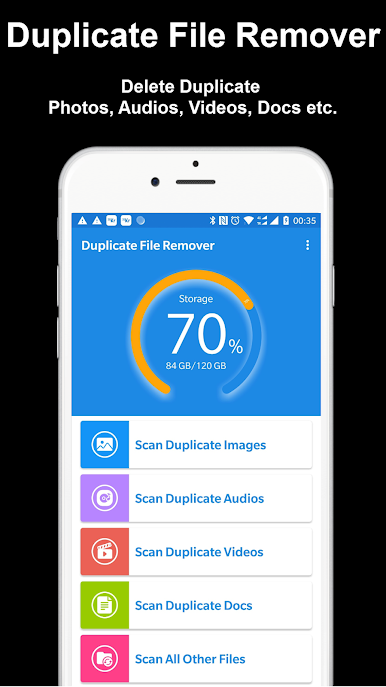
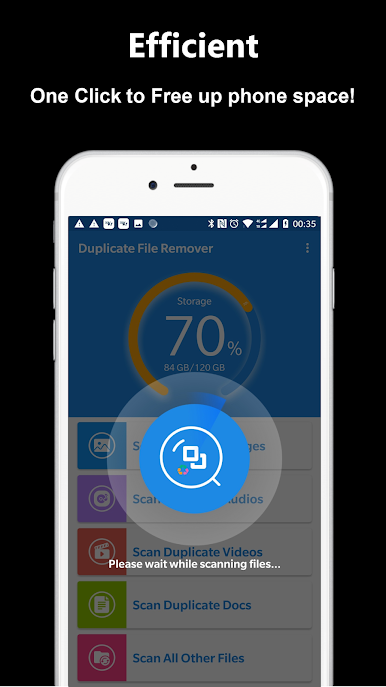
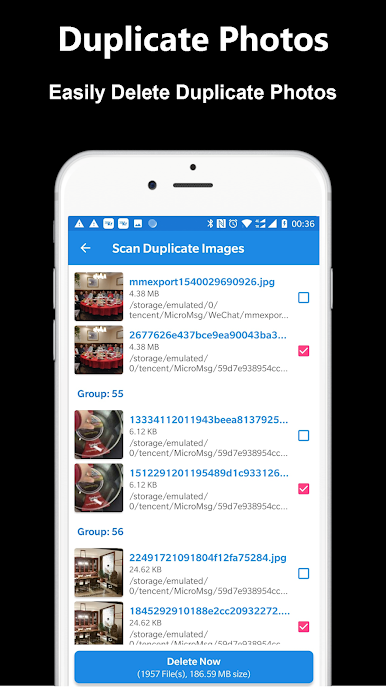
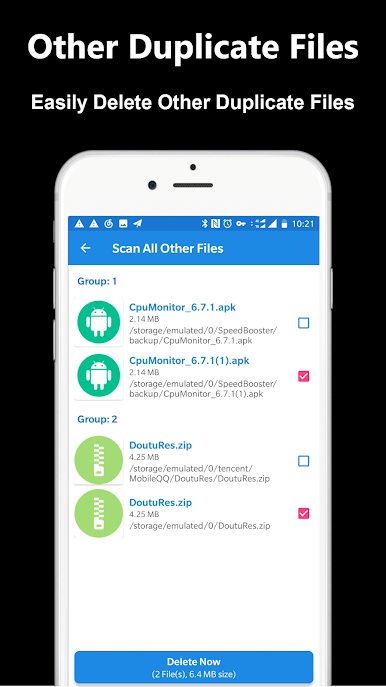
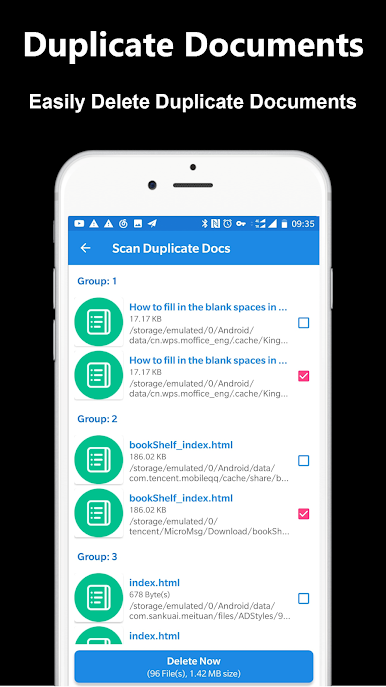
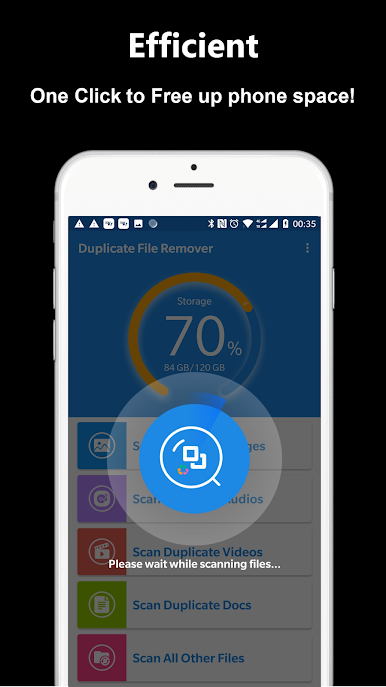
Instant Cleanup: Get rid of duplicate files in just a tap. No need to spend ages scrolling through endless folders—this app hunts them down all at once.
-
Quick Scans: The app zooms through your device, finding duplicates in seconds. It’s fast enough that you can run a scan while grabbing coffee.
-
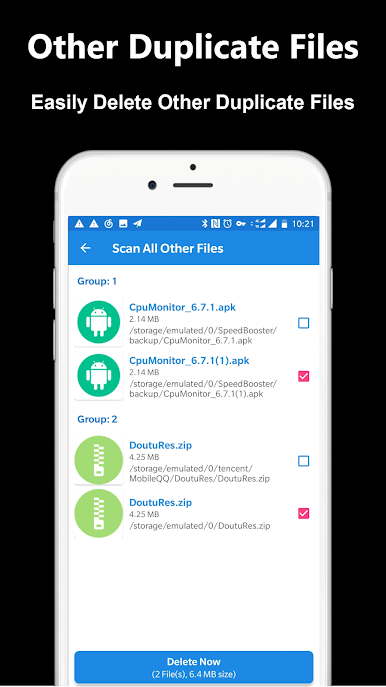
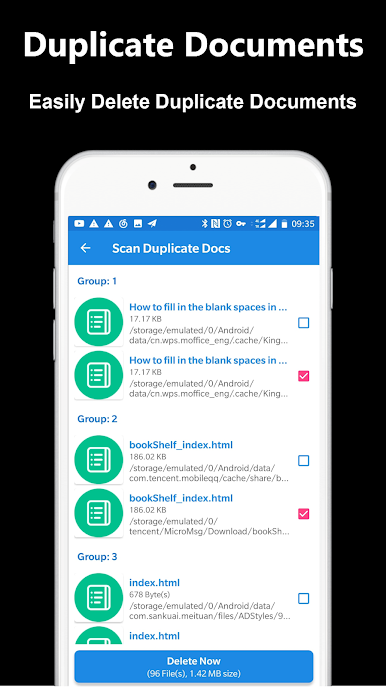
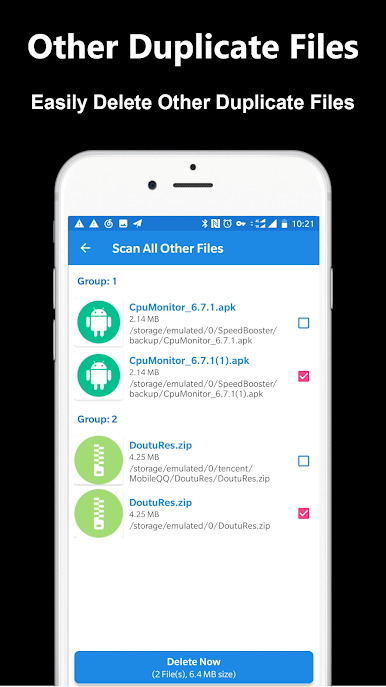
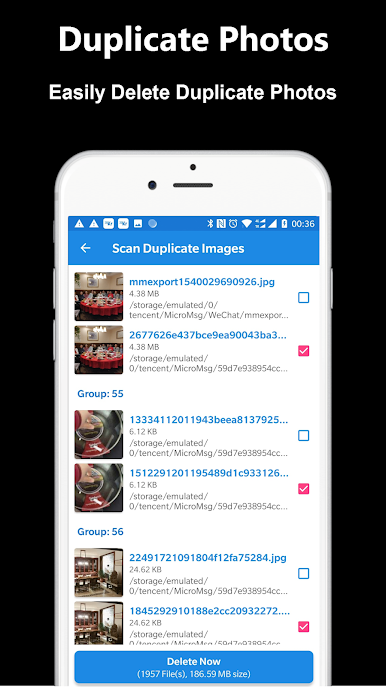
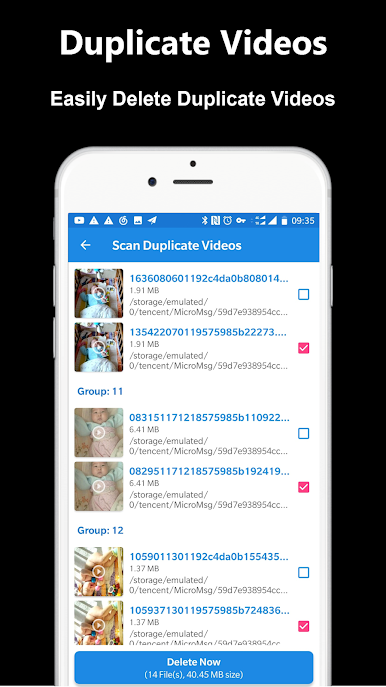
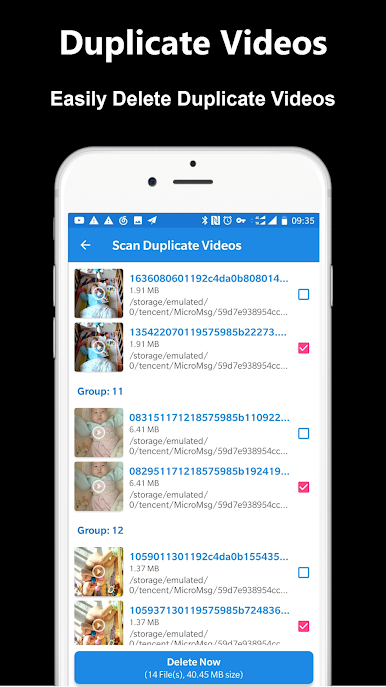
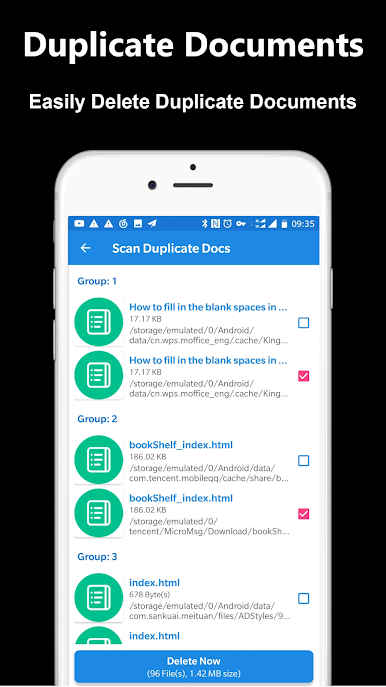
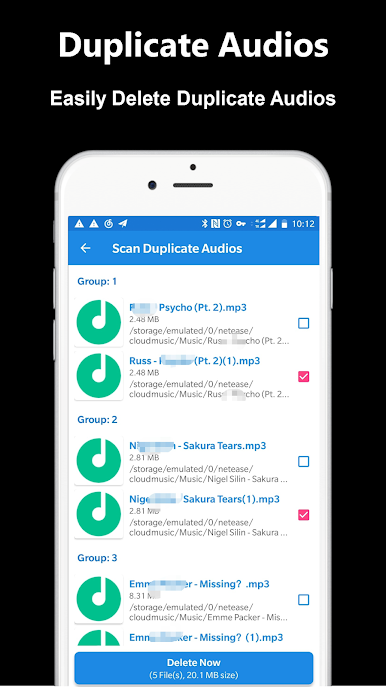
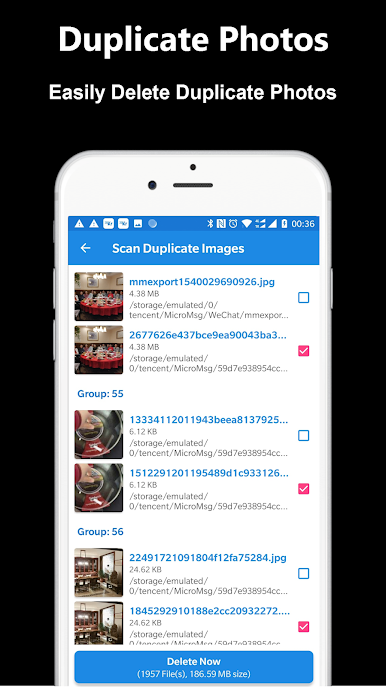
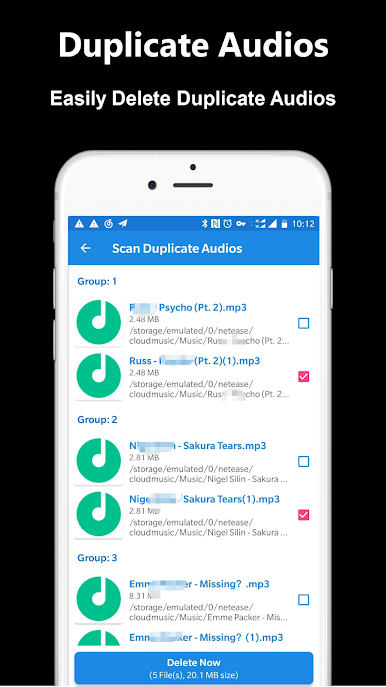
Wide File Support: Whether it’s repeat photos, copy-pasted music files, doubled-up videos, or extra documents, the app handles all sorts with ease.
-
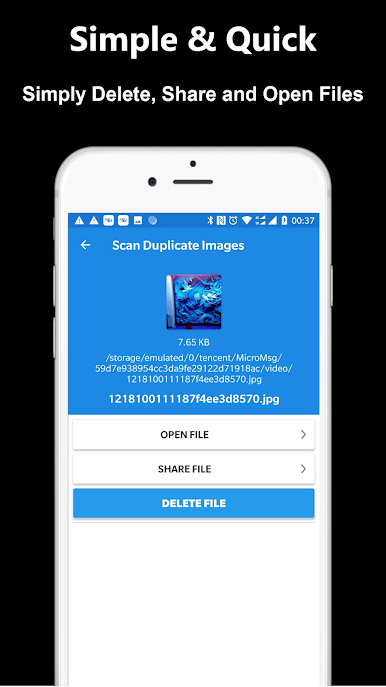
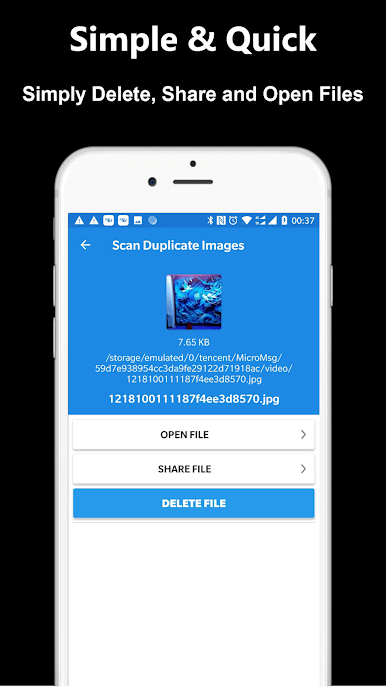
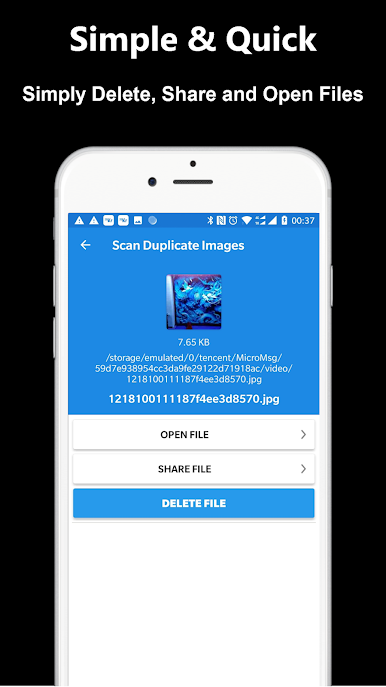
Preview Before Removing: Not sure what you’re about to delete? You can peek at duplicates, open them, or even share them before deciding what stays or goes.
-
Keeps the Originals Safe: Worried about losing everything? When you delete duplicates, the app always makes sure one copy remains on your device.
-
Flexible Experience: Works great whether you’re on your phone or trying it out on BlueStacks for a bigger view. Managing storage doesn’t have to be a chore.
BlueStacks brings your apps to life on a bigger screen—seamless and straightforward.
Play Duplicate File Remover on PC. It’s easy to get started.
-
Download and install BlueStacks on your PC
-
Complete Google sign-in to access the Play Store, or do it later
-
Look for Duplicate File Remover in the search bar at the top right corner
-
Click to install Duplicate File Remover from the search results
-
Complete Google sign-in (if you skipped step 2) to install Duplicate File Remover
-
Click the Duplicate File Remover icon on the home screen to start playing

