


Everyday
Play on PC with BlueStacks – the Android Gaming Platform, trusted by 500M+ gamers.

Page Modified on: Sep 28, 2026
Play Everyday on PC
Everyday makes getting the food you love a breeze, so you can get back to your busy day.
Control Your Time
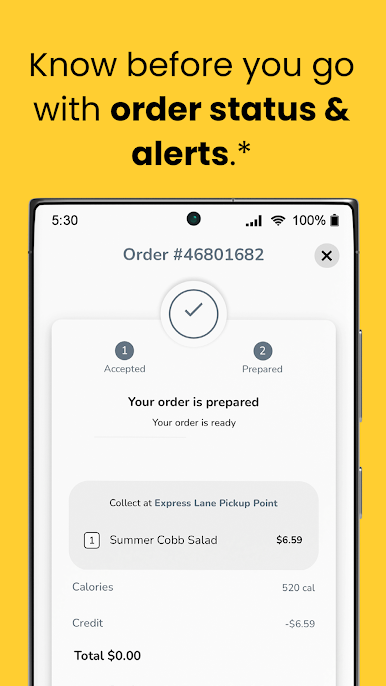
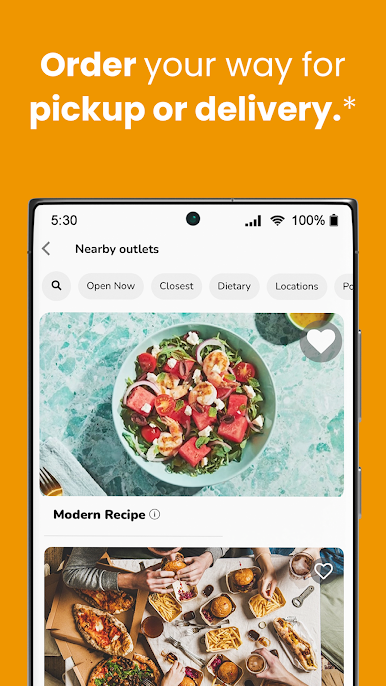
Order what you want, for when you want it. You can even say if you want to pick up your meal or have it delivered.
Make Your Day Easier
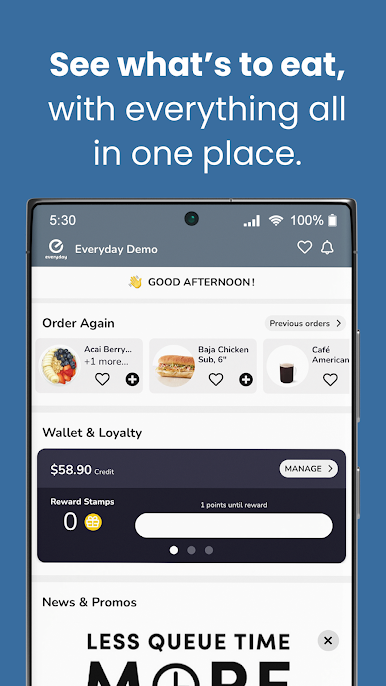
No more waiting in line or having to carry a wallet. Contactless payment and managing your memberships is super simple.
Get Rewarded
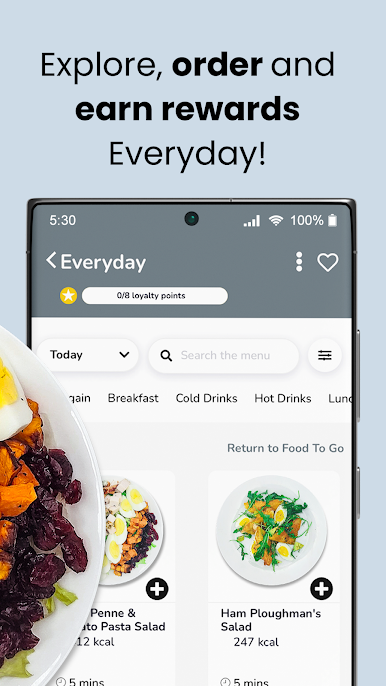
This loyalty program is all about you. You’ll earn points with eligible purchases purchase, get exclusive offers, and see special promotions on featured items.
Be Confident
It’s easy to make the choice that’s right for you, by seeing which dishes are healthy, vegan or vegetarian. You can even highlight allergens. You’ll always know that everything’s taken care of – meeting rooms, meals and more.
Stay Connected
Get instant access to everything you want to know. See the entire menu, from entrées to drinks, to snacks. You’ll always be the first to find out what’s new.
Play Everyday on PC. It’s easy to get started.
-
Download and install BlueStacks on your PC
-
Complete Google sign-in to access the Play Store, or do it later
-
Look for Everyday in the search bar at the top right corner
-
Click to install Everyday from the search results
-
Complete Google sign-in (if you skipped step 2) to install Everyday
-
Click the Everyday icon on the home screen to start playing

