


Guide For Minecraft
Play on PC with BlueStacks – the Android Gaming Platform, trusted by 500M+ gamers.

Page Modified on: Dec 04, 2025
Overview
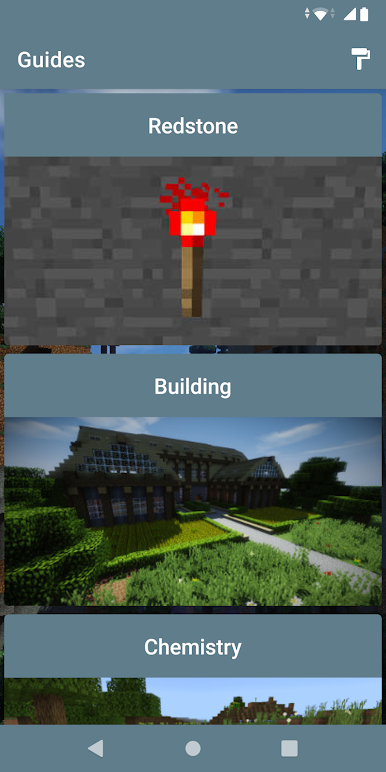
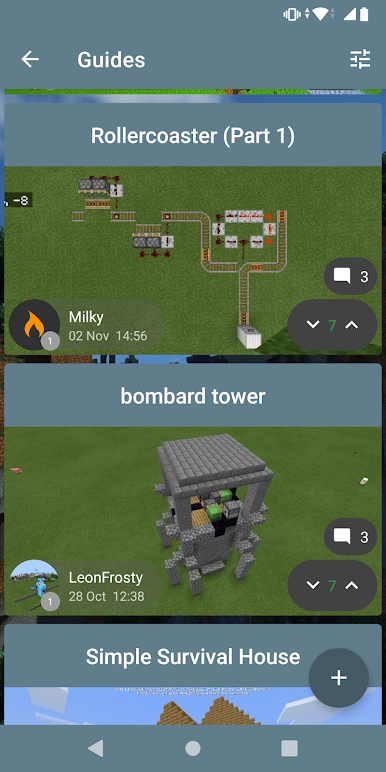
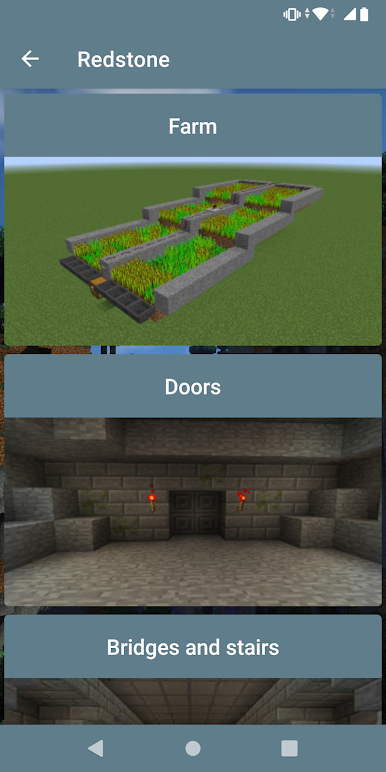
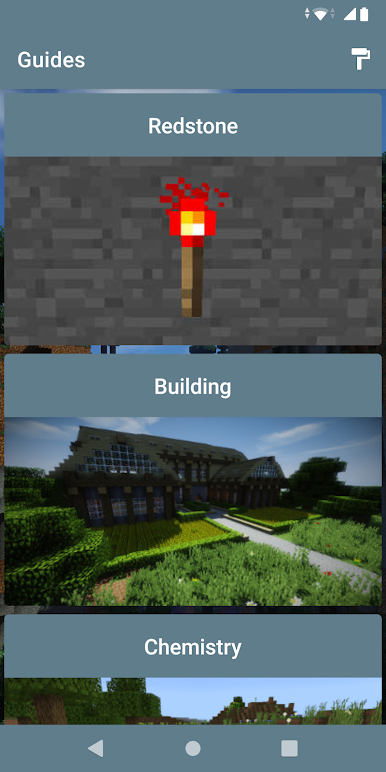
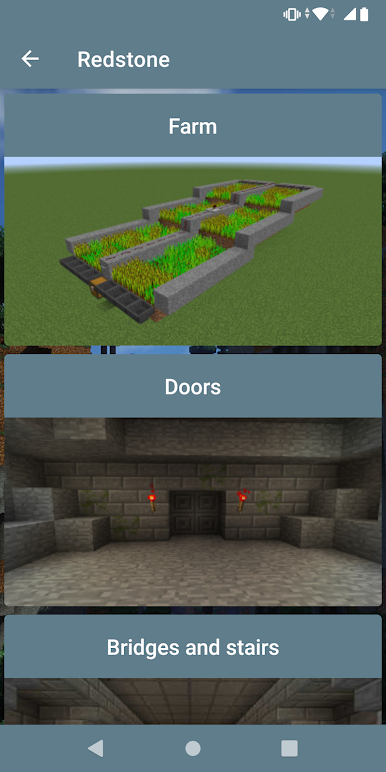
Redstone guide for Minecraft contains more than 50 different mechanisms, different levels of difficulty. With it, you can create a truly technologically advanced buildings. Important: this guide is created primarily for Minecraft Java edition, but most of the mechanisms will also work on Minecraft Pocket Edition.
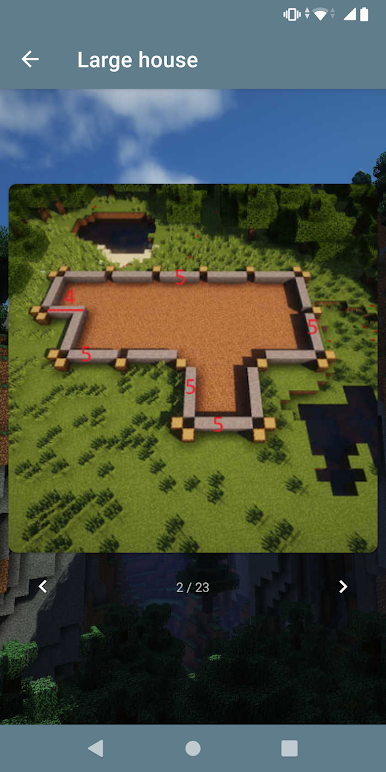
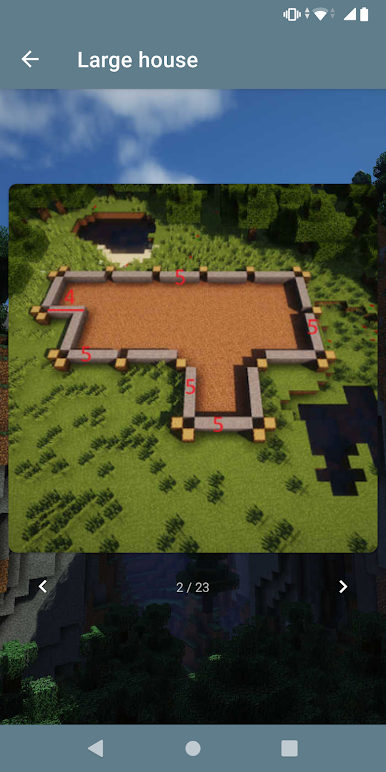
Building guide for Minecraft contains more than 50 different buildings. With it you can build cities, villages, dungeons and shipyards. The guide also contains basic building tips.
Chemical guide for Minecraft contains all the elements of chemistry added to Minecraft education, it explains the key points of chemistry and shows the crafting added to the game.
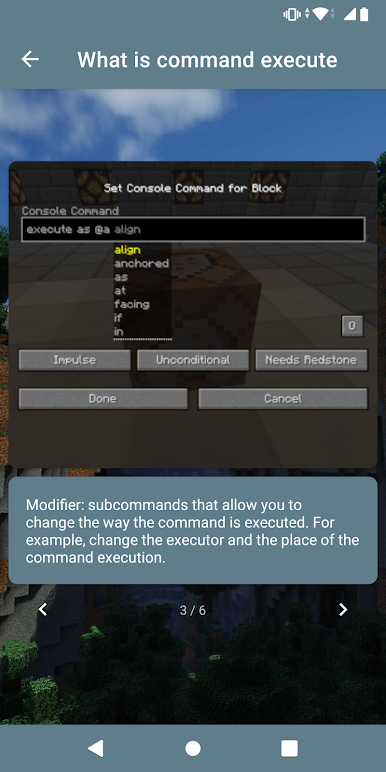
Command block guide for Minecraft includes many interesting commands and scripts for the command block. Also, it describes the main functions of this mechanism.
Although all guides were created on Minecraft Java Edition, most of them are suitable for Minecraft Pocket Edition and Minecraft Bad Rock Edition. We hope you will find in the application what you need. :)
Play Guide For Minecraft on PC. It’s easy to get started.
-
Download and install BlueStacks on your PC
-
Complete Google sign-in to access the Play Store, or do it later
-
Look for Guide For Minecraft in the search bar at the top right corner
-
Click to install Guide For Minecraft from the search results
-
Complete Google sign-in (if you skipped step 2) to install Guide For Minecraft
-
Click the Guide For Minecraft icon on the home screen to start playing

