


EA SPORTS FC™ 26 Companion
Play on PC with BlueStacks – the Android Gaming Platform, trusted by 500M+ gamers.

Page Modified on: Jan 20, 2026
Main EA SPORTS FC™ 26 Companion on PC
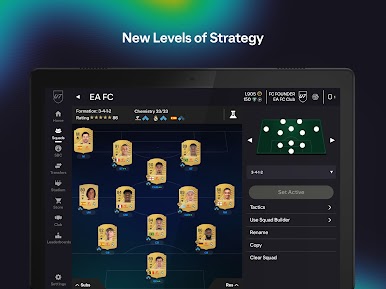
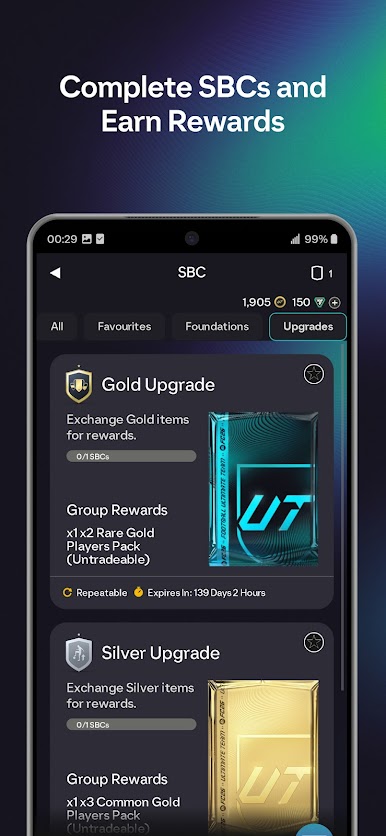
SQUAD BUILDING CHALLENGES
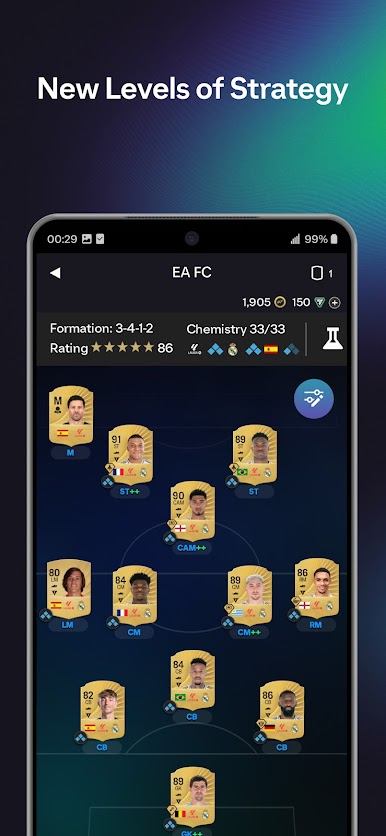
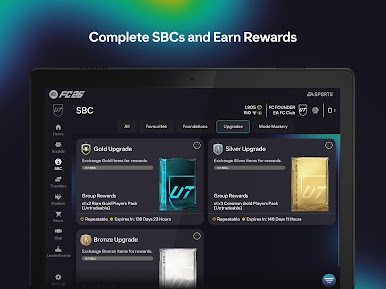
Never miss an SBC with the Companion App. Exchange spare Players in your Club to unlock new Players, Packs, or Customisation options.
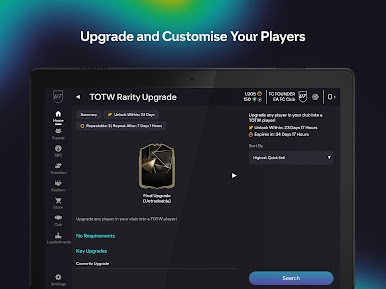
EVOLUTIONS
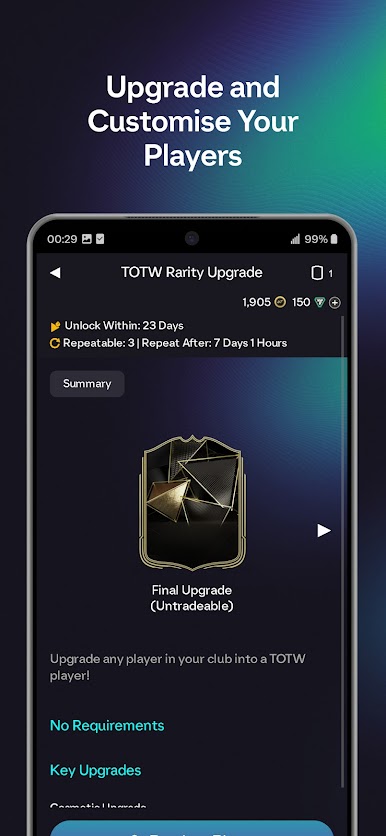
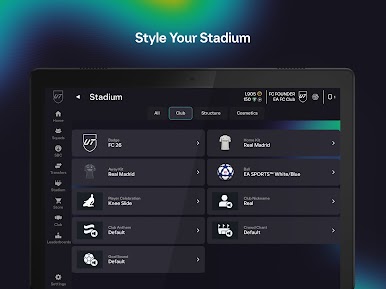
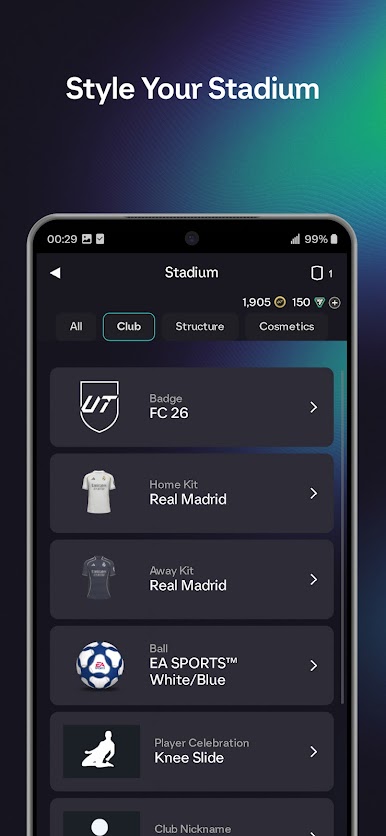
Improve and customise players from your Club with Evolutions. Increase the power of your favourite players and upgrade Player Item shells with all-new cosmetic Evolutions.
GET REWARDED
Claim rewards for your progress in Champions, Division Rivals, and Squad Battles and Ultimate Team Events without having to log into your console.
TRANSFER MARKET
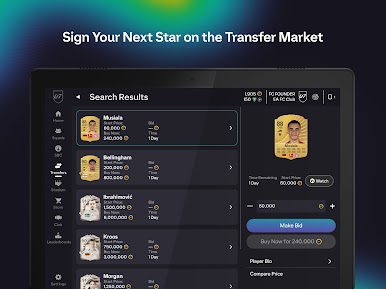
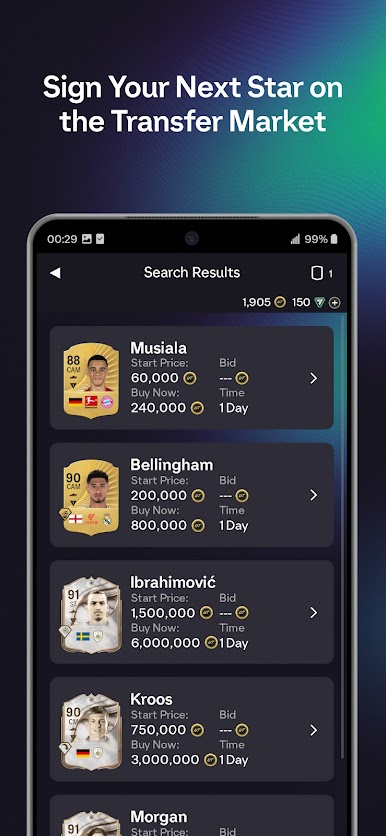
Make moves in the Transfer Market without the need to be at your console. Acquire and sell Players with the global Ultimate Team Community in the Transfer Market to help take your team to the next level.
HOW TO GET STARTED
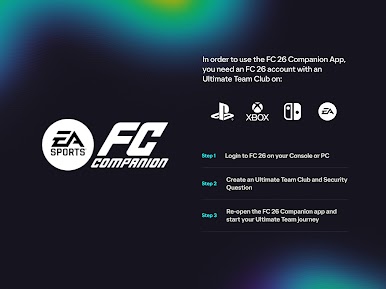
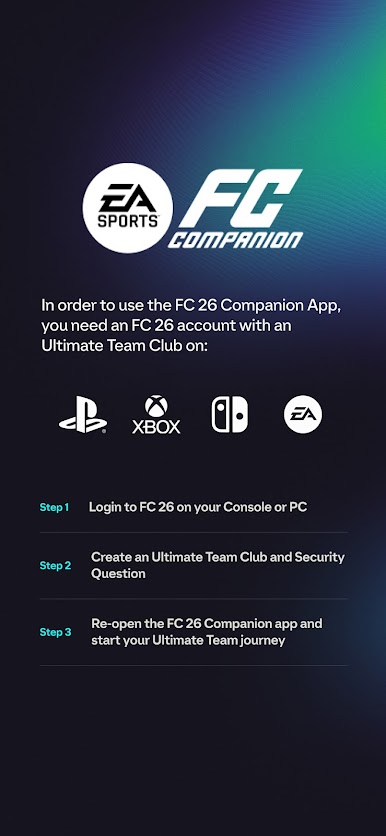
To connect your account, log in to EA SPORTS FC 26 on your console or PC, and then:
- Go to Ultimate Team mode and create your Ultimate Team Club
- Create a Security Question and Answer on your Console or PC
- Log in to your EA Account from the EA SPORTS FC 26 Companion App on your compatible mobile device
Requires acceptance of EA’s Privacy & Cookie Policy and User Agreement.
Notice at Collection
https://www.ea.com/legal/privacy-and-cookie-policy#information-for-california-residents
Your Privacy Choices
https://www.ea.com/legal/privacy-portal?modal-id=targetedAdvertisingProvidedByThirdParties
Requires an Internet connection (network fees may apply). Requires EA SPORTS FC 26 (sold separately), an EA SPORTS FC 26 Ultimate Team Club on PC, PlayStation 5, PlayStation 4, Xbox Series X|S, Xbox One, Nintendo Switch or Nintendo Switch 2 and an EA account to play. Must be 13 or older to obtain an EA account. Contains direct links to the Internet and social networking sites intended for an audience over 13.
This game includes optional in-game purchases of virtual currency that can be used to acquire virtual in-game items, including a random selection of virtual in-game items.
User Agreement: terms.ea.com
Privacy and Cookie Policy: privacy.ea.com
Visit help.ea.com for assistance or inquiries.
EA may retire online features after 30 days’ notice posted on ea.com/service-updates.
Play EA SPORTS FC™ 26 Companion on PC. It’s easy to get started.
-
Download and install BlueStacks on your PC
-
Complete Google sign-in to access the Play Store, or do it later
-
Look for EA SPORTS FC™ 26 Companion in the search bar at the top right corner
-
Click to install EA SPORTS FC™ 26 Companion from the search results
-
Complete Google sign-in (if you skipped step 2) to install EA SPORTS FC™ 26 Companion
-
Click the EA SPORTS FC™ 26 Companion icon on the home screen to start playing

