

Arrow Puzzle: Tap Puzzle Games
Play on PC with BlueStacks – the Android Gaming Platform, trusted by 500M+ gamers.

Page Modified on: Oct 23, 2026
Play Arrow Puzzle: Tap Puzzle Games on PC or Mac
Explore a whole new adventure with Arrow Puzzle: Tap Puzzle Games, a Puzzle game created by Easybrain. Experience great gameplay with BlueStacks, the most popular gaming platform to play Android games on your PC or Mac.
About the Game
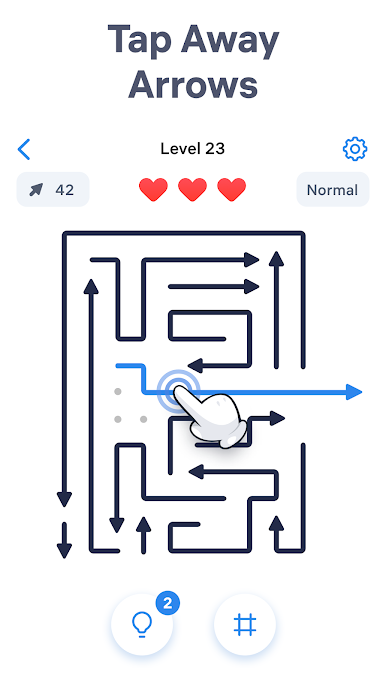
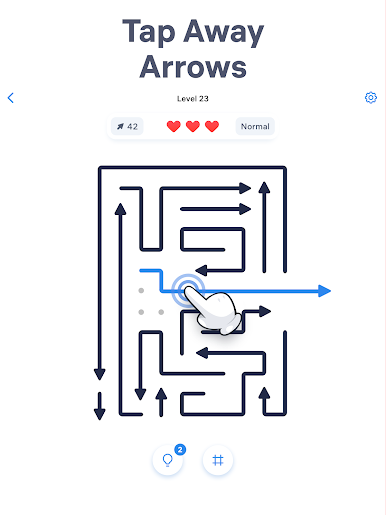
Arrow Puzzle: Tap Puzzle Games turns simple taps into those little “oh, that works” moments. This laid‑back Puzzle game asks you to read the grid, find a clear path, and send each arrow off the board without any rush or pressure. Want a bigger view? You can play it on PC with BlueStacks for a clean, comfy setup.
Game Features
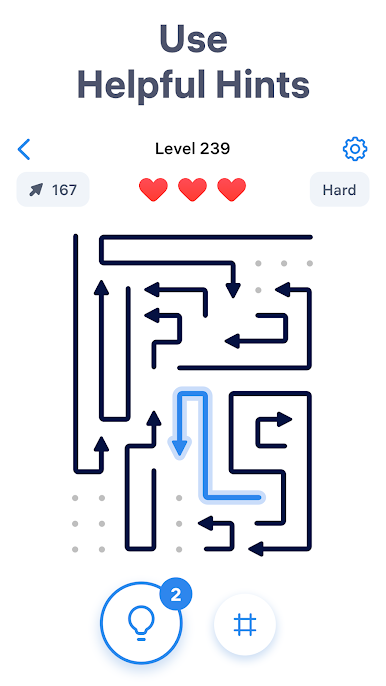
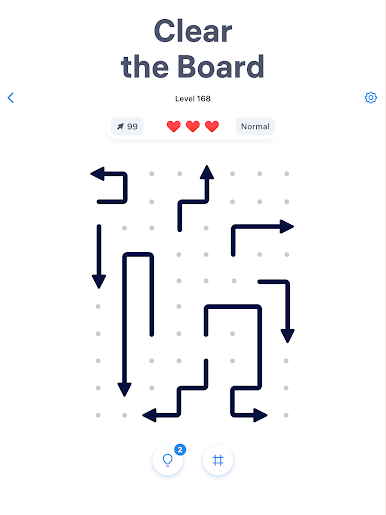
- Tap-to-clear gameplay: Each arrow only moves if the lane in front of it is open; hit a blocked one and you’ll spend a life, so quick checks beat random taps.
- Think ahead, make space: Clearing one arrow creates room for the next—set an order, create openings, and watch the board loosen up.
- No timer, no stress: Play at your pace, pause whenever, and settle into a calm, focused flow.
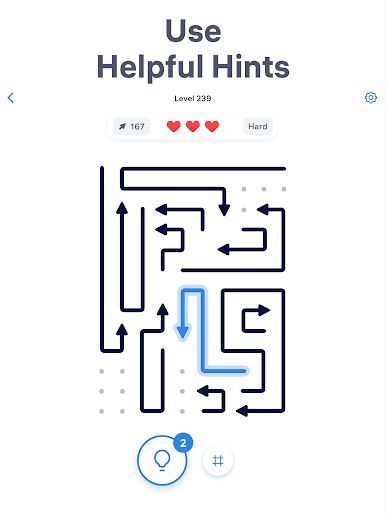
- Helpful nudges: Stuck for a second? Turn on a subtle hint to spotlight a safe move and keep your rhythm going.
- Hundreds of handcrafted boards: Start easy, then work your way through trickier layouts that reward patience and careful planning.
- Daily and monthly goals: Quick bite-sized tasks with collectible trophies to keep your streak feeling fresh.
- Builds logic and spatial sense: Train your brain gently as patterns and paths start popping out faster.
- Smooth, minimalist look: Clean visuals and soft animations keep your attention exactly where it should be—on the next smart tap.
Start your journey now. Download the game on BlueStacks, invite your friends, and march on a new adventure.

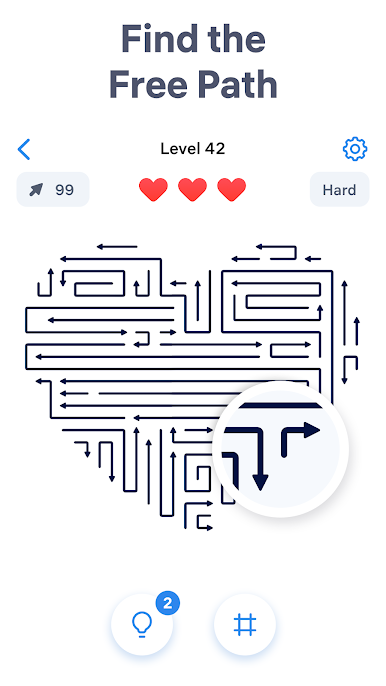
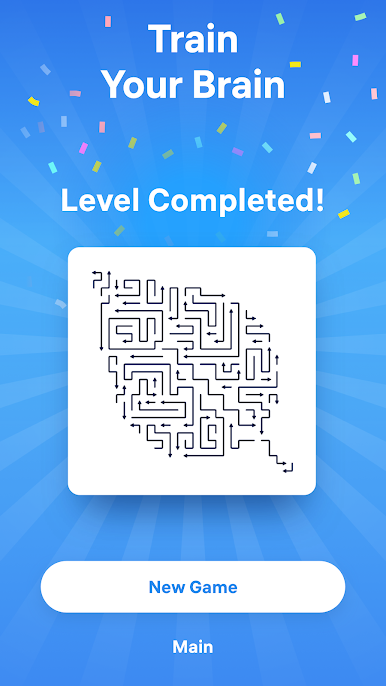
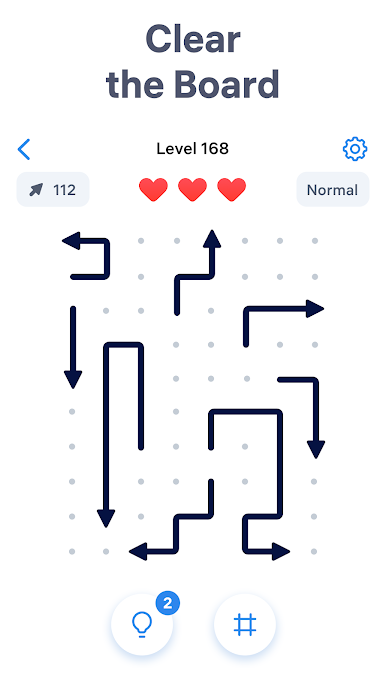
Play Arrow Puzzle: Tap Puzzle Games on PC. It’s easy to get started.
-
Download and install BlueStacks on your PC
-
Complete Google sign-in to access the Play Store, or do it later
-
Look for Arrow Puzzle: Tap Puzzle Games in the search bar at the top right corner
-
Click to install Arrow Puzzle: Tap Puzzle Games from the search results
-
Complete Google sign-in (if you skipped step 2) to install Arrow Puzzle: Tap Puzzle Games
-
Click the Arrow Puzzle: Tap Puzzle Games icon on the home screen to start playing

