

Race Master 3D: Car Racing
Play on PC with BlueStacks – the Android Gaming Platform, trusted by 500M+ gamers.

Page Modified on: Apr 23, 2026
Play Race Master 3D - Car Racing on PC or Mac
Explore a whole new adventure with Race Master 3D: Car Racing, a Racing game created by Beresnev Games. Experience great gameplay with BlueStacks, the most popular gaming platform to play Android games on your PC or Mac.
About the Game
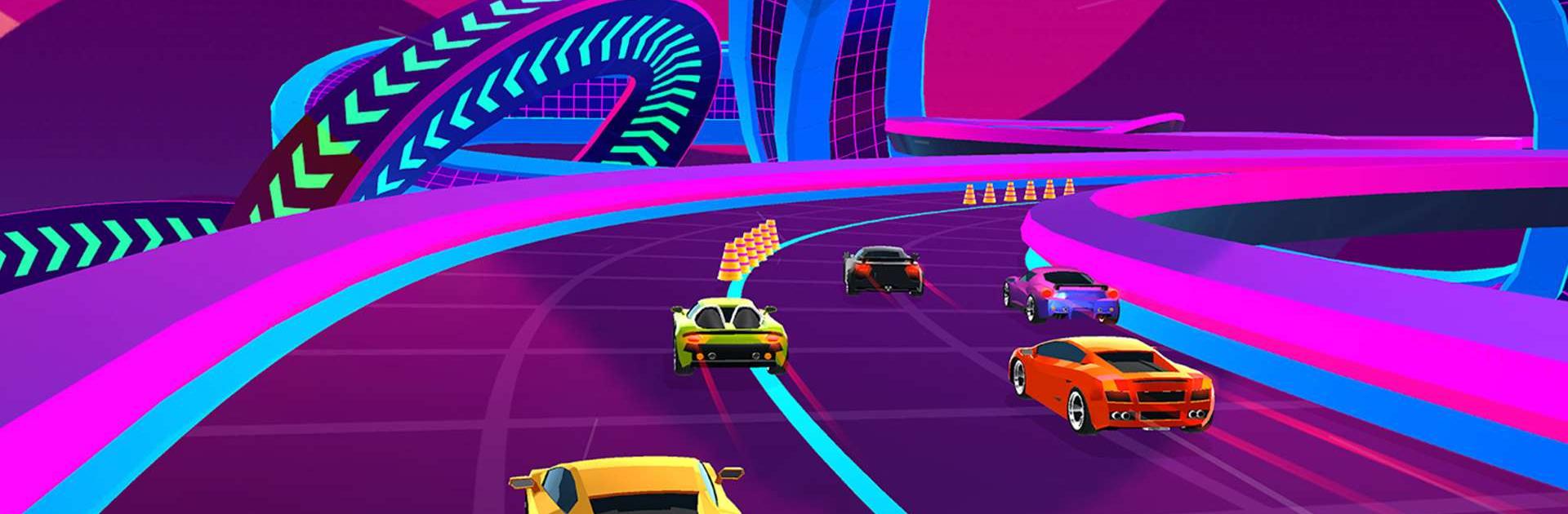
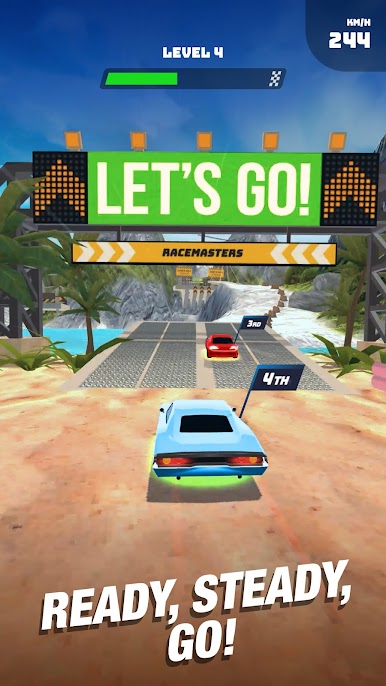
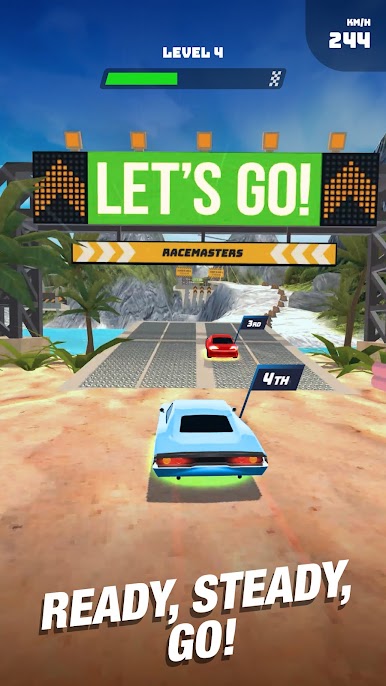
Race Master 3D: Car Racing drops you into high-speed sprints where the road is never safe and the action never lets up. Press to accelerate, tilt or swipe to weave through hazards, and outsmart rivals as the track throws curveballs at every turn. It’s a punchy, pick-up-and-play take on the Racing genre from Beresnev Games—perfect on mobile, and it runs smoothly on BlueStacks if you want a bigger view.
Game Features
- One-touch driving: Simple controls keep you in the race, but mastering tight lines and last-second dodges is where the real skill kicks in.
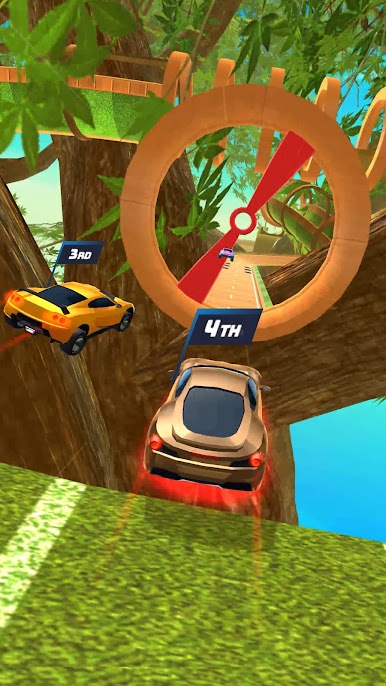
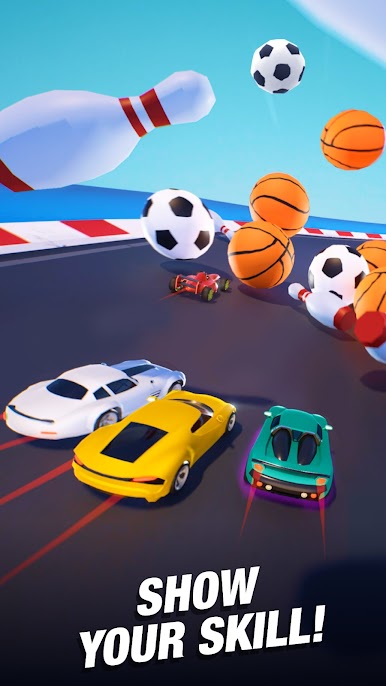
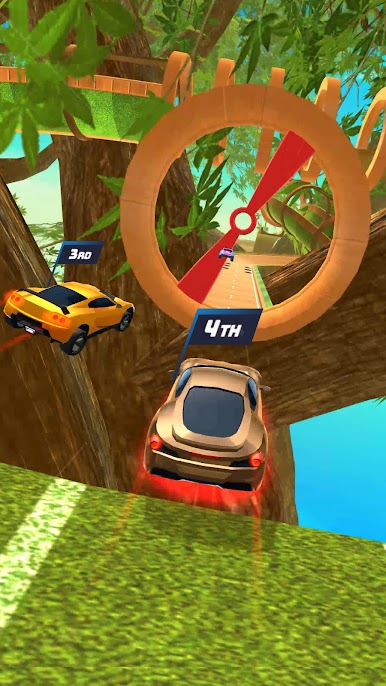
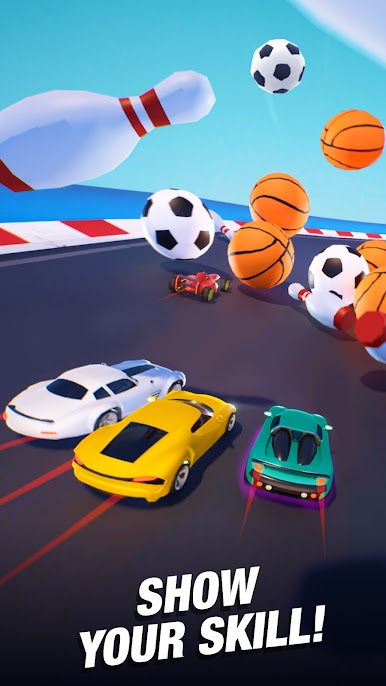
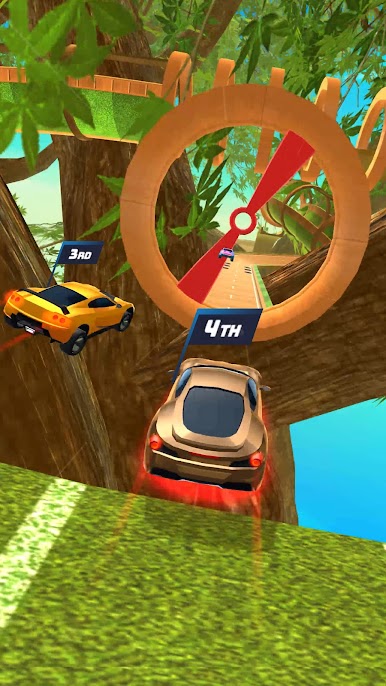
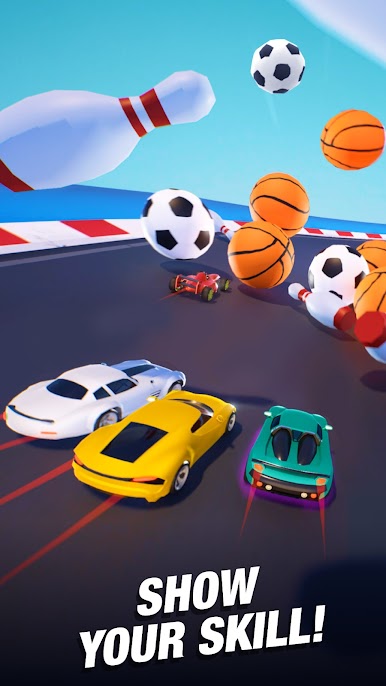
- 110 wild tracks: Blast through a huge set of handcrafted levels packed with tunnels, ramps, spinning obstacles, and shifting surfaces that constantly test your reflexes.
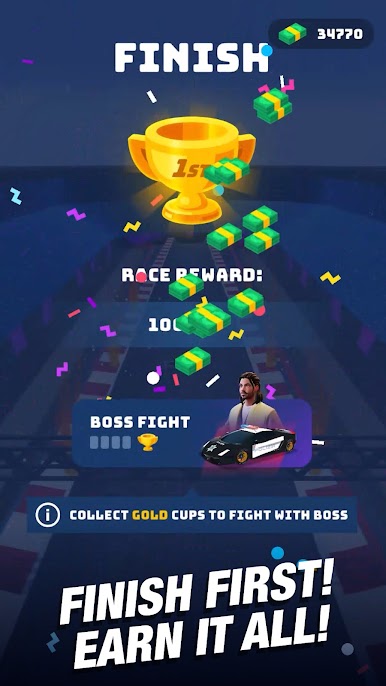
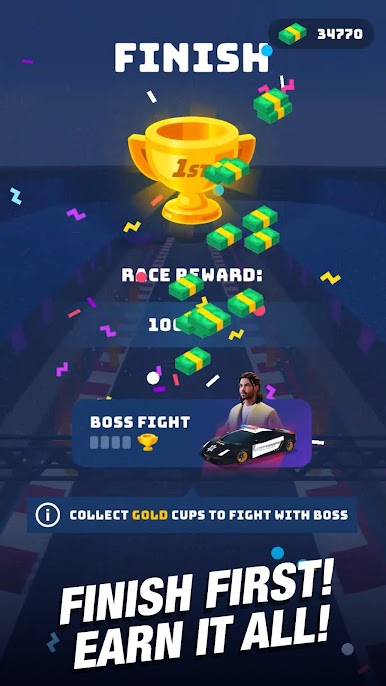
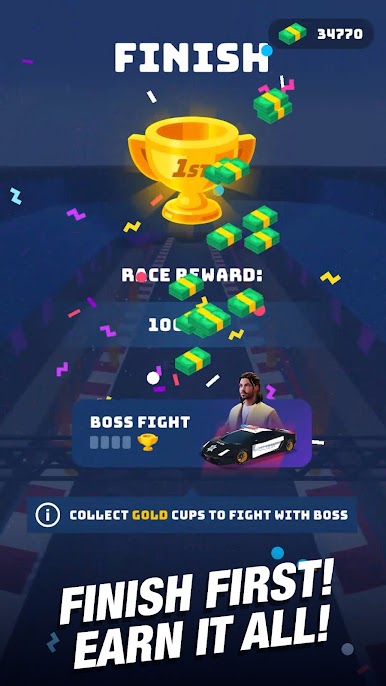
- Boss showdowns: Go head-to-head with 8 unique boss racers, each packing custom rides and tricky tactics that force you to adapt.
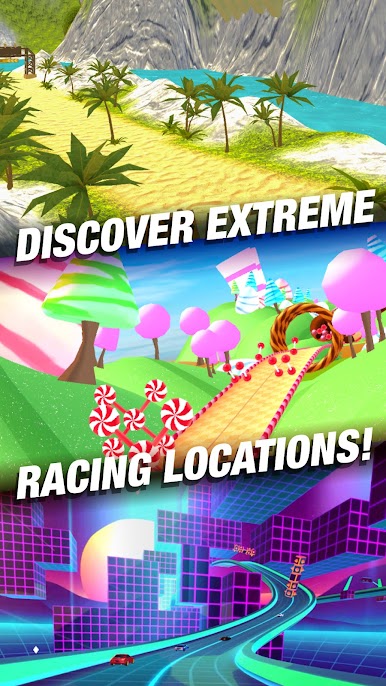
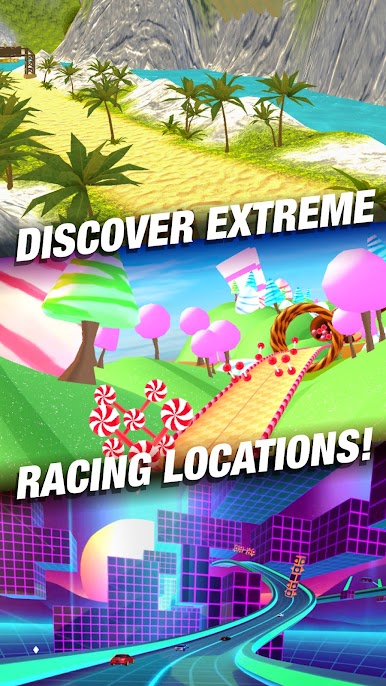
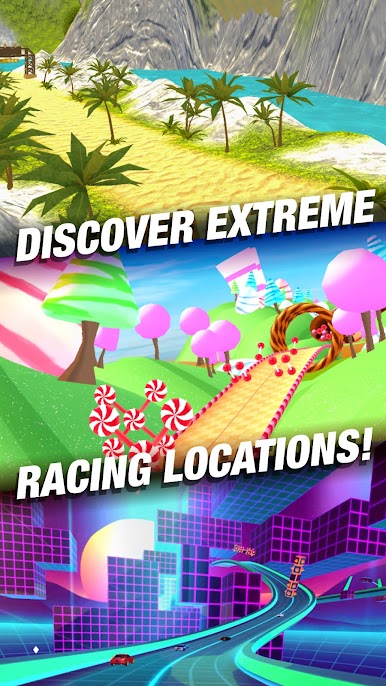
- 25 distinct locations: Race across a globe-spanning set of backdrops—bright neon nights, high-speed tunnels, and scenic stretches—each track with its own feel.
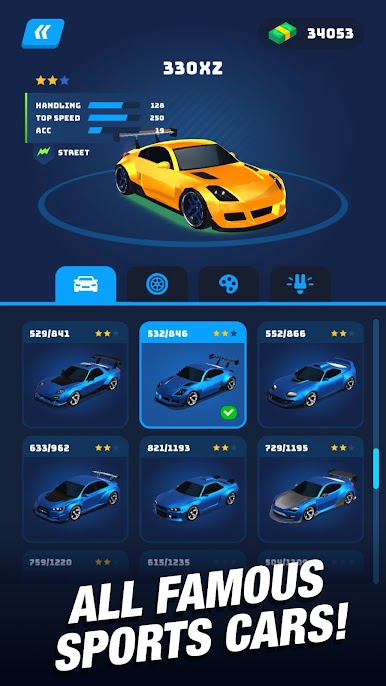
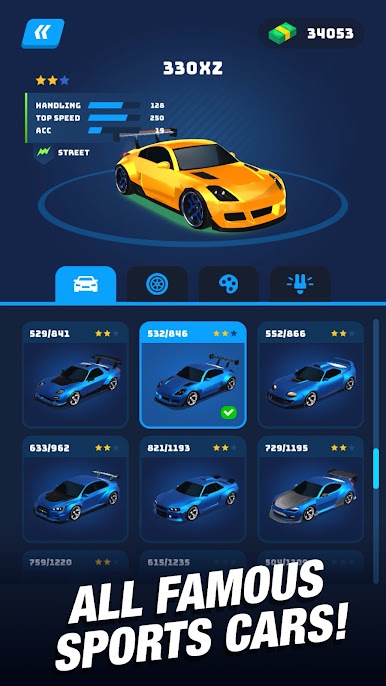
- Build your garage: Collect 30 slick sports cars and tune them for top speed, acceleration, and handling. Personalize with 15 paint styles and eye-catching add-ons.
- Offline anytime: No Wi‑Fi? No problem. Jump into full races on the go, whether you’re commuting or cruising at 30,000 feet.
- Big sound, bigger impact: Hear the engines roar, tires shriek, and metal crunch with punchy effects that make every drift and collision hit hard.
- Quick sessions, real challenge: Races are short and intense—easy to start, tough to perfect—so there’s always time for “just one more run.”
Make your gaming sessions memorable with precise controls that give you an edge in close combats and visuals that pop up, bringing every character to life.
Play Race Master 3D: Car Racing on PC. It’s easy to get started.
-
Download and install BlueStacks on your PC
-
Complete Google sign-in to access the Play Store, or do it later
-
Look for Race Master 3D: Car Racing in the search bar at the top right corner
-
Click to install Race Master 3D: Car Racing from the search results
-
Complete Google sign-in (if you skipped step 2) to install Race Master 3D: Car Racing
-
Click the Race Master 3D: Car Racing icon on the home screen to start playing

