


OneBlack - Icon Pack
Play on PC with BlueStacks – the Android Gaming Platform, trusted by 500M+ gamers.

Page Modified on: Dec 2, 2025
Play OneBlack - Icon Pack on PC
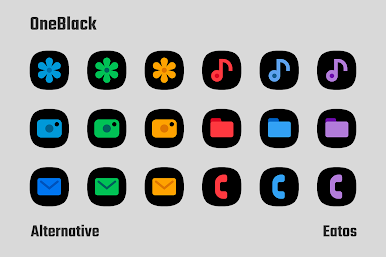
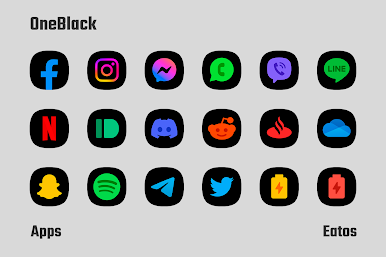
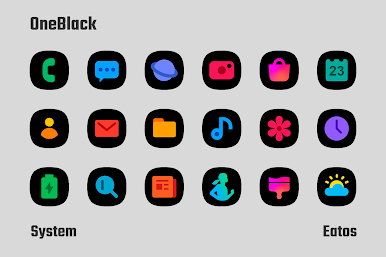
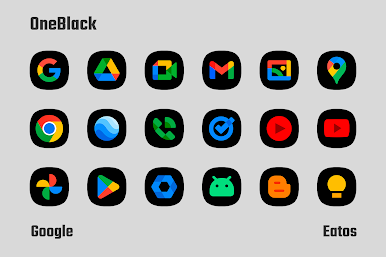
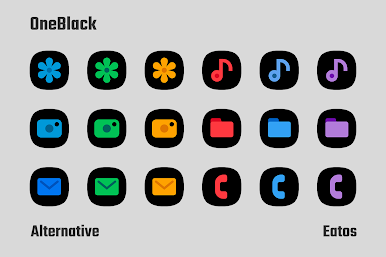
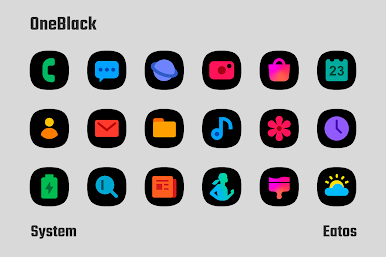
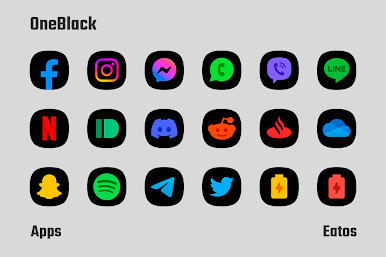
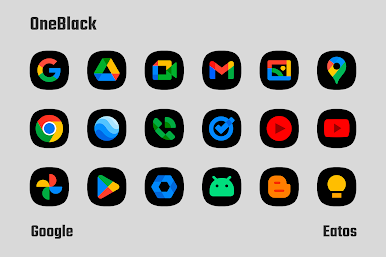
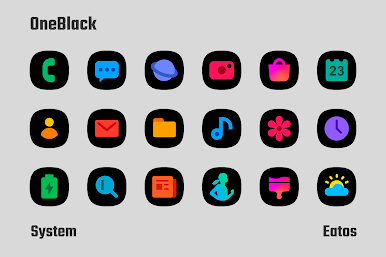
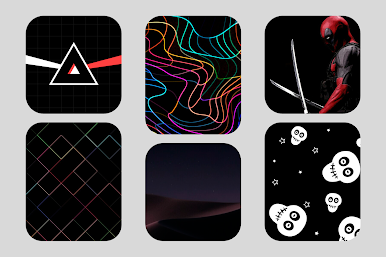
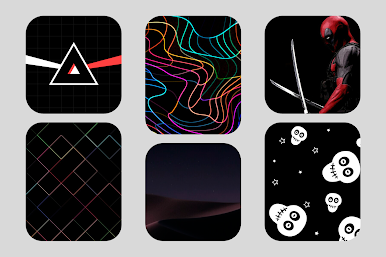
It has 4,825 icons with the same style, it also includes a dark background for non-themed apps, a dynamic calendar, many wallpapers that you can download and is compatible with the main launchers
To use this icon pack you need to download a launcher, within the app there are links to several compatible launchers to download
For OneUI Launcher you can follow these steps: https://bit.ly/OneUIThemePark
If you want to report an error or give any suggestion
▸ Email: eatos.apps@gmail.com
▸ X: https://x.com/EatosApps
▸ Threads: https://www.threads.com/@eatosapps
Play OneBlack - Icon Pack on PC. It’s easy to get started.
-
Download and install BlueStacks on your PC
-
Complete Google sign-in to access the Play Store, or do it later
-
Look for OneBlack - Icon Pack in the search bar at the top right corner
-
Click to install OneBlack - Icon Pack from the search results
-
Complete Google sign-in (if you skipped step 2) to install OneBlack - Icon Pack
-
Click the OneBlack - Icon Pack icon on the home screen to start playing

