


Heavy Construction JCB Sim 3D
Play on PC with BlueStacks – the Android Gaming Platform, trusted by 500M+ gamers.

Page Modified on: Apr 21, 2026
Main Heavy Construction JCB Sim 3D on PC
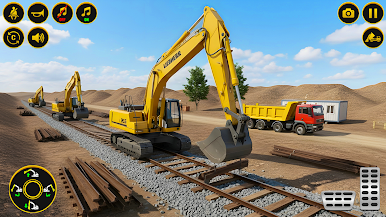
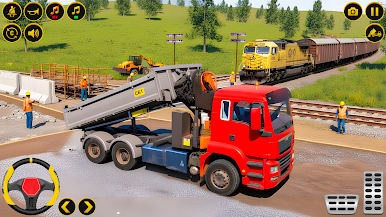
Step into the role of a road construction engineer and experience realistic railway building gameplay. Create railway tracks, develop train stations, and connect different locations by building an efficient transport network.
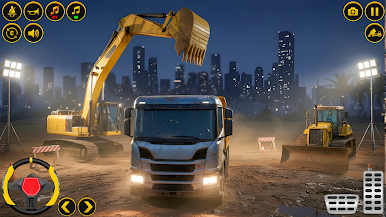
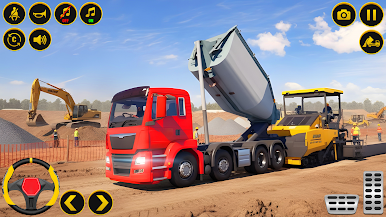
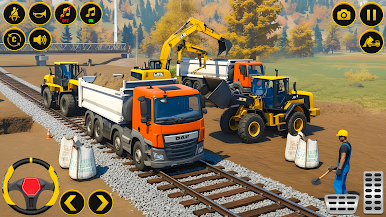
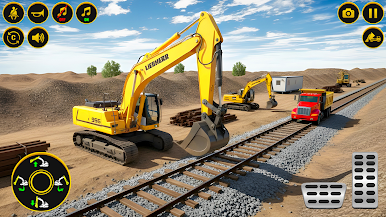
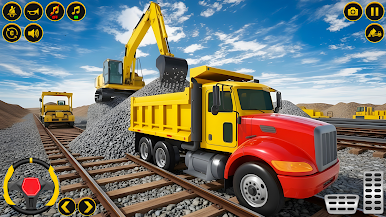
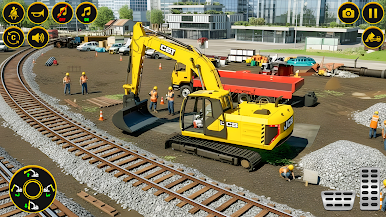
Operate a variety of heavy construction vehicles such a as excavators,bulldozers, JCB, and dump trucks. Clear obstacles, transport materials, and complete construction tasks across multiple environments.
Plan and construct railway bridges, manage station areas, and complete missions that challenge your driving and building skills. Each level introduces new objectives, making the gameplay engaging and progressive of city construction.
Game Features:
• Realistic heavy construction vehicle controls
• Railway track and bridge construction missions
• Train station building and development tasks
• Multiple environments, including city and off-road areas
• Smooth controls and immersive simulation gameplay
Enjoy a complete construction simulation experience where you can build, manage, and expand your railway system.
Play Heavy Construction JCB Sim 3D on PC. It’s easy to get started.
-
Download and install BlueStacks on your PC
-
Complete Google sign-in to access the Play Store, or do it later
-
Look for Heavy Construction JCB Sim 3D in the search bar at the top right corner
-
Click to install Heavy Construction JCB Sim 3D from the search results
-
Complete Google sign-in (if you skipped step 2) to install Heavy Construction JCB Sim 3D
-
Click the Heavy Construction JCB Sim 3D icon on the home screen to start playing

