

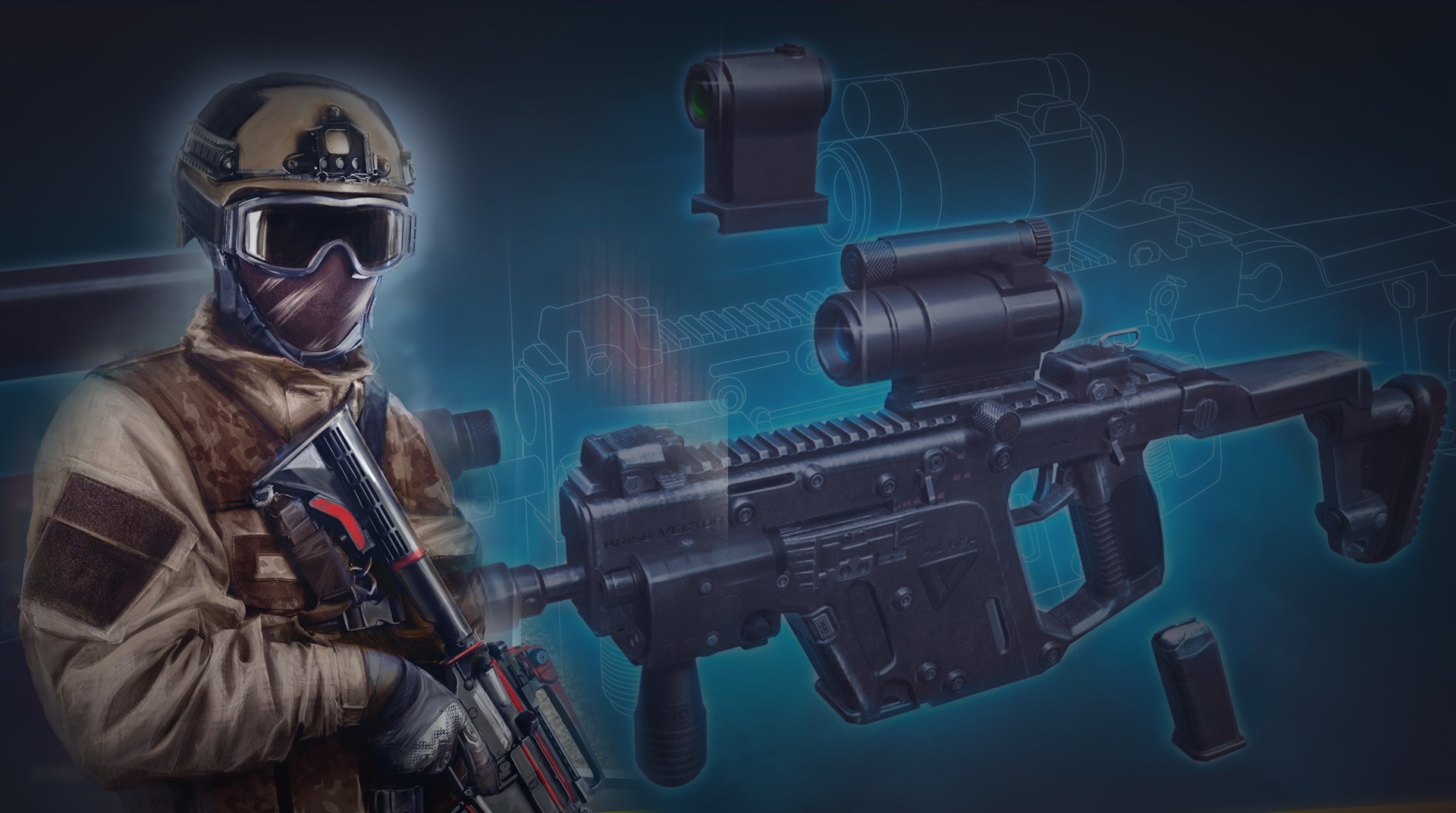
Modern Ops: Gun Shooting Games
Play on PC with BlueStacks – the Android Gaming Platform, trusted by 500M+ gamers.

Page Modified on: Oct 1, 2026
Play Modern Ops: Gun Shooting Games on PC or Mac
Modern Ops: Gun Shooting Games by Edkon Games GmbH has plenty to keep you busy. BlueStacks lets you play it on PC or Mac with more screen space, better control, and fewer mobile limits.
About the Game
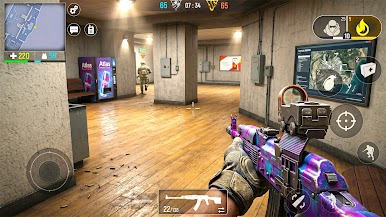
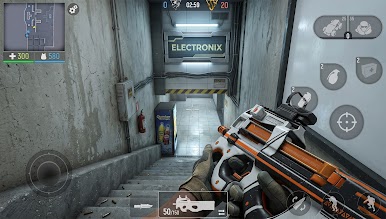
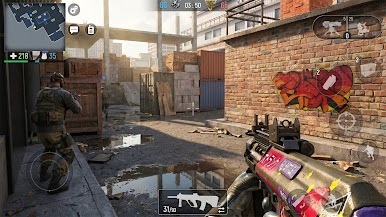
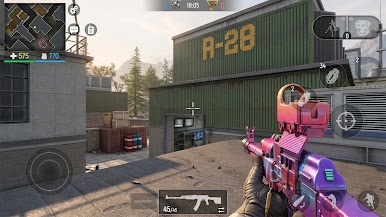
Modern Ops: Gun Shooting Games is a competitive first-person shooter built for quick reflexes and tight teamwork. Matches are fast, the gunplay feels crisp, and every round pushes you to make smart calls under pressure. If you’re chasing pure Action with modern weapons and clean, responsive controls, this one brings the heat.
Game Features
- Modes for every mood: Jump into classic deathmatches, tight team clashes, or objective-focused skirmishes that reward smart positioning and quick calls.
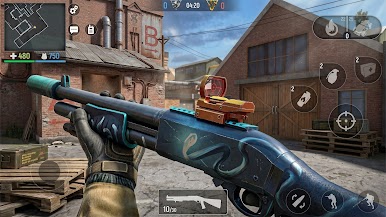
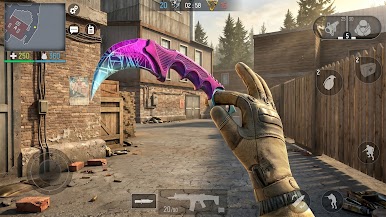
- Deep arsenal, real punch: Pick from 30+ modern guns—snipers, shotguns, assault rifles, machine guns, and pistols—then outfit them with camos to match your style.
- 10-player PvP mayhem: Fast rounds with up to 10 players keep the pressure on and the action nonstop.
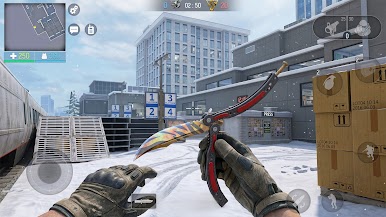
- Maps that matter: Compact alleys, open lanes, and vertical rooftops each push different tactics, from flanks to long‑range control.
- Momentum-changing streaks: Call in drones, set up a sentry, or unleash a rocket strike to swing the fight when it counts.
- Ranked seasons, real stakes: Climb through leagues, face tougher opponents, and track your growth as your skills sharpen.
- Squads and clans: Build a clan, queue with friends, and coordinate roles for layered pushes and tight defenses.
- Contracts and missions: Short objectives add variety and nudge you to experiment with different loadouts and tactics.
- Clean controls, smooth performance: Snappy aiming, quick swaps, and a tidy HUD make it easy to stay locked on the objective.
- PC-friendly with BlueStacks: Prefer a keyboard and mouse? It plays smoothly on BlueStacks without getting in the way of the action.
Get ready for a buttery smooth, high-performance gaming action only on BlueStacks.
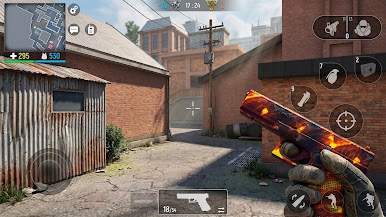
Play Modern Ops: Gun Shooting Games on PC. It’s easy to get started.
-
Download and install BlueStacks on your PC
-
Complete Google sign-in to access the Play Store, or do it later
-
Look for Modern Ops: Gun Shooting Games in the search bar at the top right corner
-
Click to install Modern Ops: Gun Shooting Games from the search results
-
Complete Google sign-in (if you skipped step 2) to install Modern Ops: Gun Shooting Games
-
Click the Modern Ops: Gun Shooting Games icon on the home screen to start playing

