

Volume Control Home
Play on PC with BlueStacks – the Android Gaming Platform, trusted by 500M+ gamers.

Page Modified on: Oct 30, 2026
Run Volume Control Home on PC or Mac
Upgrade your experience. Try Volume Control Home, the fantastic Music & Audio app from Utility Apps Home, from the comfort of your laptop, PC, or Mac, only on BlueStacks.
About the App
Meet Volume Control Home — a smart mix of sound controls and a clean, lightweight launcher. As a Music & Audio app, it gives you precise volume tools and a tidy start screen that puts everything you need right up front. Want to use it beyond your handheld device? It also plays nicely on BlueStacks for a bigger-view setup.
App Features
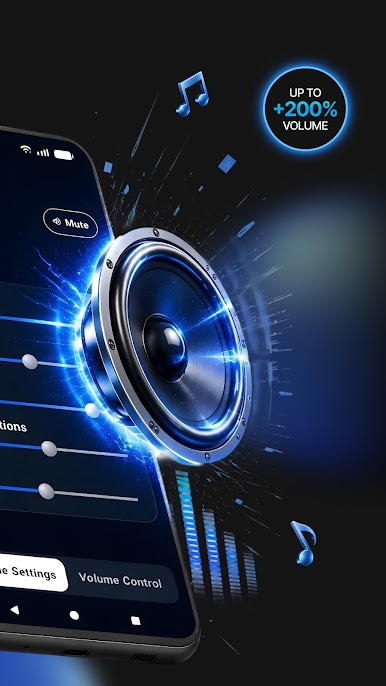
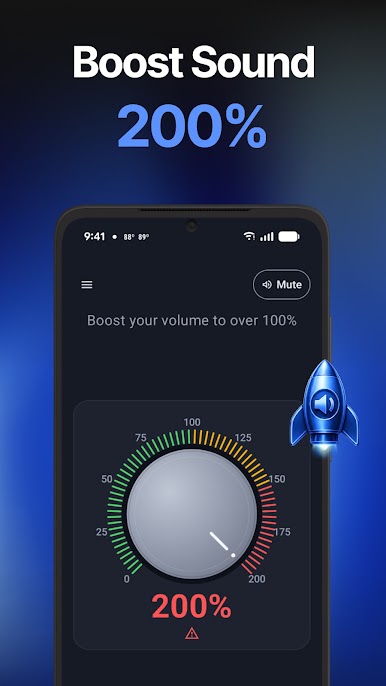
- Volume boost above 100%: Give your media that extra push when the usual cap isn’t cutting it, perfect for music and videos.
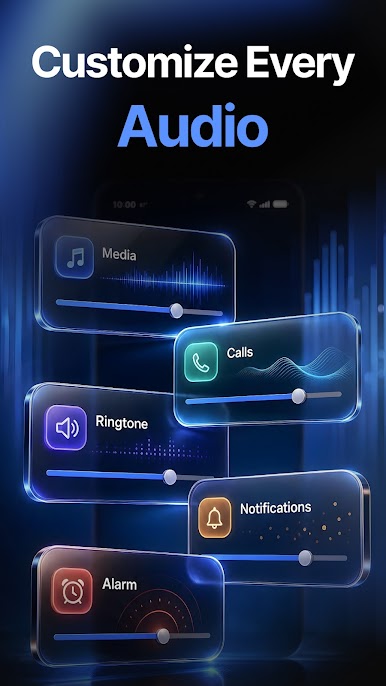
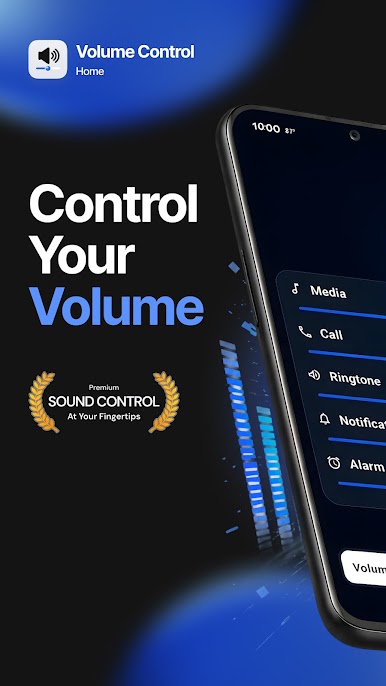
- Per-stream controls: Tweak media, alarms, ringtones, notifications, and system sounds independently so each one fits your day.
- Precision dial tweaks: Make fine, easy-to-see adjustments with a clear dial that favors accuracy over guesswork.
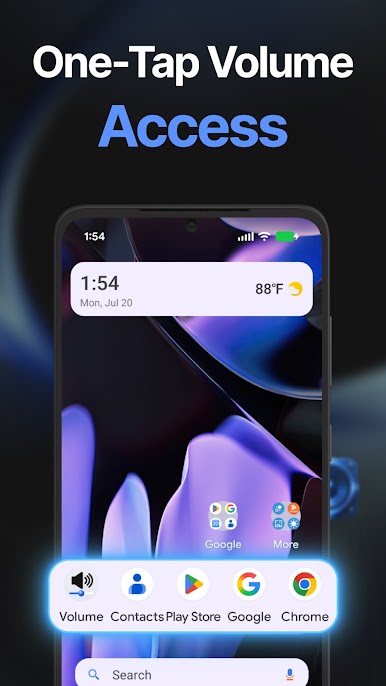
- Home screen widget: Add a dedicated volume widget for instant access without opening the app.
- Fast, minimal launcher: Replace your default home setup with a snappy, distraction-free layout that stays out of the way.
- Built-in search bar: Find apps or hop to the web from one spot — no extra steps, just type and go.
- Personalized content feed: Swipe to a tailored stream of news and articles that updates as you go.
- Handy tools at a glance: Check the weather, change wallpapers, jot down quick notes, and jump into games from the same hub.
- Lightweight and responsive: Enjoy smooth performance that feels quick from unlock to everyday use.
- Simple setup flow: Set Volume Control Home as your default, choose the permissions you prefer, and you’re good to go.
BlueStacks gives you the much-needed freedom to experience your favorite apps on a bigger screen. Get it now.

Play Volume Control Home on PC. It’s easy to get started.
-
Download and install BlueStacks on your PC
-
Complete Google sign-in to access the Play Store, or do it later
-
Look for Volume Control Home in the search bar at the top right corner
-
Click to install Volume Control Home from the search results
-
Complete Google sign-in (if you skipped step 2) to install Volume Control Home
-
Click the Volume Control Home icon on the home screen to start playing

