


8 Ball Challenge
Play on PC with BlueStacks – the Android Gaming Platform, trusted by 500M+ gamers.

Page Modified on: Mar 30, 2026
Play 8 Ball Challenge on PC
Game Features:
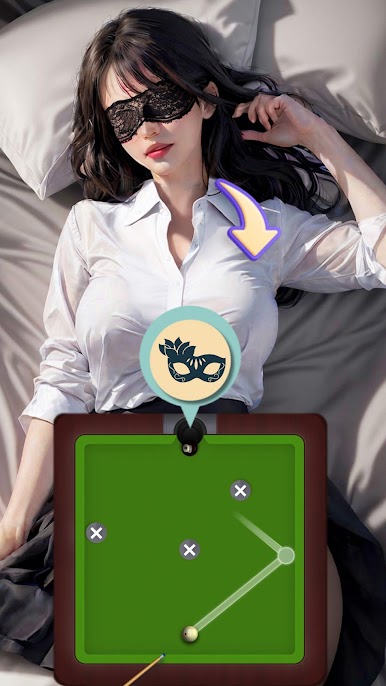
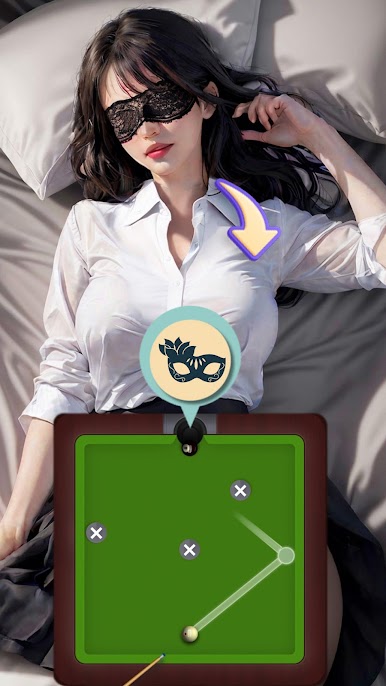
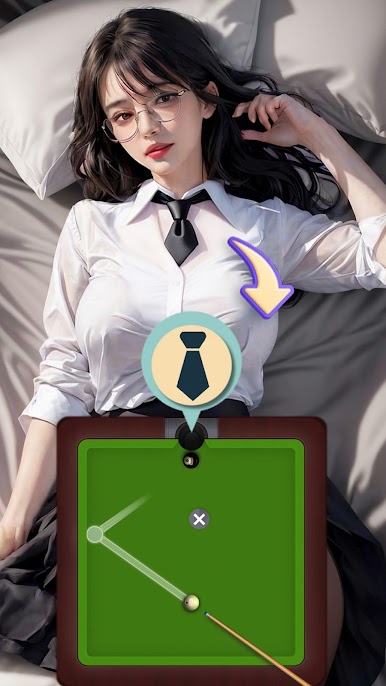
• Precise Physics Engine:Realistic ball movement and collision effects allow players to feel true force and angle control, enjoying the fun of billiards.
• Intuitive Operation Experience:Simple and smooth swipe-to-aim, tap-to-shoot, and flexible power adjustment suitable for one-handed operation, allowing easy control of every shot.
• Progressive Challenges for Different Skill Levels:Reasonably increasing difficulty with unique table setups tests players' strategic planning and execution capabilities.
• Rich Cue System:Diverse cue designs offer rich visual effects to meet players' customization needs.
• Varied Game Modes:Carefully designed challenge modes suitable for daily entertainment and strategic challenges. Players can pursue high ratings or simply enjoy the game at their own pace.
• Immersive Audio-Visual Experience:High-quality 3D graphics and dynamic sound effects create a realistic billiard hall atmosphere, enhancing the game's immersion.
Design Philosophy:
8 Ball Challenge aims to provide a game experience filled with challenges and fun for all billiard enthusiasts. Through a reward mechanism of different levels, it encourages players to maintain focus and skill in each game, balancing fun and challenge in the pursuit of high ratings.
The game encourages players to explore different strategies and techniques to improve their ratings. Whether you choose to progress gradually or pursue perfection, 8 Ball Challenge offers a delight-filled billiard journey. Start your challenge now, enhance your pool skills, and achieve higher game accomplishments!






Play 8 Ball Challenge on PC. It’s easy to get started.
-
Download and install BlueStacks on your PC
-
Complete Google sign-in to access the Play Store, or do it later
-
Look for 8 Ball Challenge in the search bar at the top right corner
-
Click to install 8 Ball Challenge from the search results
-
Complete Google sign-in (if you skipped step 2) to install 8 Ball Challenge
-
Click the 8 Ball Challenge icon on the home screen to start playing

