

Gnomes Garden 6
Play on PC with BlueStacks – the Android Gaming Platform, trusted by 500M+ gamers.

Page Modified on: Apr 29, 2024
Play Gnomes Garden: The Lost King on PC or Mac
Step into the World of Gnomes Garden: The Lost King, a thrilling Strategy game from the house of 8floor games ltd. Play this Android game on BlueStacks App Player and experience immersive gaming on PC or Mac.
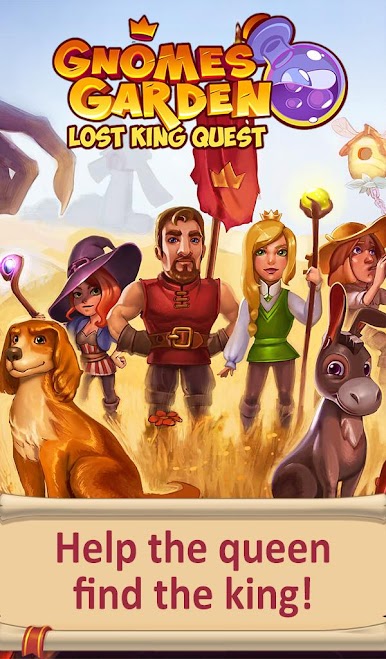
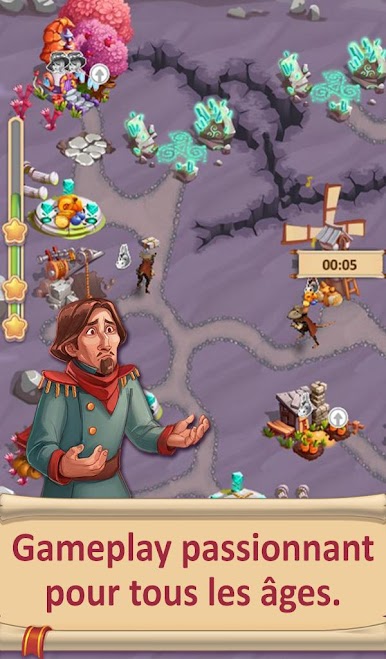
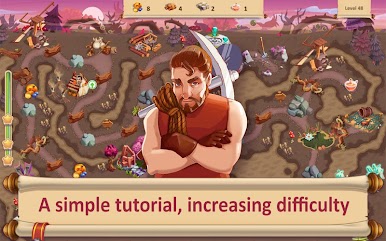
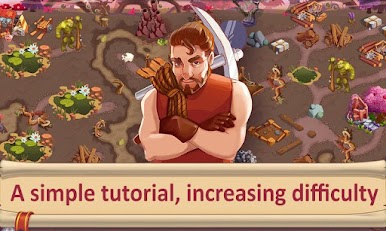
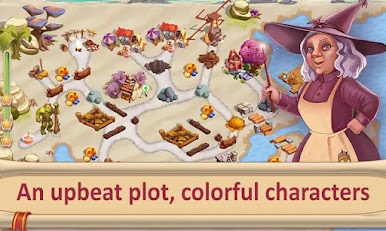
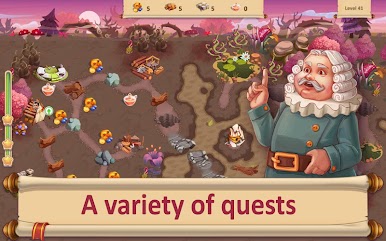
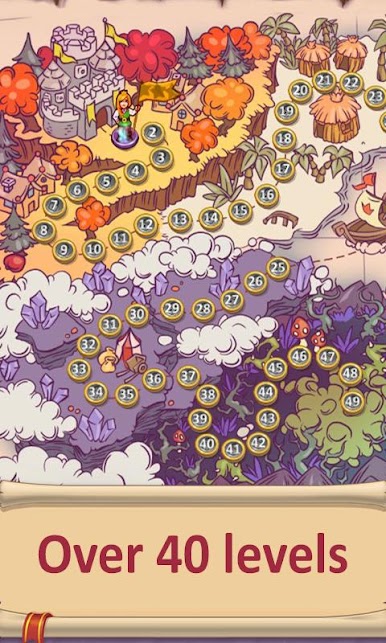
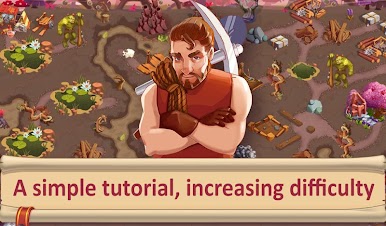
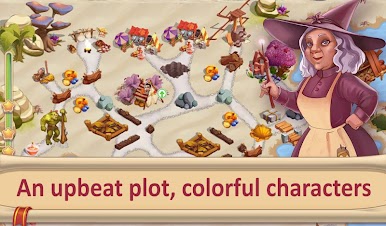
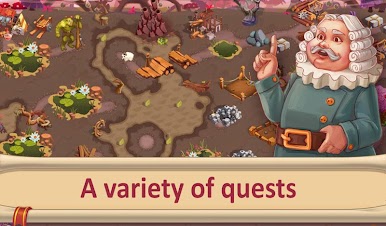
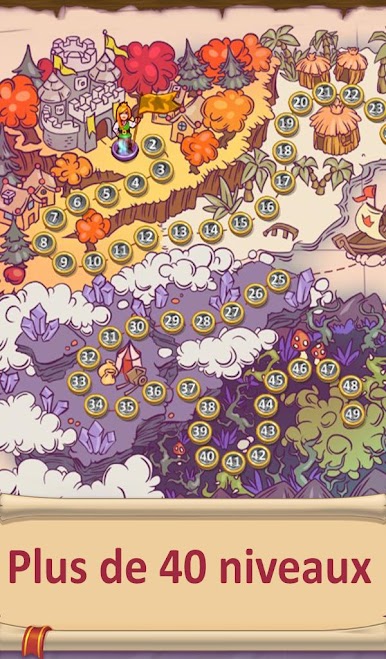
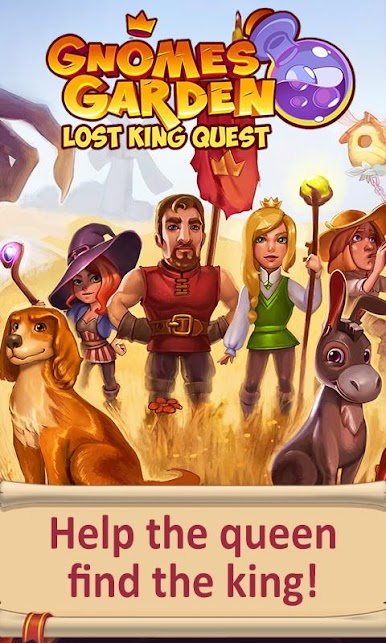
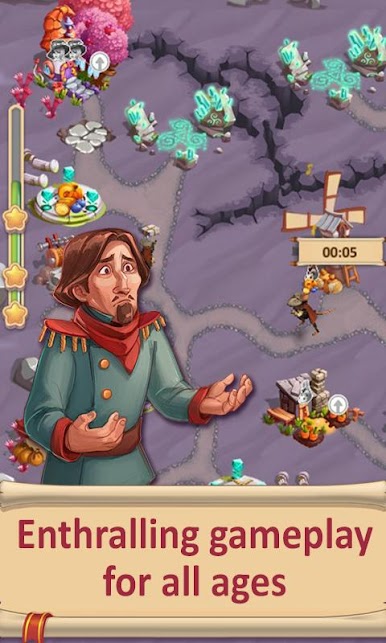
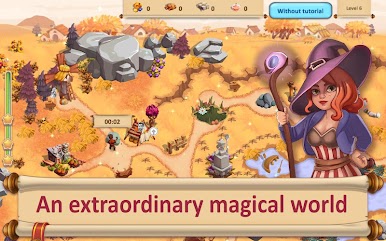
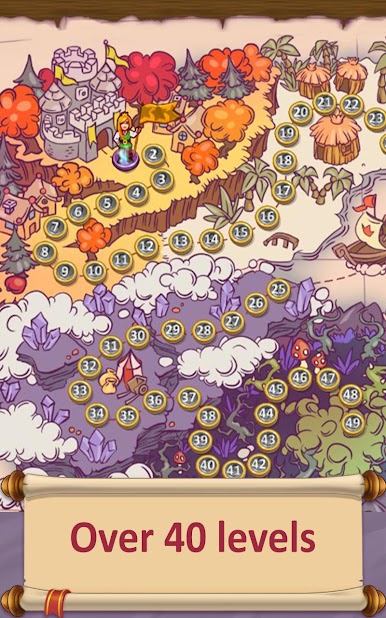
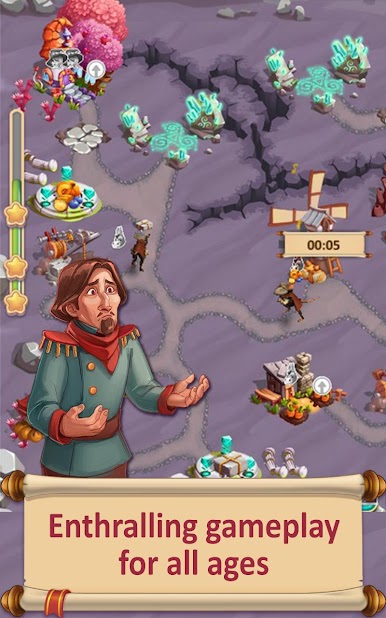
Gnomes Garden: The Lost King feels like one of those comfy time management builders where every click nudges a tiny kingdom back to life. The setup is simple and cute. The king disappears on a hunt, the princess takes charge, and each stage is a little puzzle about fixing roads, clearing rubble, planting food, and rebuilding odd little structures while trolls and hornets make a mess of things. Players send workers to gather wood, stone, and food, plan which buildings to upgrade first, then race the clock to finish an efficient route. There are boosts to speed up work or freeze time, plus a bit of princess magic when the plan goes sideways. The levels are bite sized, the tutorial is clear, and the goals shift enough to keep the routine from getting stale. Expect a bunch of stages across different biomes, with small comic panels and cheerful music between runs, and some silly touches like stubborn sheep and pigeon posts for mail.
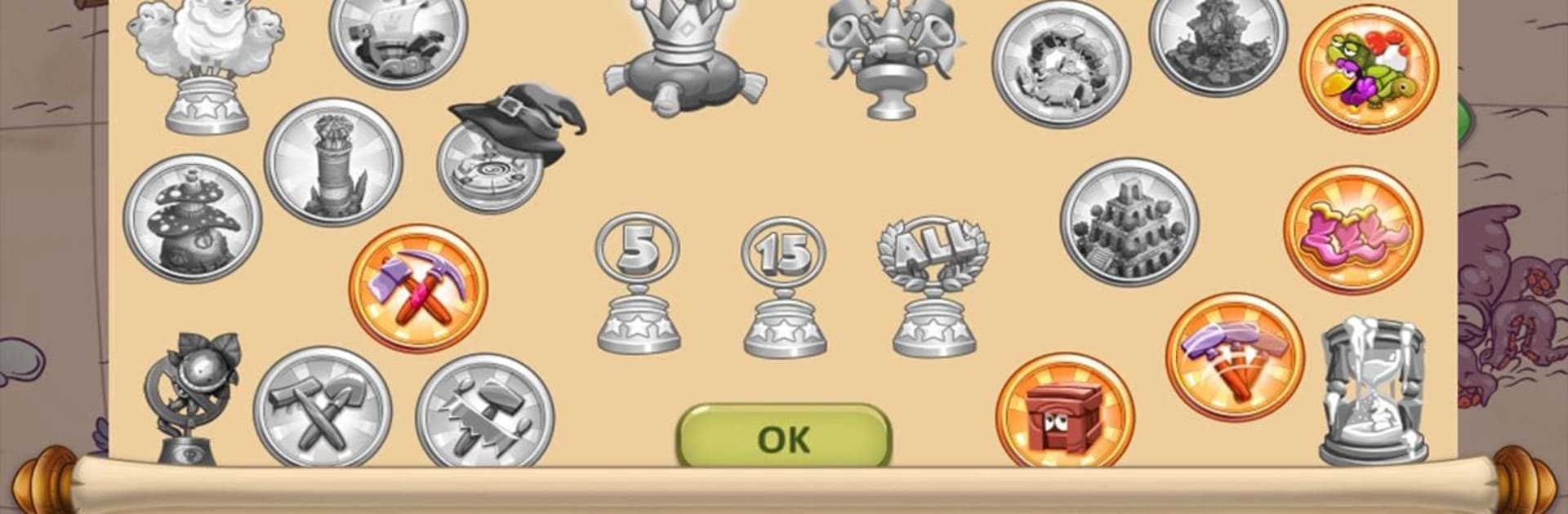
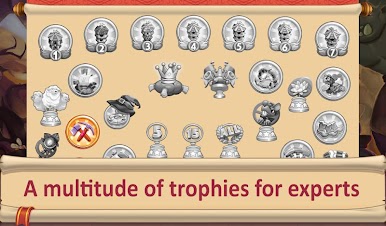
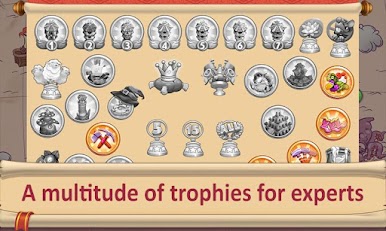
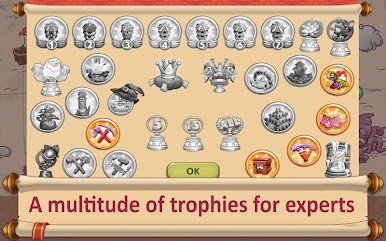
On PC through BlueStacks, the mouse control makes task chaining feel tidy and fast, and the bigger screen helps track what workers are doing without hunting around. It suits anyone who likes resource juggling more than combat, enjoys chasing 3-star times, and wants a chill loop of build, collect, repair, repeat while trophies pile up in the background.
Make your gaming sessions memorable with precise controls that give you an edge in close combats and visuals that pop up, bringing every character to life.

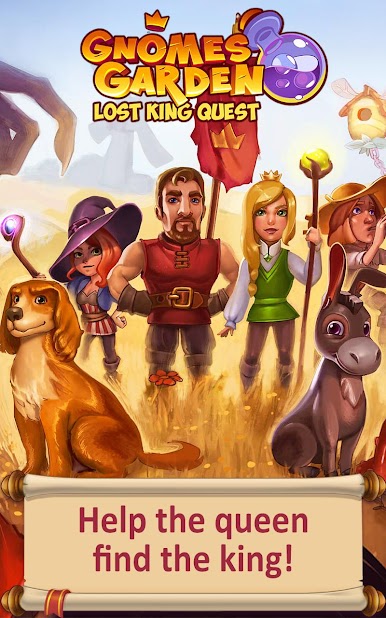

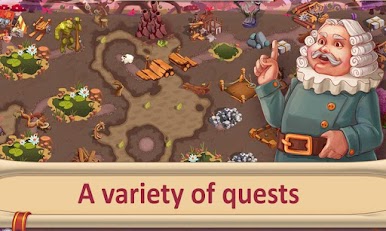
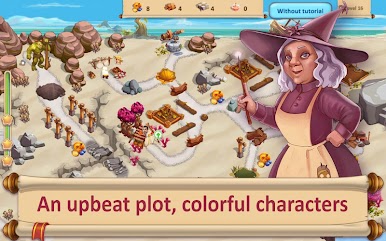
Play Gnomes Garden 6 on PC. It’s easy to get started.
-
Download and install BlueStacks on your PC
-
Complete Google sign-in to access the Play Store, or do it later
-
Look for Gnomes Garden 6 in the search bar at the top right corner
-
Click to install Gnomes Garden 6 from the search results
-
Complete Google sign-in (if you skipped step 2) to install Gnomes Garden 6
-
Click the Gnomes Garden 6 icon on the home screen to start playing

