


Polandball Go: Countryballs
Play on PC with BlueStacks – the Android Gaming Platform, trusted by 500M+ gamers.

Page Modified on: Oct 7, 2026
Play Polandball Go on PC or Mac
Bring your A-game to Polandball Go, the Adventure game sensation from Zone Gaming LLC. Give your gameplay the much-needed boost with precise game controls, high FPS graphics, and top-tier features on your PC or Mac with BlueStacks.
About the Game
Polandball Go is an Adventure that mixes real-world exploring with lighthearted collecting. Head outside, check the map around you, and see which countryballs are waiting to join your squad. Prefer a bigger screen and smooth controls? You can hop in on PC with BlueStacks too.
Game Features
- Real-world map exploration: Step out and discover nearby landmarks, streets, and parks turned into in-game points of interest, each with something to find or do.
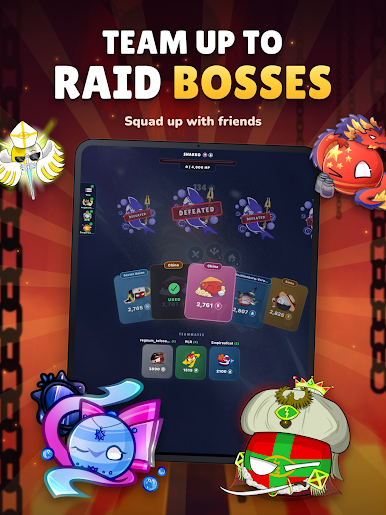
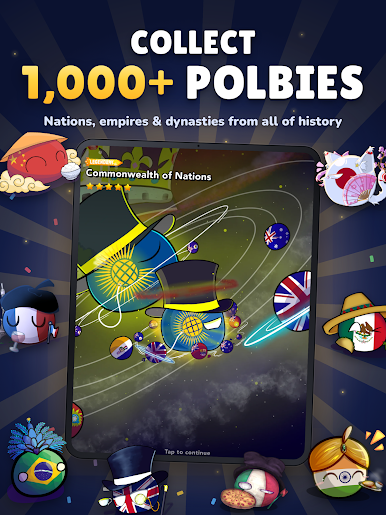
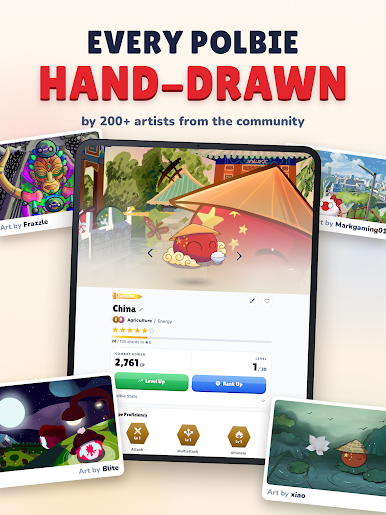
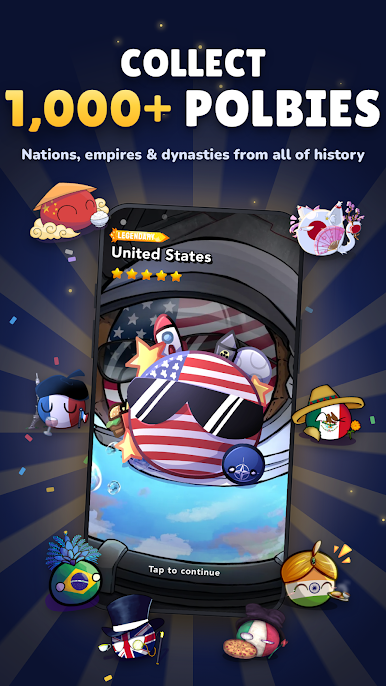
- Recruit countryballs: Spot a countryball on the map, approach it, and add it to your growing roster—build a collection that feels personal and a little goofy in the best way.
- Resource gathering: Pick up useful supplies from designated locations as you move around; they help you progress and keep your adventures rolling.
- Claim and conquer: Come across locations you can capture and mark as yours—leave a footprint on the map and see how far your influence can spread.
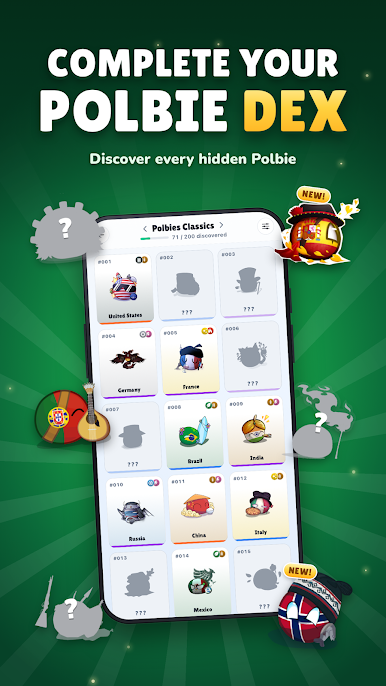
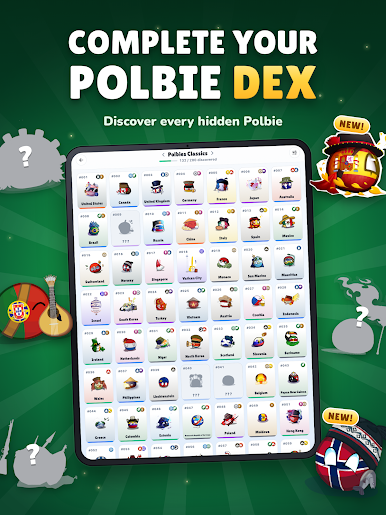
- Collection tracking: Keep tabs on what you’ve found and what’s still missing, then plan your next outing to snag that one countryball you’ve been hunting.
- Play at your pace: Go for a quick stroll to grab a few items or make a full afternoon of exploring—both approaches work just fine.
- Simple, on-the-go sessions: Short interactions fit naturally between errands and commutes, but longer walks open up more discoveries if you’re in the mood.
Get ready for a buttery smooth, high-performance gaming action only on BlueStacks.



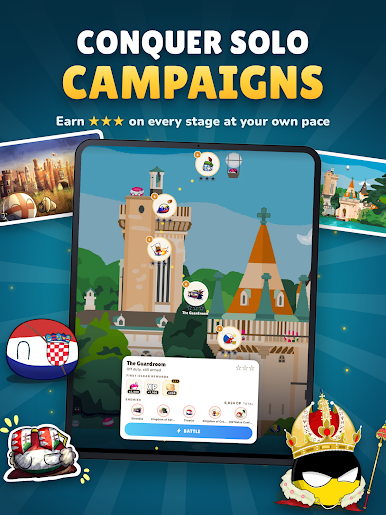
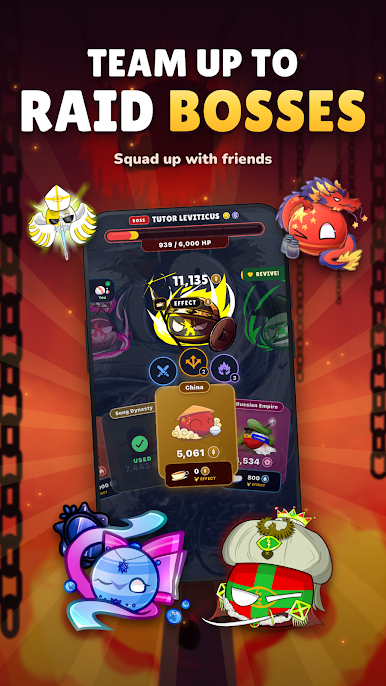
Play Polandball Go: Countryballs on PC. It’s easy to get started.
-
Download and install BlueStacks on your PC
-
Complete Google sign-in to access the Play Store, or do it later
-
Look for Polandball Go: Countryballs in the search bar at the top right corner
-
Click to install Polandball Go: Countryballs from the search results
-
Complete Google sign-in (if you skipped step 2) to install Polandball Go: Countryballs
-
Click the Polandball Go: Countryballs icon on the home screen to start playing

