


미가엘 찬양 반주기 ( 새찬송가/통일찬송가 )
Play on PC with BlueStacks – the Android Gaming Platform, trusted by 500M+ gamers.

Page Modified on: Jul 4, 2025
Play 미가엘 찬양 반주기 ( 새찬송가/통일찬송가 ) on PC
The 20-year-old Michael Praise Accompaniment has been released as a smartphone application.
Another innovation in the praise player application!
The world's first real sheet music implementation on smartphones!
High-quality sound close to the original sound
Free pitch/speed control
During worship services such as home/district worship/small group meetings, etc.
It can be used as an accompaniment to hymns.
[Main features of Michael Half Cycle]
* High-quality sound praise accompaniment
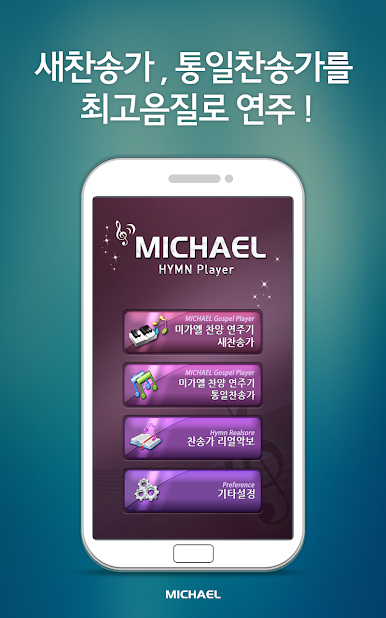
- Accompaniment of 645 new hymns and 558 unification hymns with the highest sound quality.
- You can set repeat one song, play one song, play all songs, etc.
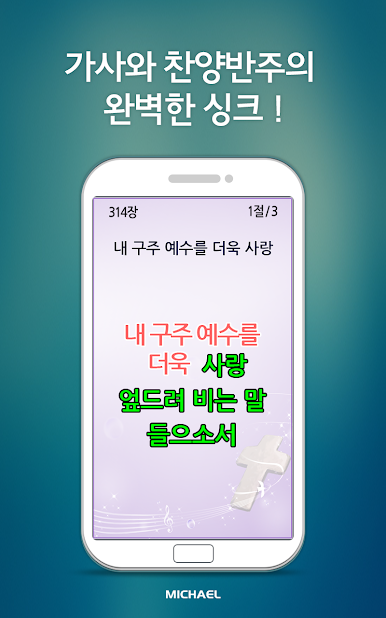
* Perfect synchronization of lyrics and accompaniment
- When viewing on a large screen, you can set up text lyrics view/real score and code view.
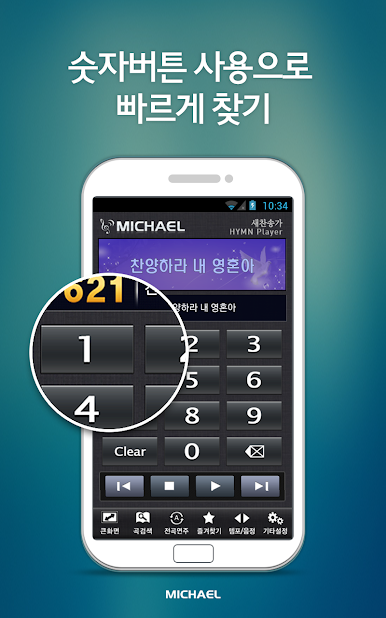
* Find quickly using number buttons
- If you select a hymn using the number buttons (0~9), you can find it immediately.
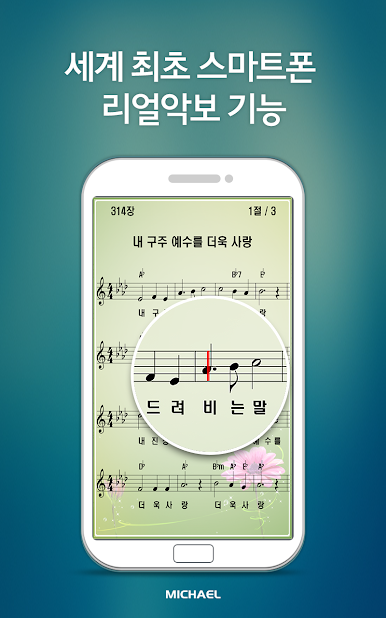
* World's first smartphone real sheet music function
- The world's first real sheet music implemented on a smartphone.
- You can set the chord view when viewing sheet music.
- Can also be used as a hymn book.
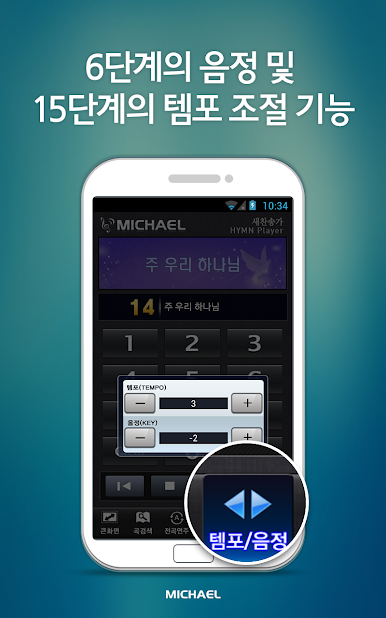
* Pitch and tempo control function
- When adjusting the pitch, it is adjusted along with the real score key signature and chords.
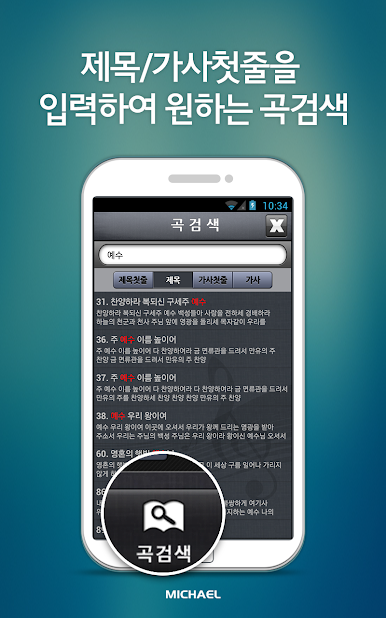
* Song search function
- You can find the song you want by entering the title/first line of lyrics.
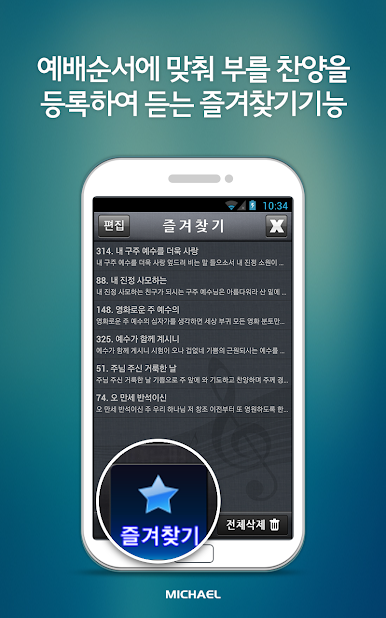
* Favorites function
- You can register praise songs or favorite songs to be sung according to the order of worship.
- Only songs registered as favorites can be played.
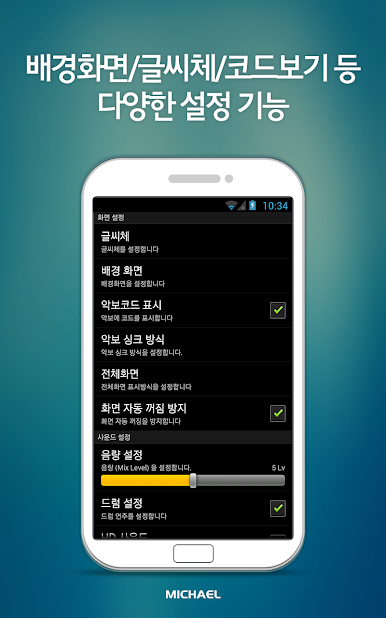
* Various setting functions such as wallpaper/font/code view, etc.
- You can change the font to 5 types (Gothic, Gothic 2, Myeongjo, Palace, Magic) so you can use it more easily.
- 10 backgrounds are built-in so you can use them in a variety of ways.
* Landscape mode supported
- Supports landscape mode for all functions.
Play 미가엘 찬양 반주기 ( 새찬송가/통일찬송가 ) on PC. It’s easy to get started.
-
Download and install BlueStacks on your PC
-
Complete Google sign-in to access the Play Store, or do it later
-
Look for 미가엘 찬양 반주기 ( 새찬송가/통일찬송가 ) in the search bar at the top right corner
-
Click to install 미가엘 찬양 반주기 ( 새찬송가/통일찬송가 ) from the search results
-
Complete Google sign-in (if you skipped step 2) to install 미가엘 찬양 반주기 ( 새찬송가/통일찬송가 )
-
Click the 미가엘 찬양 반주기 ( 새찬송가/통일찬송가 ) icon on the home screen to start playing

