


KITAUT – Rope Runner
Play on PC with BlueStacks – the Android Gaming Platform, trusted by 500M+ gamers.

Page Modified on: Sep 17, 2026
Play KITAUT – Rope Runner on PC
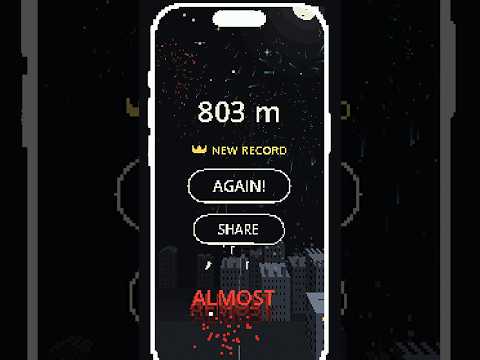
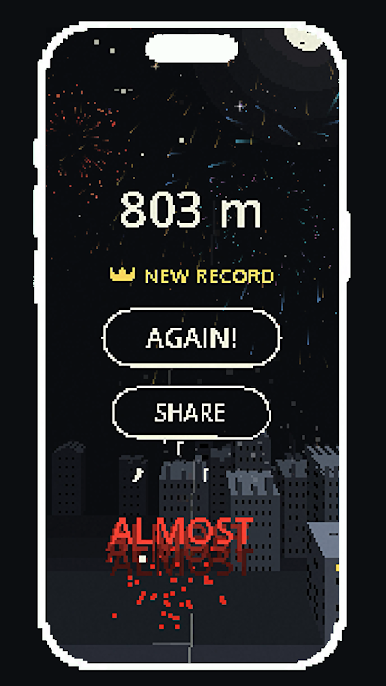
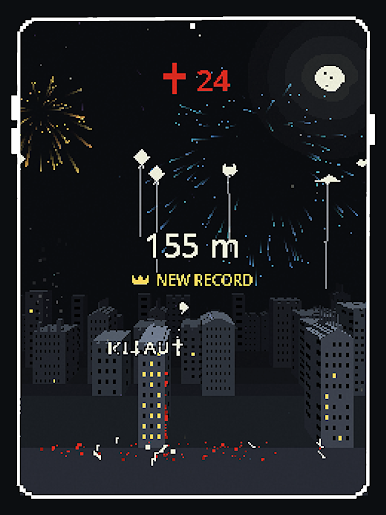
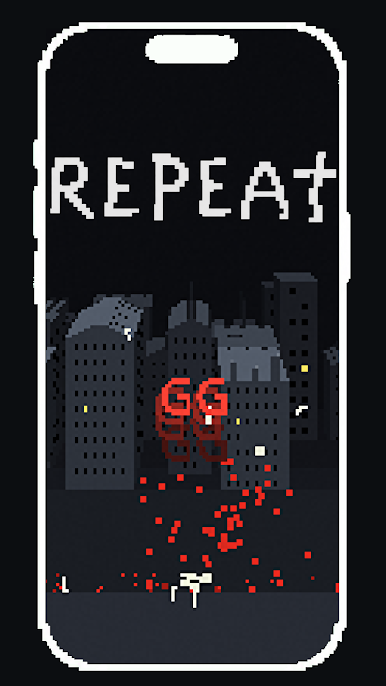
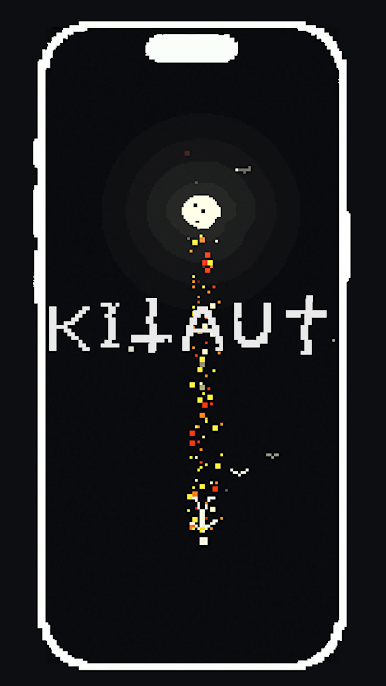
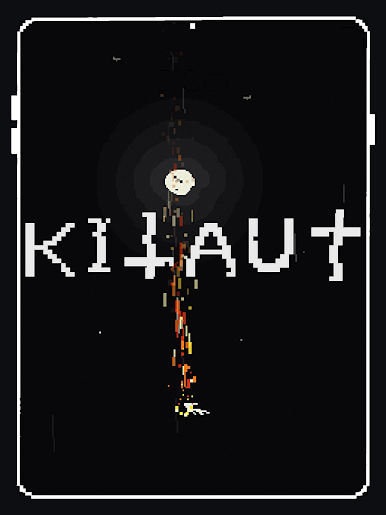
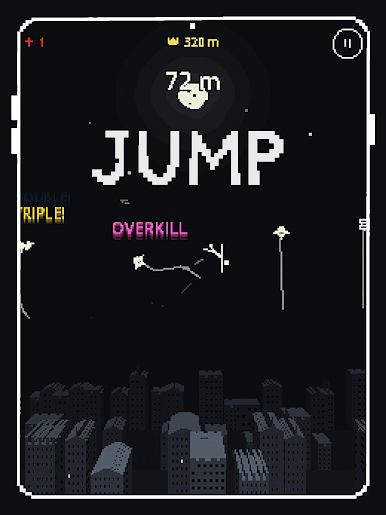
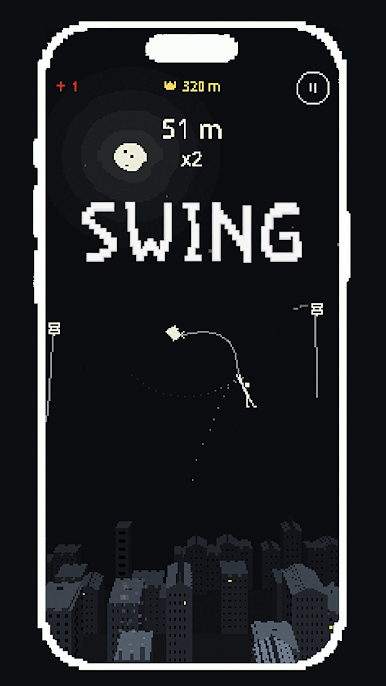
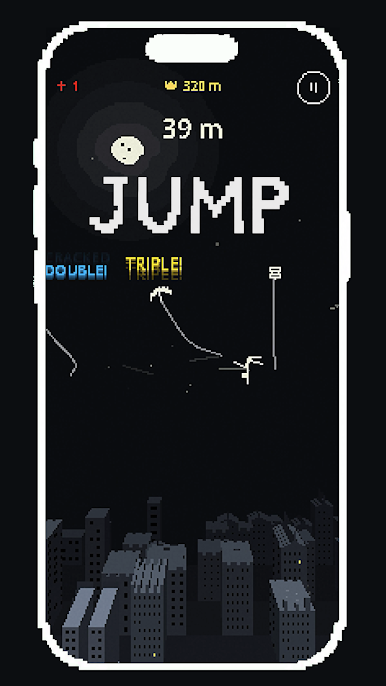
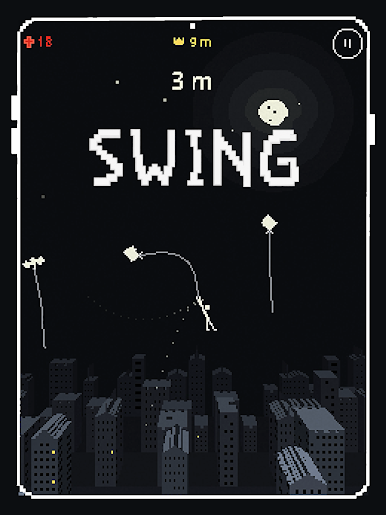
Tap to swing, swipe to jump, and swipe down to move lower on a rope. Find your rhythm as a sleeping city gives way to open sky and outer space.
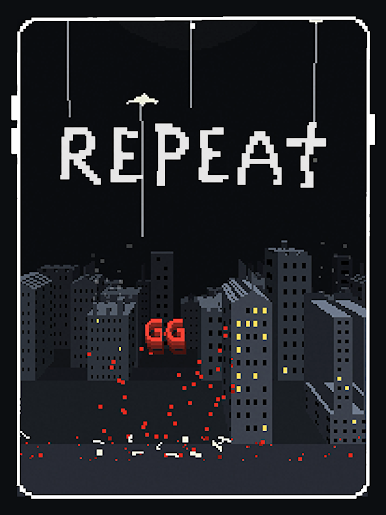
Miss a catch? Restart in a moment and try a different approach. As your timing improves, you can leap straight from rope to rope, chain clean catches, and find faster routes upward.
FEATURES
• Physics-based swinging built around timing and momentum
• An endless climb from city rooftops through the sky and into space
• Ropes that wear out and snap
• Fast rope-to-rope routes for skilled players
• Quick restarts for one more try
• Shareable records
• Haptics and sound that react to your play
• A distinctive pixel-art world
Play KITAUT – Rope Runner on PC. It’s easy to get started.
-
Download and install BlueStacks on your PC
-
Complete Google sign-in to access the Play Store, or do it later
-
Look for KITAUT – Rope Runner in the search bar at the top right corner
-
Click to install KITAUT – Rope Runner from the search results
-
Complete Google sign-in (if you skipped step 2) to install KITAUT – Rope Runner
-
Click the KITAUT – Rope Runner icon on the home screen to start playing

