


Air1
Play on PC with BlueStacks – the Android Gaming Platform, trusted by 500M+ gamers.

Page Modified on: Jun 3, 2025
Run Air1 on PC or Mac
What’s better than using Air1 by Educational Media Foundation? Well, try it on a big screen, on your PC or Mac, with BlueStacks to see the difference.
About the App
Looking for a way to stay connected to your favorite worship music and uplifting tunes wherever you go? Air1 has you covered. This easy-to-use app from Educational Media Foundation puts a whole world of Christian music and faith-based inspiration right in your pocket. Whether you’re at home, commuting, or just need a quick pick-me-up, Air1’s got plenty to keep your spirit lifted and your playlists fresh.
App Features
-
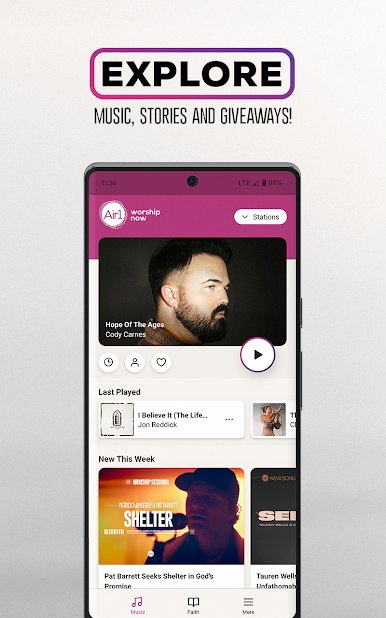
Favorite Songs List
Building your own collection of go-to songs? Save your favorites in one spot so you can play them again and again without searching. -
Artist Deep Dives
Curious to know more about the musicians you love? Air1 gives you the inside scoop with stories, interviews, and special content from top Christian music artists. -
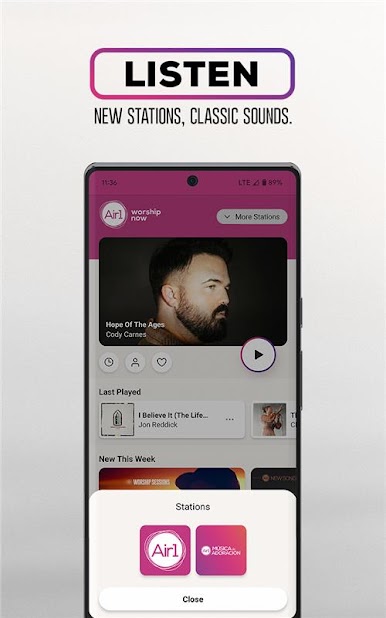
Local & On-the-Go Stations
Heading out for a road trip or just curious what’s playing near you? Easily discover Air1 stations in your city or tune in from wherever you are. -
Now Playing Bar
No more guessing games—see exactly what’s playing at a glance with the handy quick access player at the bottom of the screen. -
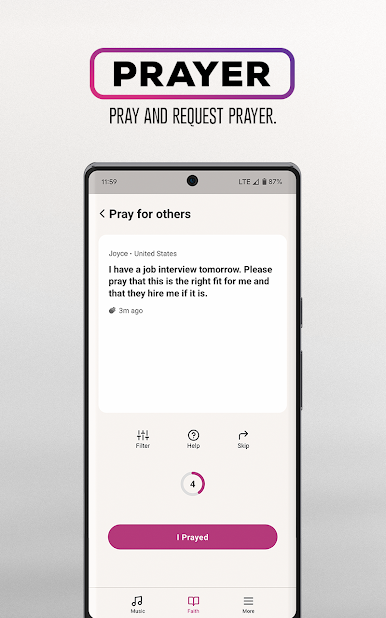
Prayer Requests & Support
Share what’s on your heart by submitting a prayer request, or take a moment to pray for others in the community—it’s all just a tap away. -
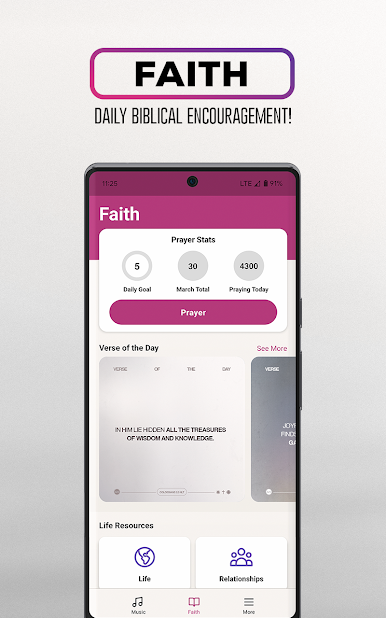
Uplifting Verse Images
Get inspired with daily biblical verses, beautifully designed and easy to share right from the app with family or friends. -
Faith-Focused Content
Go beyond the music. Enjoy fresh faith resources and heartfelt stories to brighten your day and encourage your journey.
Air1 works smoothly on your mobile device and can also be enjoyed on a larger screen through BlueStacks.
Ready to experience Air1 on a bigger screen, in all its glory? Download BlueStacks now.
Play Air1 on PC. It’s easy to get started.
-
Download and install BlueStacks on your PC
-
Complete Google sign-in to access the Play Store, or do it later
-
Look for Air1 in the search bar at the top right corner
-
Click to install Air1 from the search results
-
Complete Google sign-in (if you skipped step 2) to install Air1
-
Click the Air1 icon on the home screen to start playing

