

FPse for Android devices
Play on PC with BlueStacks – the Android Gaming Platform, trusted by 500M+ gamers.

Page Modified on: Jun 23, 2025
Play FPse for Android devices on PC or Mac
FPse for Android devices brings the Casual genre to life, and throws up exciting challenges for gamers. Developed by Schtruck & LDchen, this Android game is best experienced on BlueStacks, the World’s #1 app player for PC and Mac users.
About the Game
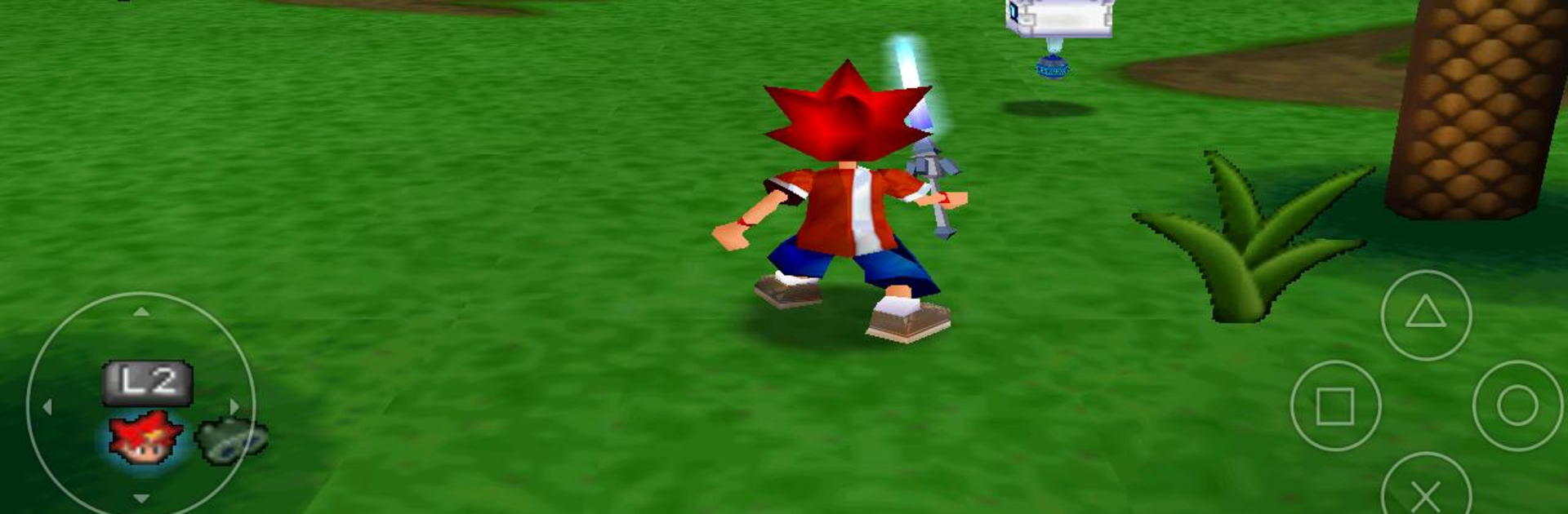
FPse for Android devices, from Schtruck & LDchen, brings classic PSone gaming right to your fingertips. If you’ve ever wanted to revisit your favorite old-school PlayStation games without dragging out all your old hardware, this casual emulator makes it a breeze on your phone. It’s surprisingly simple to set up and packs lots of customization to suit both the casual player and the die-hard retro fan.
Game Features
-
Smooth, Responsive Experience: FPse is built for speed and works on everything from older phones to the latest Android devices. You’ll notice quick load times and smooth gameplay—even on lower-end gadgets.
-
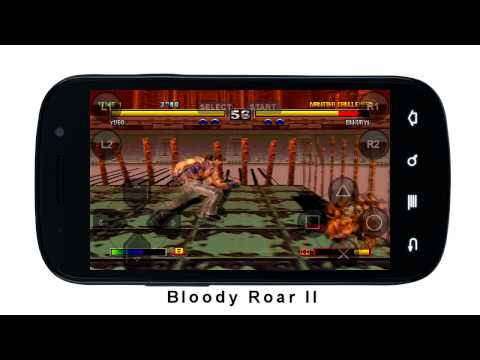
Crisp Graphics Options: Using OpenGL, this emulator lets you boost game resolution for sharper visuals. There’s also HD rendering (up to 4x native quality) and a selection of shaders that tweak the look to your liking.
-
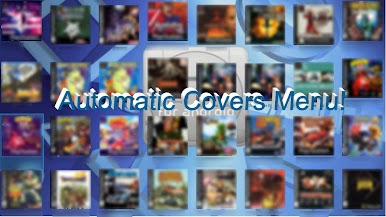
Intuitive Game Library: The interface scans your storage for PlayStation games, automatically displays cover art, and even lets you preview video clips of your games right from the menu.
-
Save Anytime: Got a great run going? Use savestates to save your progress instantly and jump back in whenever you want.
-
Flexible Controls: FPse comes with up to 10 on-screen gamepads (downloadable right from the app), makes use of the touchscreen, and supports various controllers—including IcontrolPAD, Zeemote, and even PS3/PS4/XBOX360 controllers (work in progress).
-
Gun and Analog Support: It emulates the iconic Guncon (use your finger to aim and shoot!), provides analog stick support, and responds to your phone’s G-Sensor.
-
File Versatility: Compatible with a wide range of disc image formats—.img, .iso, .bin, .cue, .nrg, .mdf, .pbp, and .Z. Plus, it smartly extracts compressed games from .zip, .rar, .7z, .ecm, or .ape files.
-
Audio Emulation: Supports cue/bin for authentic audio tracks, so soundtracks and effects are spot-on.
-
Exclusive Multiplayer: Try out experimental LAN multiplayer between two Android devices or go wild with up to four players using nearby phones as wireless controllers.
-
Custom Tweaks: Autofire options, polygon fixes, widescreen 3D support, and automatic cheat code searches let you play your way.
-
Extra Perks: Early VR headset support, network-based loading from a NAS, force feedback, and more.
You can even enjoy FPse for Android devices on your PC using BlueStacks, bringing the console experience to a bigger screen if you’re in the mood.
Ready to top the leaderboard? We bet you do. Let precise controls and sharp visuals optimized on BlueStacks lead you to victory.
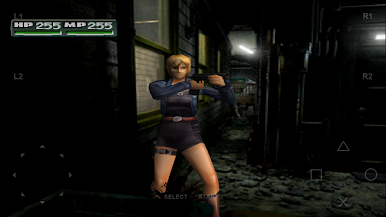
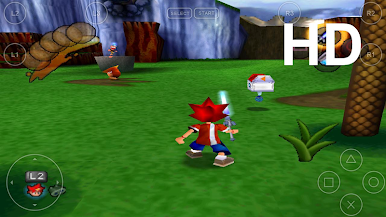
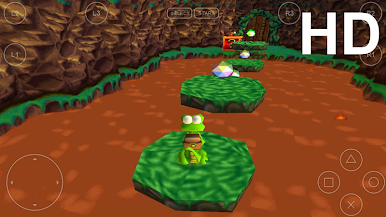
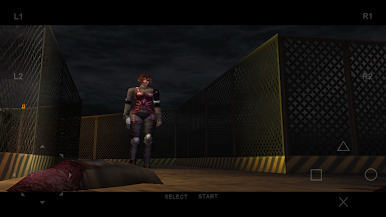
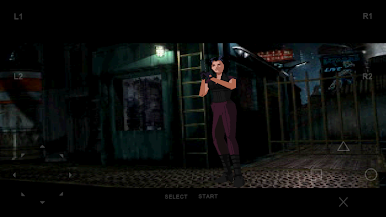
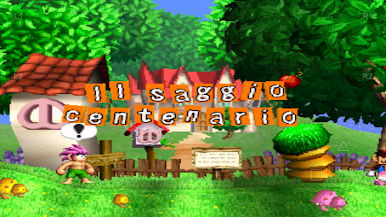
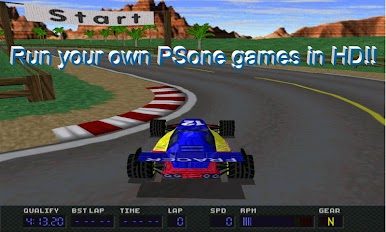
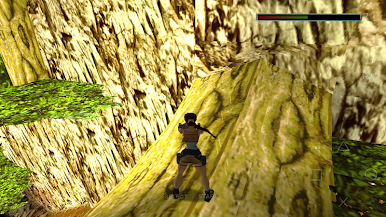
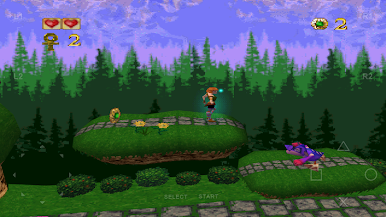
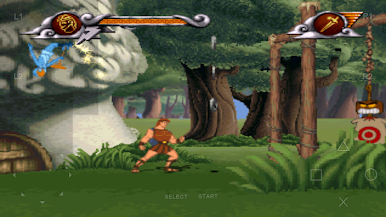
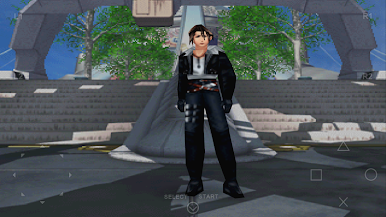
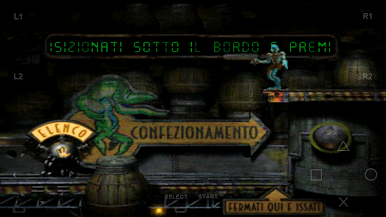
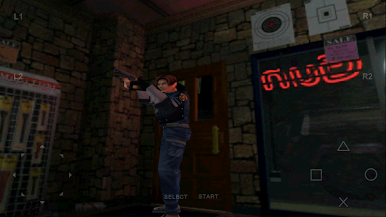

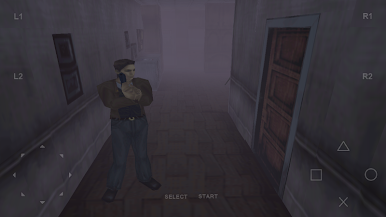
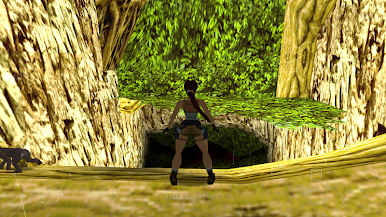
Play FPse for Android devices on PC. It’s easy to get started.
-
Download and install BlueStacks on your PC
-
Complete Google sign-in to access the Play Store, or do it later
-
Look for FPse for Android devices in the search bar at the top right corner
-
Click to install FPse for Android devices from the search results
-
Complete Google sign-in (if you skipped step 2) to install FPse for Android devices
-
Click the FPse for Android devices icon on the home screen to start playing

