


ROLA
Play on PC with BlueStacks – the Android Gaming Platform, trusted by 500M+ gamers.

Page Modified on: Mar 27, 2026
Play ROLA on PC
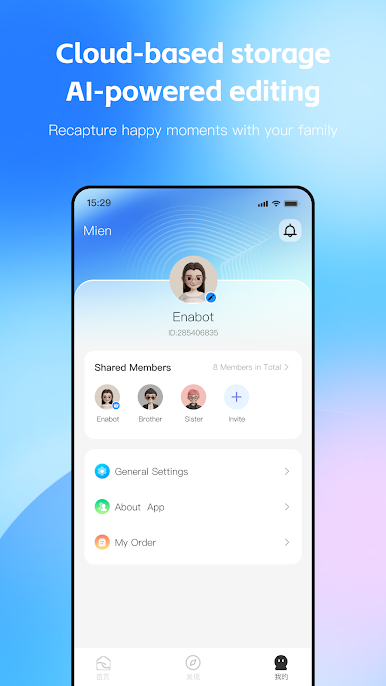
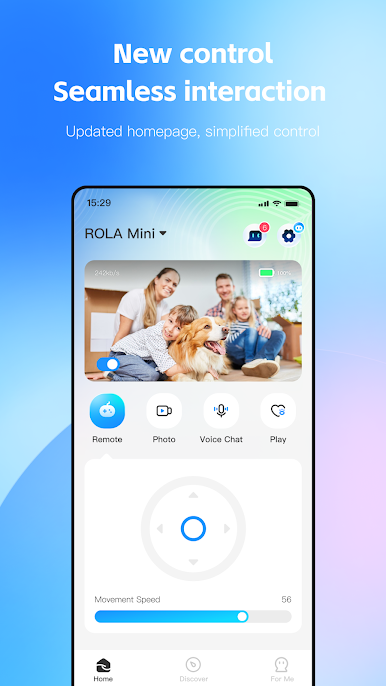
Quick to connect, and easy to use
You can quickly master the ability to connect and operate smart devices, making the use of smart devices even easier.
Endless scenarios, tailored to your imagination.
Control the smart devices whenever, wherever and however you’d like, based on your preferences.
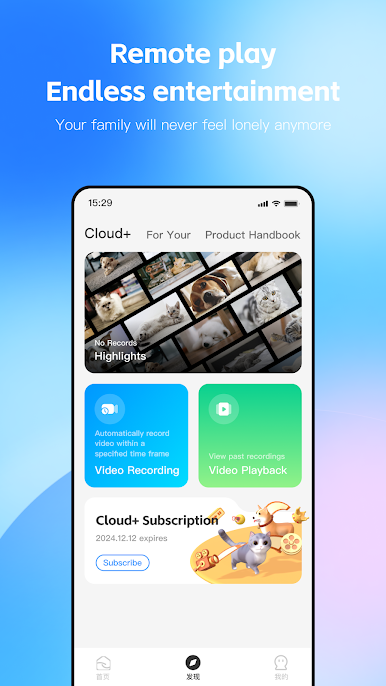
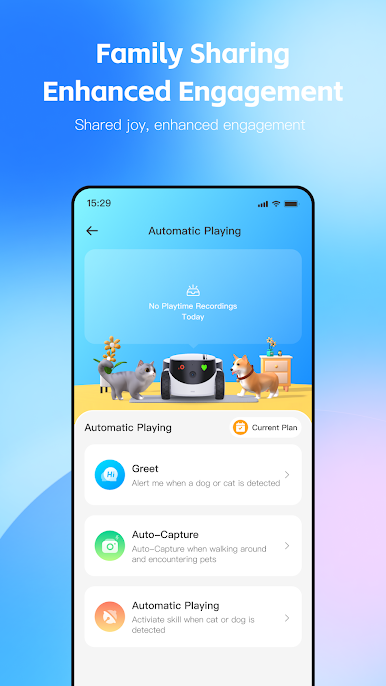
Plenty of content, making life more entertaining
Full screen control, pet interactions, video editing and more ways to play await your discovery
Play ROLA on PC. It’s easy to get started.
-
Download and install BlueStacks on your PC
-
Complete Google sign-in to access the Play Store, or do it later
-
Look for ROLA in the search bar at the top right corner
-
Click to install ROLA from the search results
-
Complete Google sign-in (if you skipped step 2) to install ROLA
-
Click the ROLA icon on the home screen to start playing

