


Aerovice Frutiger World
Play on PC with BlueStacks – the Android Gaming Platform, trusted by 500M+ gamers.

Page Modified on: Jun 21, 2026
Main Aerovice Frutiger World on PC
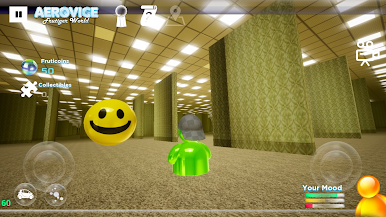
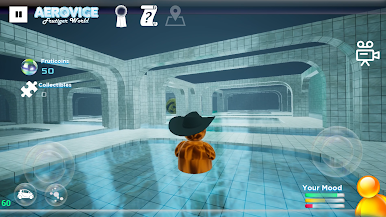
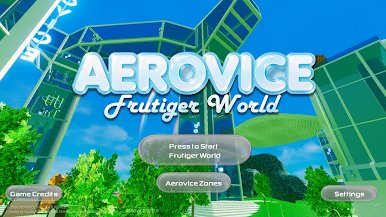
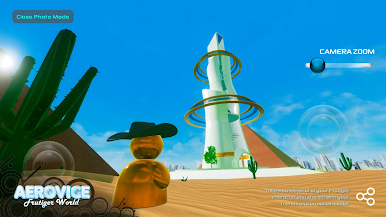
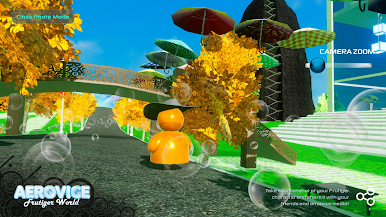
Wander through immersive environments filled with dreamcore vibes, mysterious backrooms, endless poolrooms, and abstract spaces that feel both familiar and otherworldly. Each area is designed to create a sense of calm, curiosity, and subtle unease, inviting you to explore at your own pace.
Features:
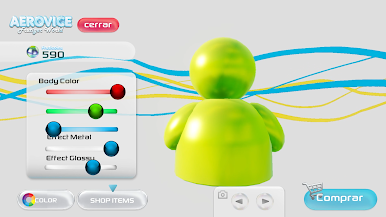
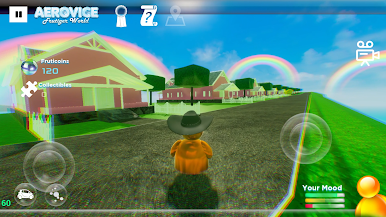
Wonderful worlds inspired by Frutiger Aero & other styles
Relaxing yet eerie exploration gameplay
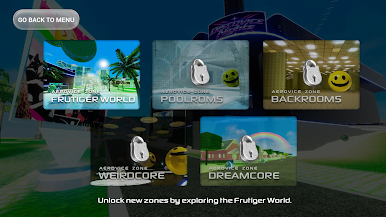
Unique environments: backrooms, poolrooms, liminal spaces
Minimalist experience focused on mood and discovery
Designed for immersion and visual storytelling all in amazing 3D.
Whether you want to relax, explore, or get lost in liminal spaces, Aerovice Frutiger World offers a one-of-a-kind journey into a strange and beautiful universe.
Play Aerovice Frutiger World on PC. It’s easy to get started.
-
Download and install BlueStacks on your PC
-
Complete Google sign-in to access the Play Store, or do it later
-
Look for Aerovice Frutiger World in the search bar at the top right corner
-
Click to install Aerovice Frutiger World from the search results
-
Complete Google sign-in (if you skipped step 2) to install Aerovice Frutiger World
-
Click the Aerovice Frutiger World icon on the home screen to start playing

