

Signed Jobs Management
Play on PC with BlueStacks – the Android Gaming Platform, trusted by 500M+ gamers.

Page Modified on: May 23, 2025
Run Signed Jobs Management on PC or Mac
What’s better than using Signed Jobs Management by Enlaza Soluciones Informaticas Valencia, S.L.? Well, try it on a big screen, on your PC or Mac, with BlueStacks to see the difference.
About the App
Signed Jobs Management is a straightforward way to handle on-site work without drowning in paperwork. Built for everyday field tasks, it helps you record what was done, capture a client’s signature on the spot, and send a clean delivery note right away. It’s a Productivity app by Enlaza Soluciones Informaticas Valencia, S.L., designed to keep your jobs organized and billing-ready.
App Features
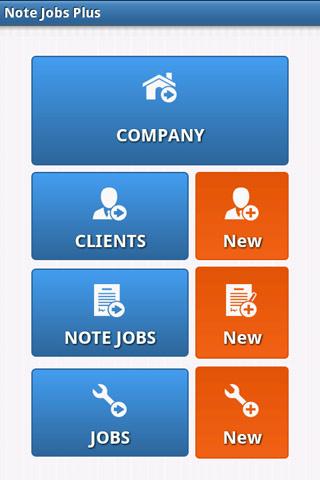
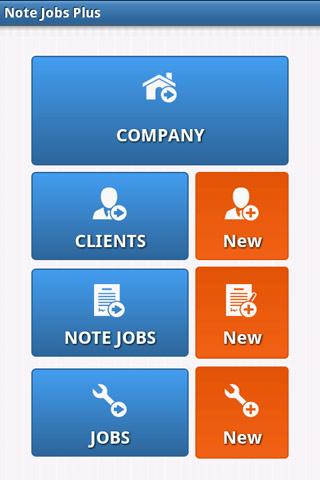
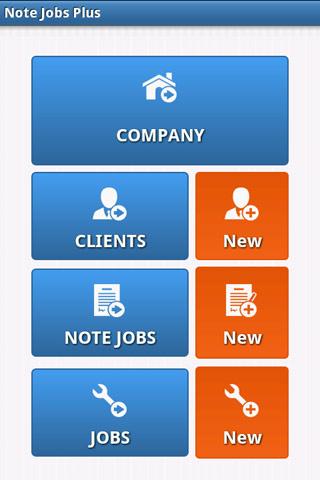
- Company setup — Enter your company details once so every delivery note carries the right info from the start.
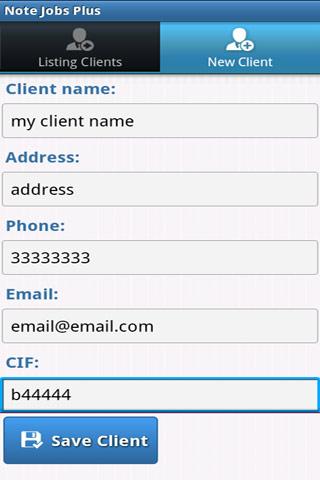
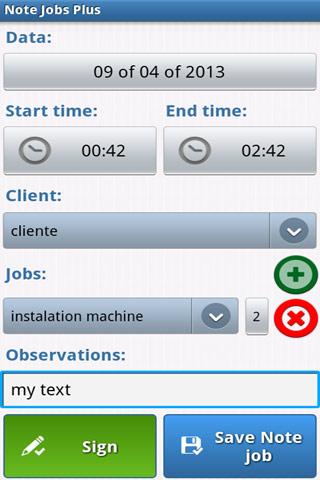
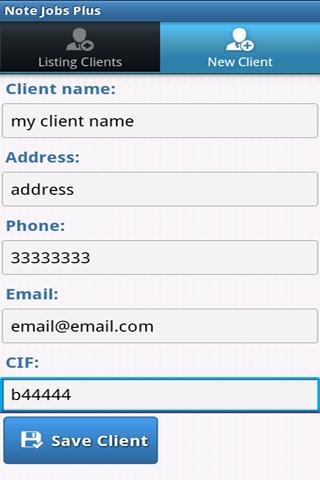
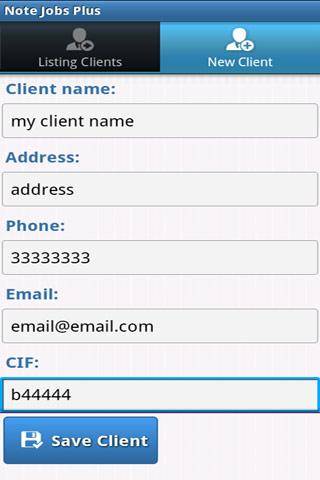
- Customer management — Create and maintain a clear list of clients and job sites, so you always know who and where the work is for.
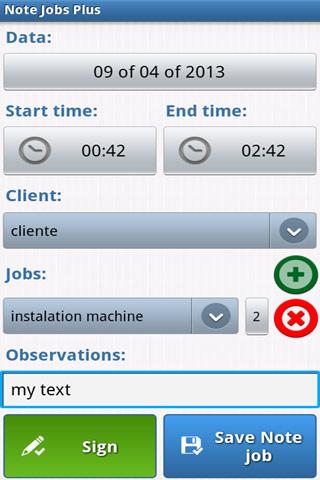
- Task templates — Save frequent tasks (maintenance, power unit changes, and more) to reuse and speed up job creation.
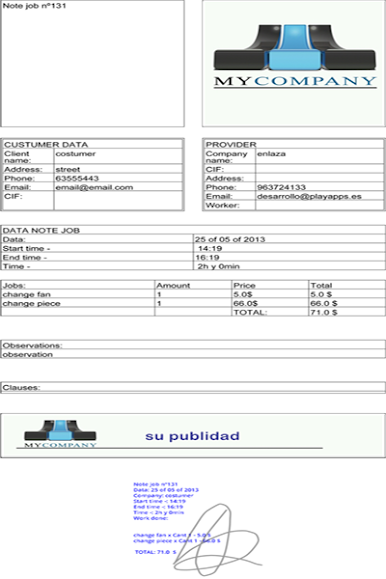
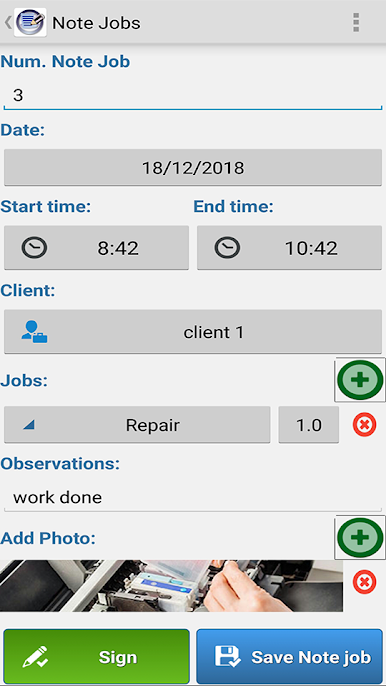
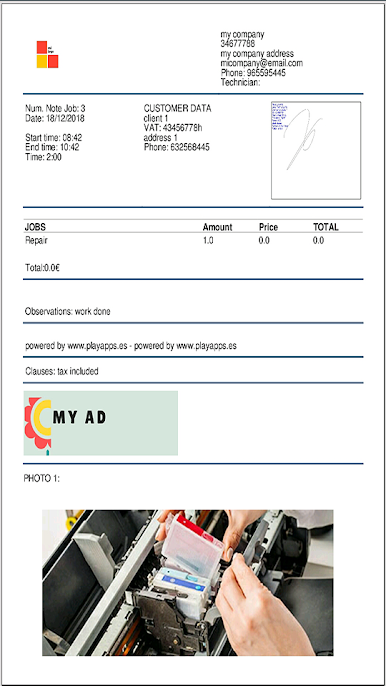
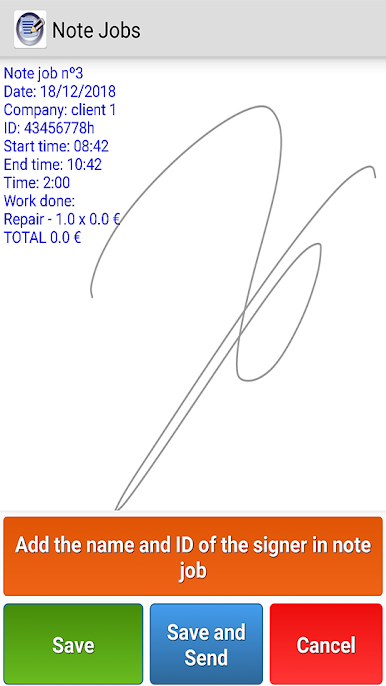
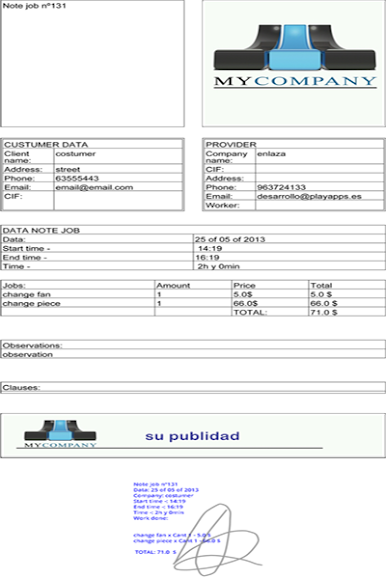
- Digital delivery notes — Record date, start and end time, customer data, and a concise description of the work performed in a tidy, consistent format.
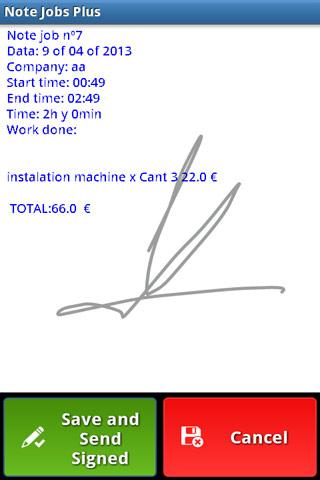
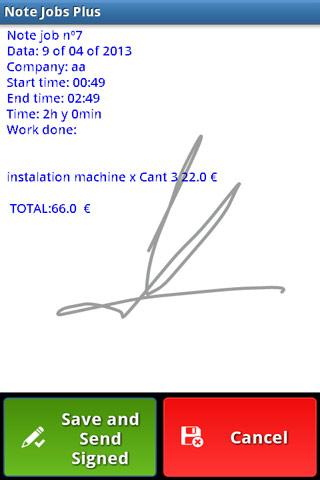
- On-device signatures — Ask clients to sign right on the phone; the note stores the signer’s name and ID for your records.
- Photo attachments — Add up to three images as proof of work or to document issues before and after.
- Email in a tap — Send the signed delivery note by email to the client and your company automatically, no extra steps needed.
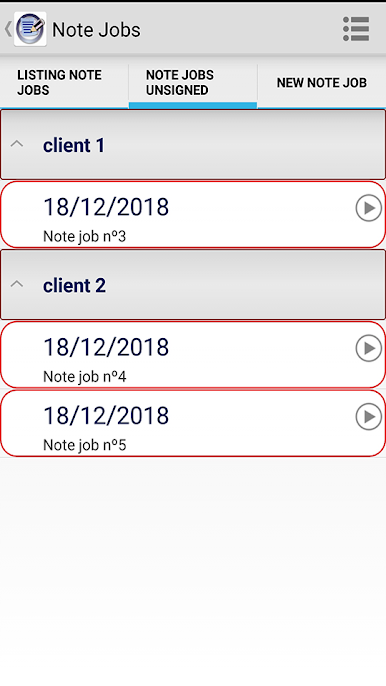
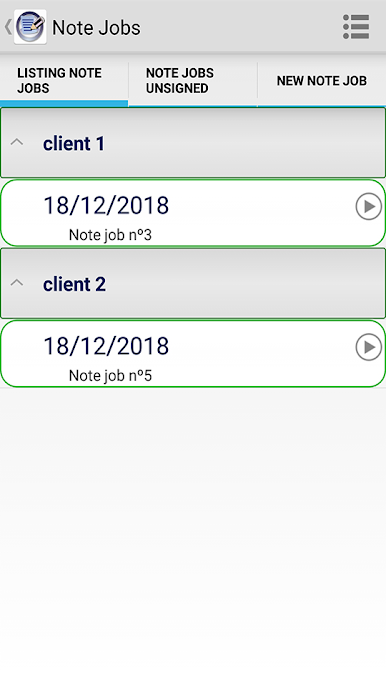
- Save, edit, and clean up — Keep notes whether they’re signed or not, edit details later, and remove duplicates if needed.
- Paperless tracking — Replace loose forms with a clear history of completed jobs, making it easier to follow up and invoice.
- Desktop-friendly option — Prefer a bigger screen and keyboard? You can run Signed Jobs Management on your PC or Mac with BlueStacks for comfortable typing and reviewing.
Ready to experience Signed Jobs Management on a bigger screen, in all its glory? Download BlueStacks now.
Play Signed Jobs Management on PC. It’s easy to get started.
-
Download and install BlueStacks on your PC
-
Complete Google sign-in to access the Play Store, or do it later
-
Look for Signed Jobs Management in the search bar at the top right corner
-
Click to install Signed Jobs Management from the search results
-
Complete Google sign-in (if you skipped step 2) to install Signed Jobs Management
-
Click the Signed Jobs Management icon on the home screen to start playing

