


ePay Pro
Play on PC with BlueStacks – the Android Gaming Platform, trusted by 500M+ gamers.

Page Modified on: Oct 23, 2025
Main ePay Pro on PC
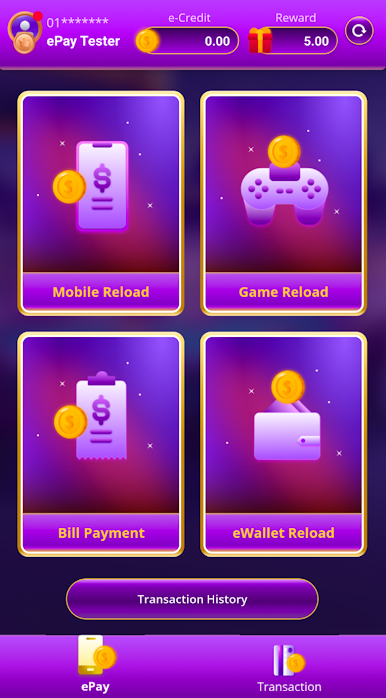
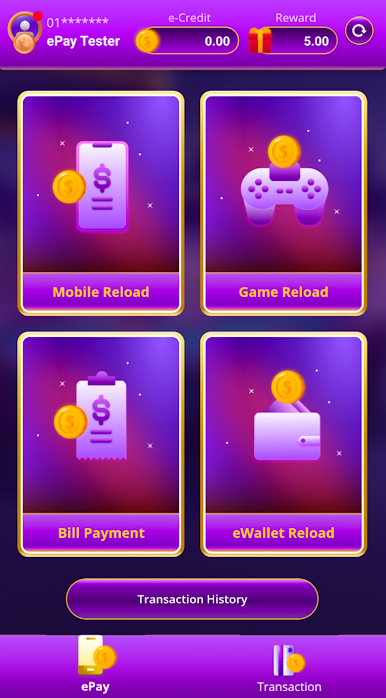
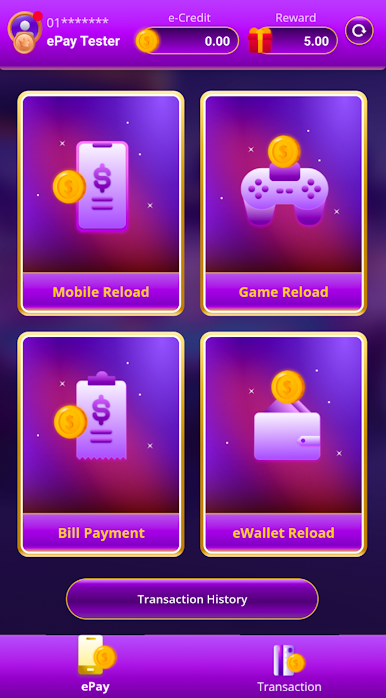
MOBILE RELOAD
Top up your phone credits at any time anywhere with methods such as pin or instant reload. For example, Digi, Hotlink, Maxis, U-Mobile and more.
GAMES RELOAD
Add cash to your favourite games like Garena, aCash, PlayStation, MOLPoint and more.
BILL PAYMENT
Pay your essential bills from home such as Tenaga Nasional, TM, Astro, Unifi and more.
EWALLET RELOAD
You can also reload your eWallet credit such as Boost, Wechat Pay, TouchnGo, etc with ePay User credit.
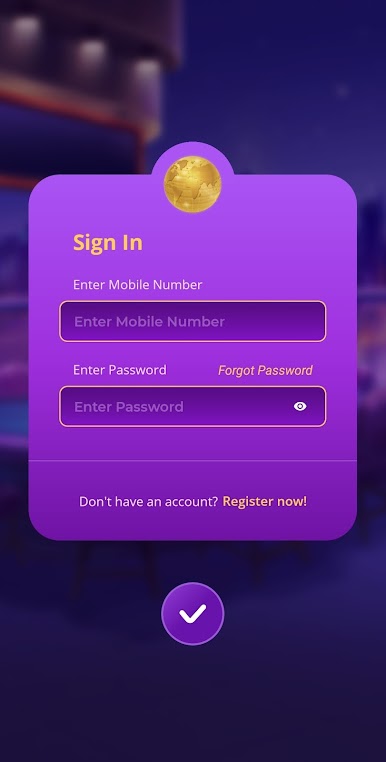
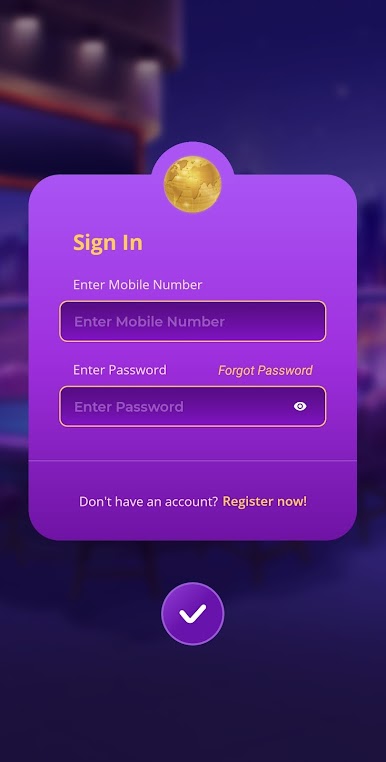
Play ePay Pro on PC. It’s easy to get started.
-
Download and install BlueStacks on your PC
-
Complete Google sign-in to access the Play Store, or do it later
-
Look for ePay Pro in the search bar at the top right corner
-
Click to install ePay Pro from the search results
-
Complete Google sign-in (if you skipped step 2) to install ePay Pro
-
Click the ePay Pro icon on the home screen to start playing

