

Fortnite
Play on PC with BlueStacks – the Android Gaming Platform, trusted by 500M+ gamers.

Page Modified on: Mar 20, 2026
Main Fortnite on PC
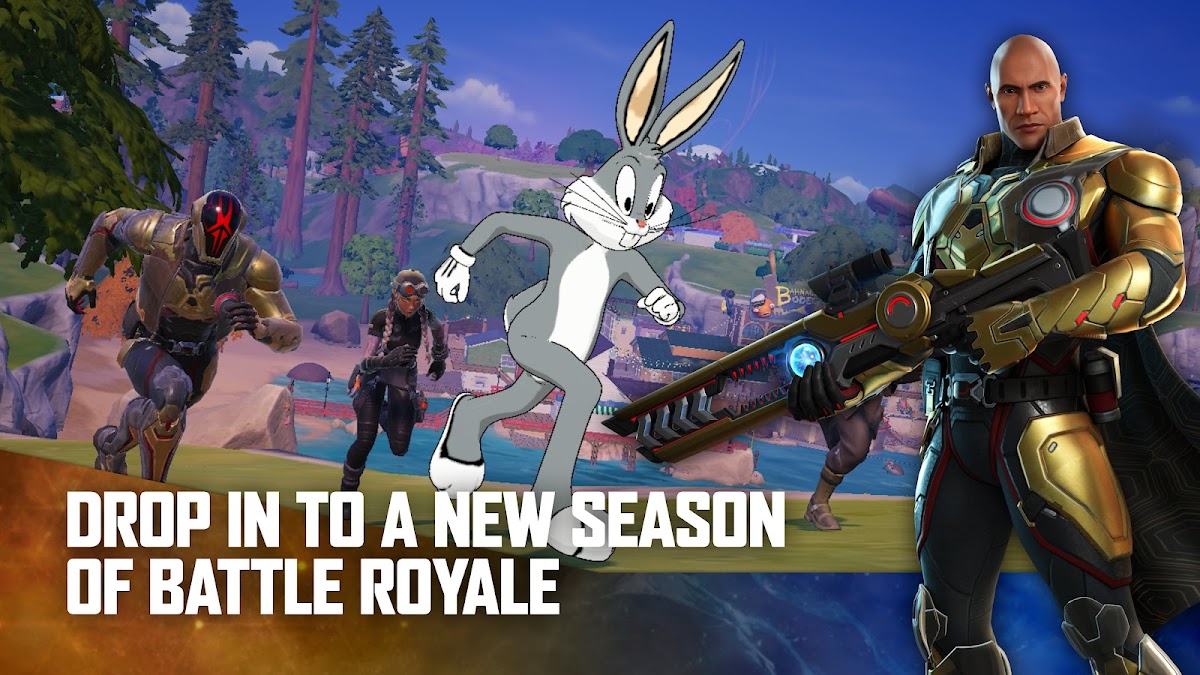
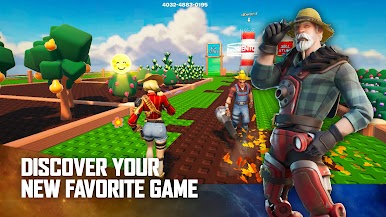
Be the last player standing in Battle Royale. Get nostalgic in Fortnite OG. Headline a concert in Fortnite Festival. Explore the worlds of LEGO Fortnite. Play thousands of free developer-made multiplayer games like tycoons, deathruns, zombie survival, and more. There’s always something new for you and your friends.
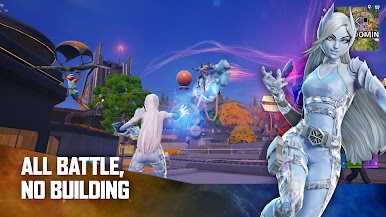
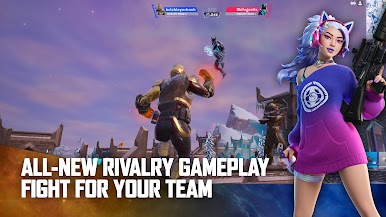
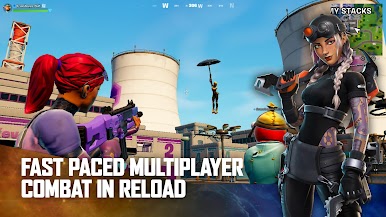
In between games, stop by the Shop to get an Outfit, Back Bling, or Emote. Show off your new look as you go no-building, all action in Zero Build or get tactical in Reload. Play Ranked modes and qualify for Fortnite Competitive tournaments where you can earn rewards like cash or cosmetics.
There’s a new Battle Pass every Season, with tons of rewards you can use across Fortnite like new Outfits, Pickaxes, and Gliders. Unlock these rewards as you complete Quests and earn XP.
Past and present collide in the OG Pass, where you can unlock classic looks with fresh Outfits inspired by past Seasons.
New Seasons of Fortnite Festival bring a brand new music Icon to the stage. Perform as your favorite artists with their Outfits and hit songs in the Shop and Music Pass.
GAMES IN THE FORTNITE MOBILE APP:
- Battle Royale
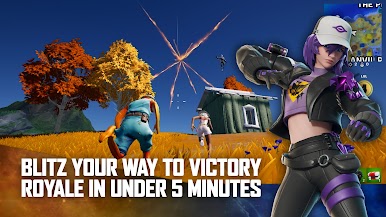
- Blitz Royale
- Zero Build
- Fortnite OG
- LEGO Fortnite
- Fortnite Festival
- Developer-Made Games
- & more
BATTLE ROYALE, WHEREVER & WHENEVER
- Choose your Outfit and explore the Island in style
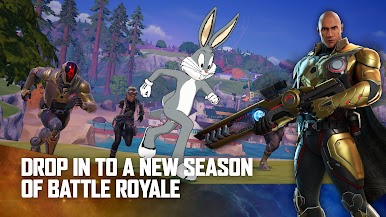
- Fight to be the last one standing in this fast-paced third-person PvP shooter
- Avoid damage as the Storm closes in
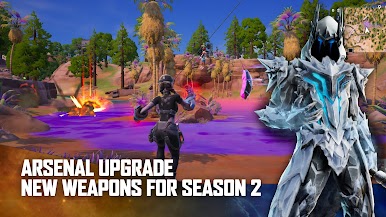
- Coming soon: updates bringing new weapons, vehicles, and more
COMPETE SOLO OR TEAM UP IN ZERO BUILD
- Battle Royale without the building. Play solo or team up as a duo, trio, or 4-person squad
- Use your Overshield for protection because no building means more danger
- Use natural coverage as you move through the map, and leverage your loadout to the max
- Mantle, hurdle, jump, and more to stay competitive
MORE TO EXPLORE
- Play faster in a smaller map with fewer players in Blitz Royale
- Jump into social games
- Perform or remix awesome music with Jam Tracks from the Shop or Music Pass
It’s all right here, in your pocket.

Play Fortnite on PC. It’s easy to get started.
-
Download and install BlueStacks on your PC
-
Complete Google sign-in to access the Play Store, or do it later
-
Look for Fortnite in the search bar at the top right corner
-
Click to install Fortnite from the search results
-
Complete Google sign-in (if you skipped step 2) to install Fortnite
-
Click the Fortnite icon on the home screen to start playing

