


Heating & Cooling HVAC Pro+
Play on PC with BlueStacks – the Android Gaming Platform, trusted by 500M+ gamers.

Page Modified on: Nov 27, 2025
Play Heating & Cooling HVAC Pro+ on PC
Features & Benefits
You can:
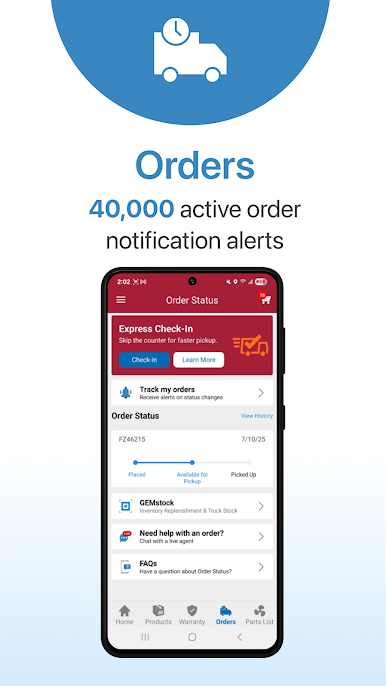
* link to your Heating & Cooling Supply account to view your pricing and order status data, as well as real-time product availability at your preferred branch and other nearby Heating & Cooling Supply branches
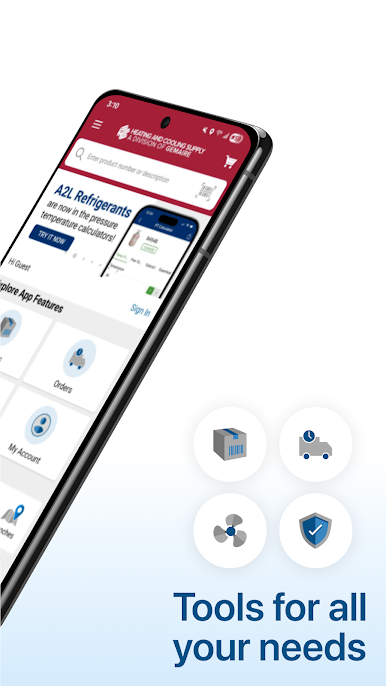
* easily find Heating & Cooling Supply locations, hours, & phone numbers. Get driving directions through your favorite mapping app
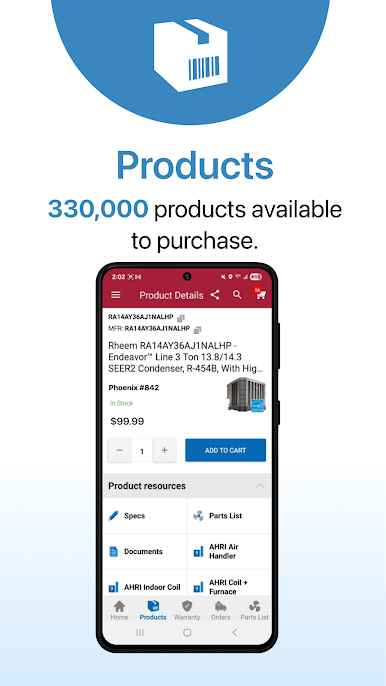
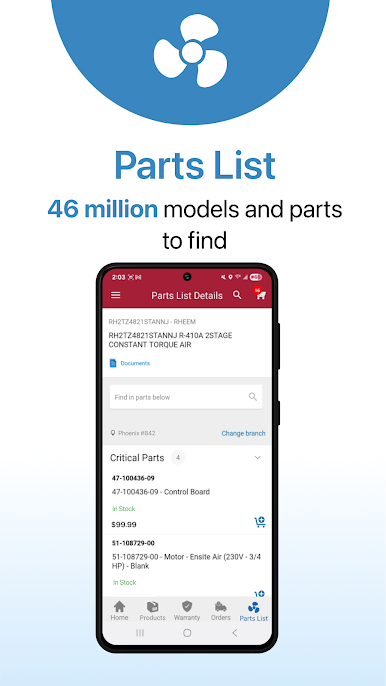
* search for HVAC equipment models and view the parts list and superseded parts. Scan QR codes or UPC Bar Codes for faster product lookups
* also search by system needs to find AHRI matched systems
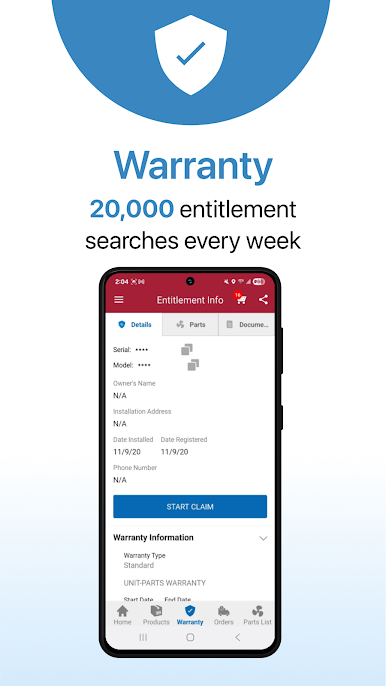
* verify warranty registrations, get related data, and even submit warranty claims while in the field
* view spec sheets, wiring diagrams, installation guides, consumer literature, etc. for Heating & Cooling Supply products
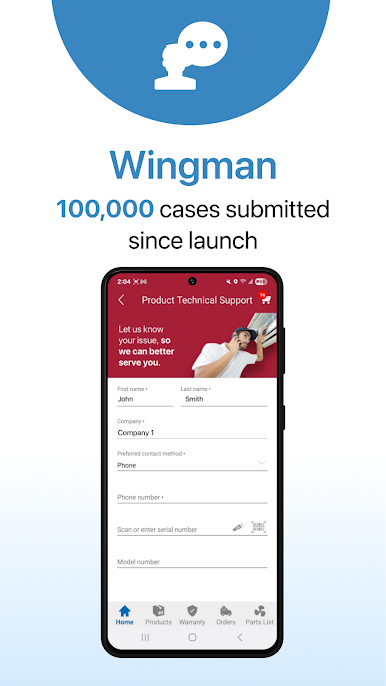
* engage with Heating & Cooling Supply technical support through live, priority video, text, or audio chat, with the new Heating & Cooling Supply Wingman service
* use GEMstock, our time-saving inventory replenishment tool. GEMstock transforms your phone into your inventory smart hub, whether your stock is on a truck or in a warehouse
* receive push notifications of special offers & promotions from Heating & Cooling Supply
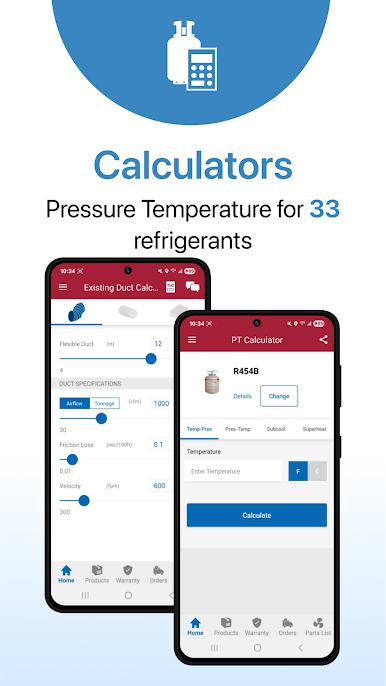
* access multiple useful calculators, including the PT calculator, Sub-Cool calculator, Superheat calculator, Existing Duct calculator, and New Duct calculator
* quickly access the flashlight tool to light up attics, closets and equipment while you work
Heating & Cooling Supply’s mission is to deliver the quality HVAC products you need, when you need them, and provide expert technical support. Heating & Cooling Supply is the HVAC professionals’ supplier of choice, and we work hard every day to earn and keep your trust
Follow us on Facebook and tell us what you think! https://www.facebook.com/Gemaire
Play Heating & Cooling HVAC Pro+ on PC. It’s easy to get started.
-
Download and install BlueStacks on your PC
-
Complete Google sign-in to access the Play Store, or do it later
-
Look for Heating & Cooling HVAC Pro+ in the search bar at the top right corner
-
Click to install Heating & Cooling HVAC Pro+ from the search results
-
Complete Google sign-in (if you skipped step 2) to install Heating & Cooling HVAC Pro+
-
Click the Heating & Cooling HVAC Pro+ icon on the home screen to start playing

