

Screw Escape
Play on PC with BlueStacks – the Android Gaming Platform, trusted by 500M+ gamers.

Page Modified on: Nov 15, 2023
Play Screw Escape on PC or Mac
Screw Escape brings the Casual genre to life, and throws up exciting challenges for gamers. Developed by TheSunStudio, this Android game is best experienced on BlueStacks, the World’s #1 app player for PC and Mac users.
About the Game
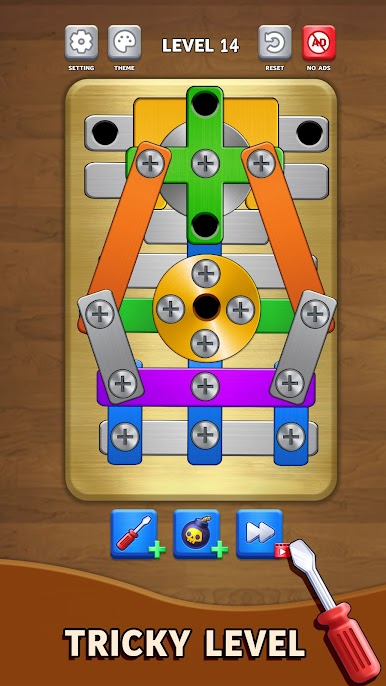
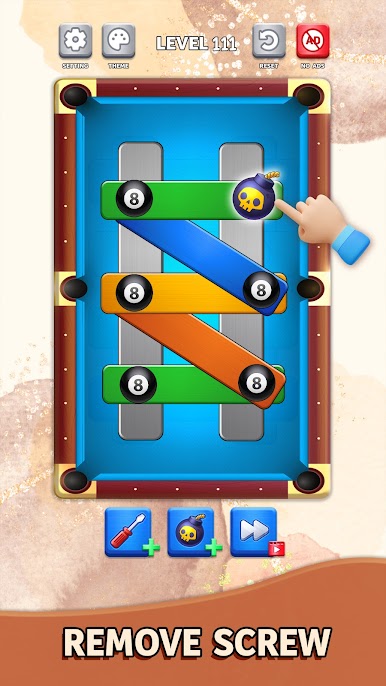
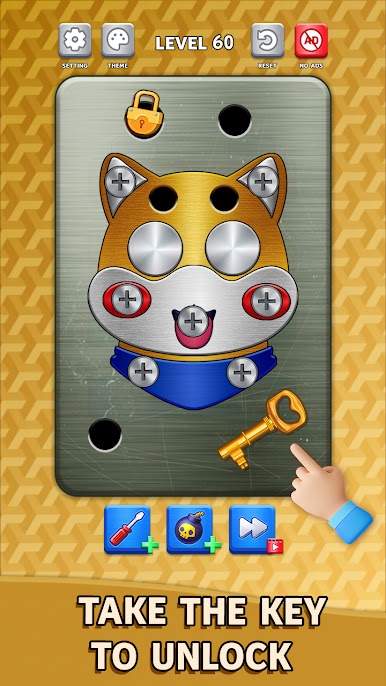
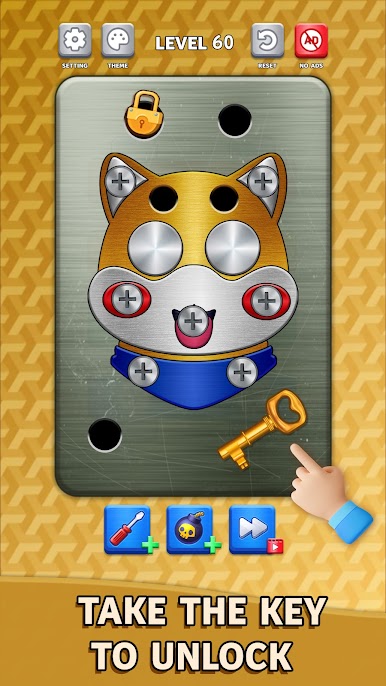
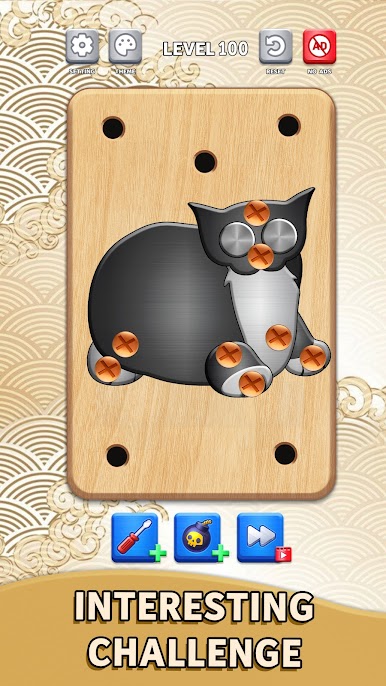
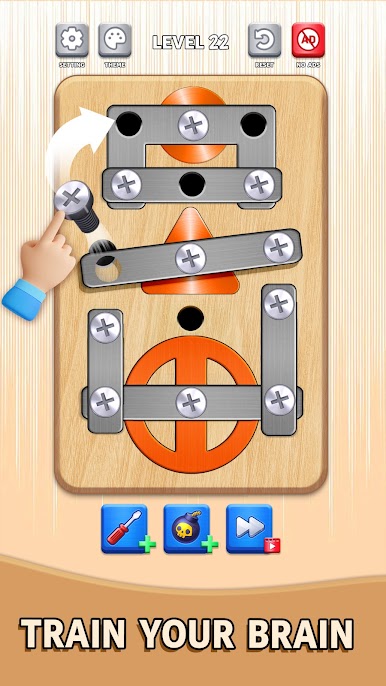
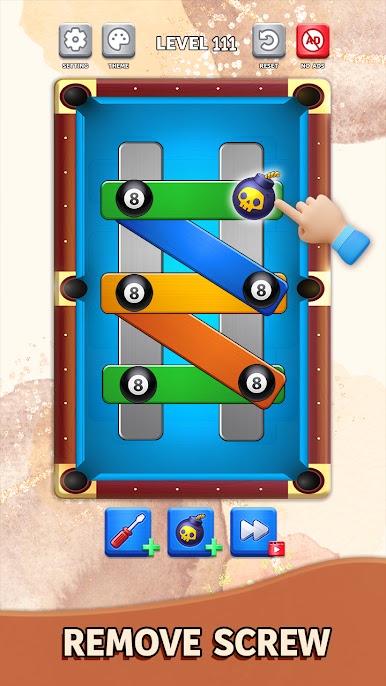
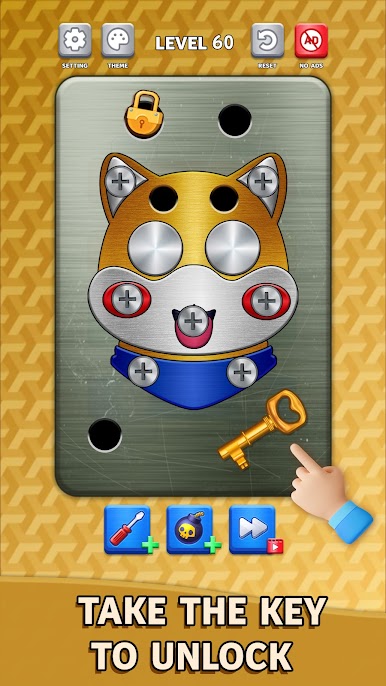
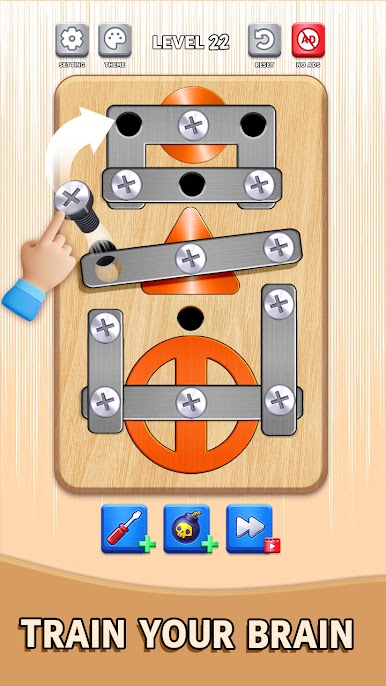
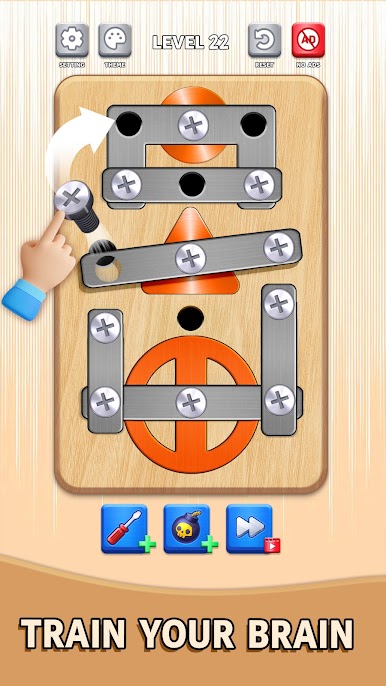
Screw Escape is a smart, hands-on Casual puzzler from TheSunStudio where you free stuck parts and unravel metal messes piece by piece. Each stage is a little machine waiting to be figured out: tap to unscrew, turn components, and let plates drop in just the right order. It’s easy to learn, surprisingly deep, and oddly satisfying when everything finally clicks.
Game Features
- Tactile puzzle play: Tap to loosen bolts, rotate panels, and slide iron pieces so blocked parts can fall away and open a path.
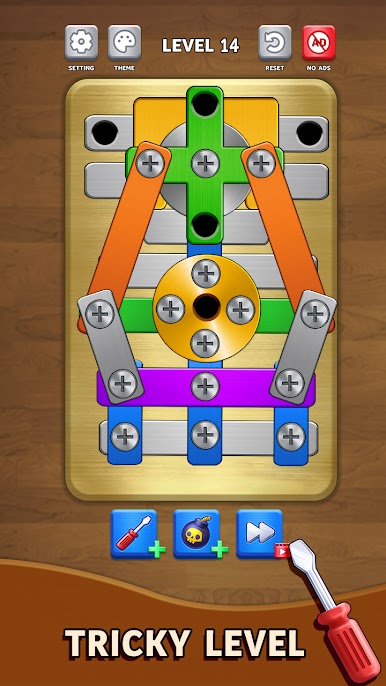
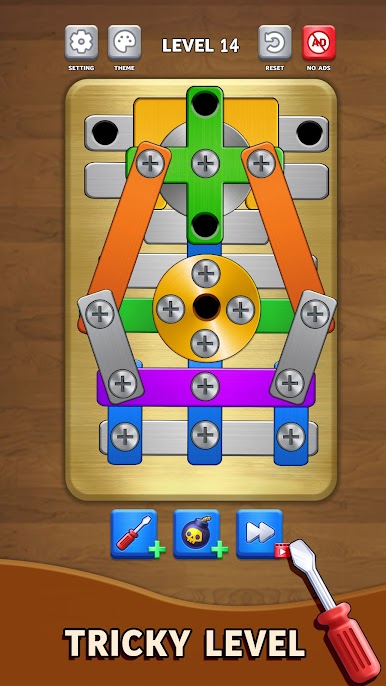
- Real “think-before-you-move” strategy: One careless unscrew can trap the whole build. Plan your sequence, spot dead-ends, and set up neat chain reactions.
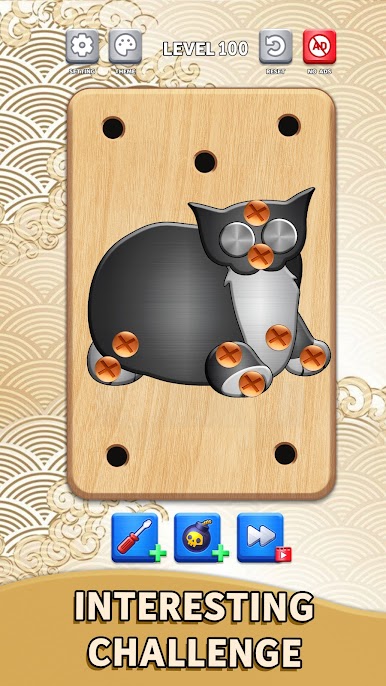
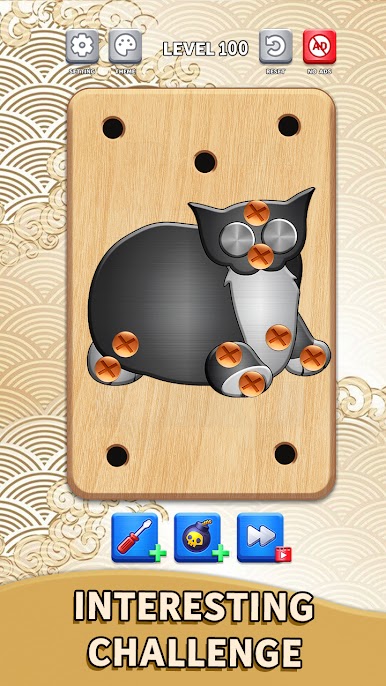
- Loads of tangled setups: Screws, rings, ropes, and twisted metal show up in fresh combinations that keep you guessing from level to level.
- Clean controls, satisfying feedback: Intuitive touch controls pair with crisp clicks and clanks for that mellow, ASMR-like feel as parts come free.
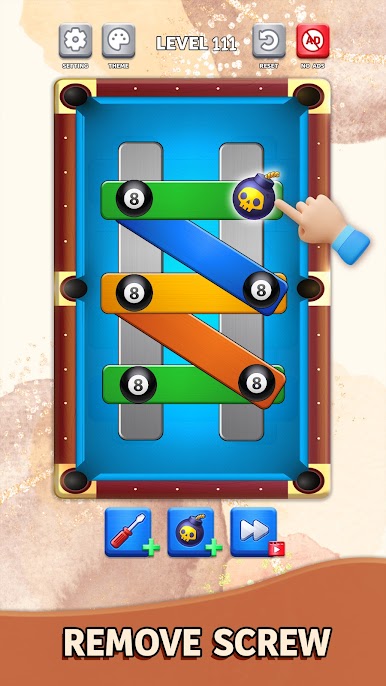
- Helpful bomb tool: Stuck on a nasty knot? Use a bomb to clear a snag and keep the run alive without losing the whole puzzle.
- Smooth difficulty curve: Early stages teach the basics; later ones ramp up with limited moves, trickier layouts, and tighter timing.
- Offline-friendly fun: No wifi required, making it great for quick breaks or longer sessions whenever you’ve got a minute.
- Casual done right: Short levels, clear goals, and plenty of replay value make it perfect for pick-up-and-play.
- Optional big-screen comfort: Prefer a mouse and keyboard? It plays nicely on BlueStacks if you want the extra breathing room.
Get ready for a buttery smooth, high-performance gaming action only on BlueStacks.



Play Screw Escape on PC. It’s easy to get started.
-
Download and install BlueStacks on your PC
-
Complete Google sign-in to access the Play Store, or do it later
-
Look for Screw Escape in the search bar at the top right corner
-
Click to install Screw Escape from the search results
-
Complete Google sign-in (if you skipped step 2) to install Screw Escape
-
Click the Screw Escape icon on the home screen to start playing

