


Drawon - Icon Pack
Play on PC with BlueStacks – the Android Gaming Platform, trusted by 500M+ gamers.

Page Modified on: May 18, 2025
Overview
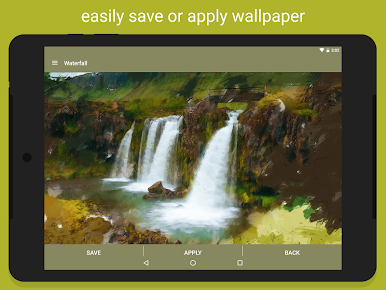
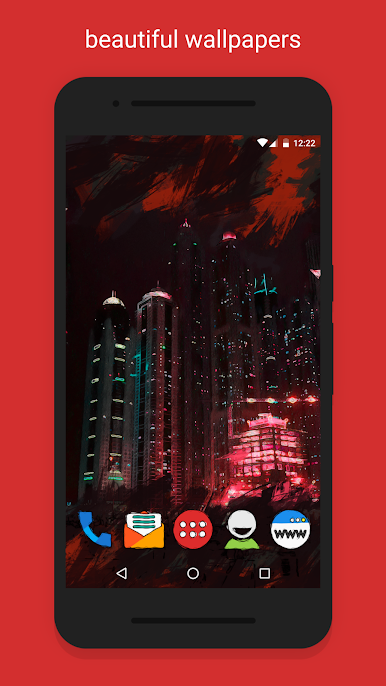
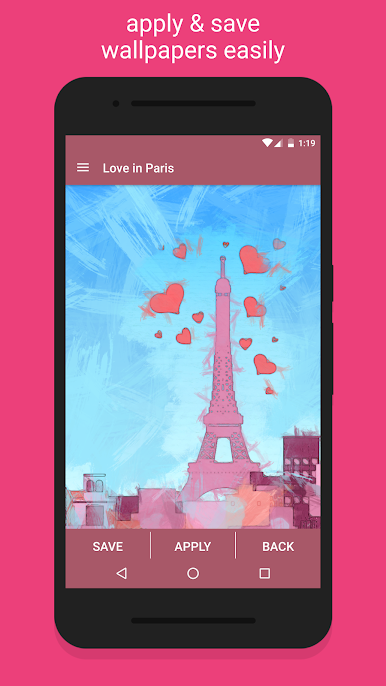
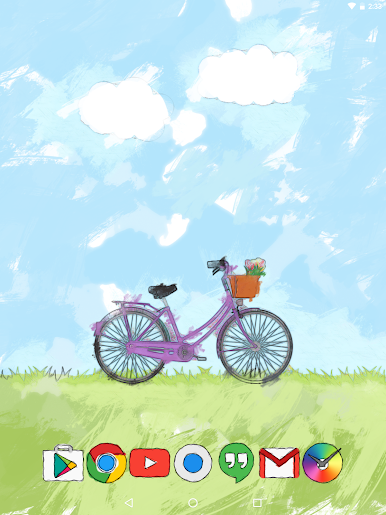
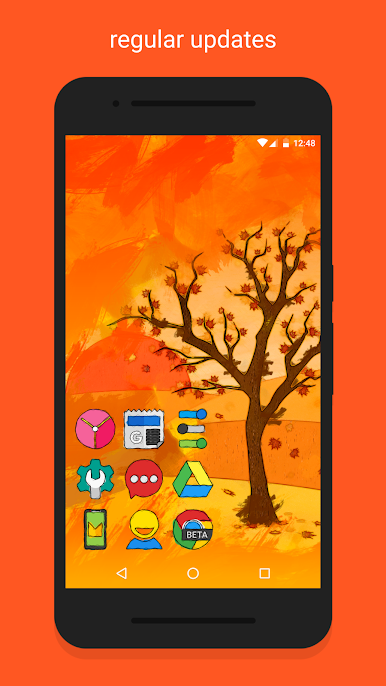
The Wallpapers are all unique and designed to match the icons. All wallpapers are designed from scratch.
---------------------
Full Features:
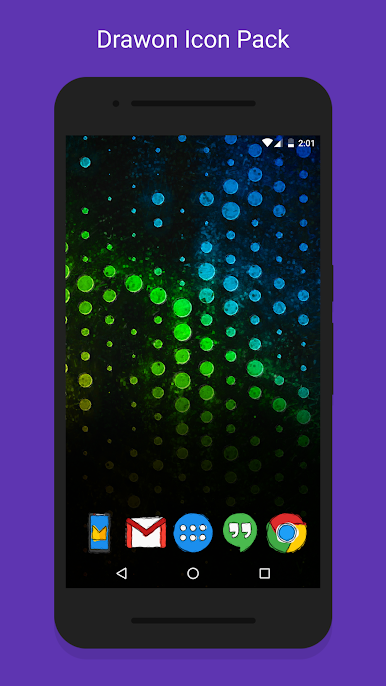
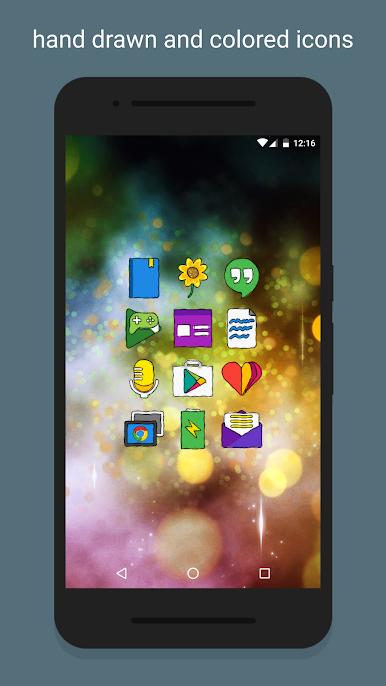
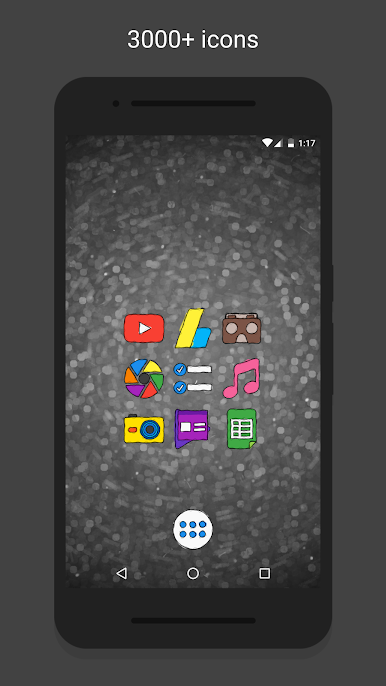
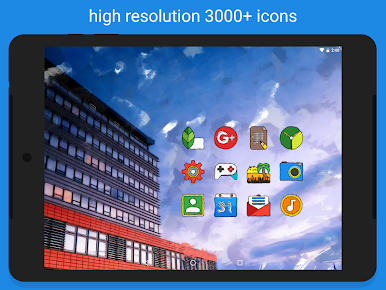
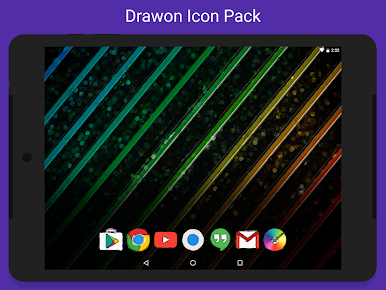
• 3800+ Drawon Icons.
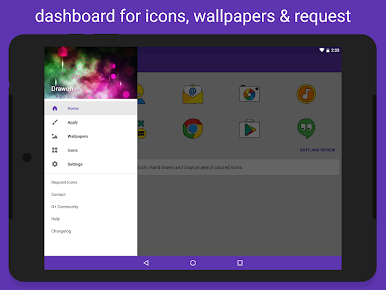
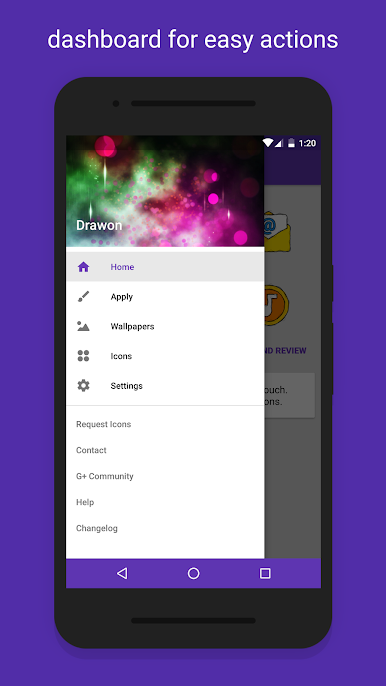
• Dashboard application for easy launcher apply actions
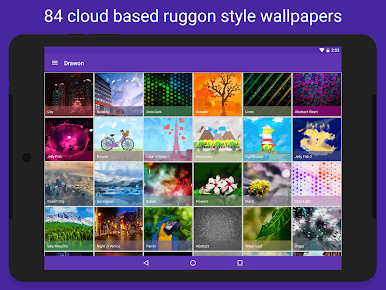
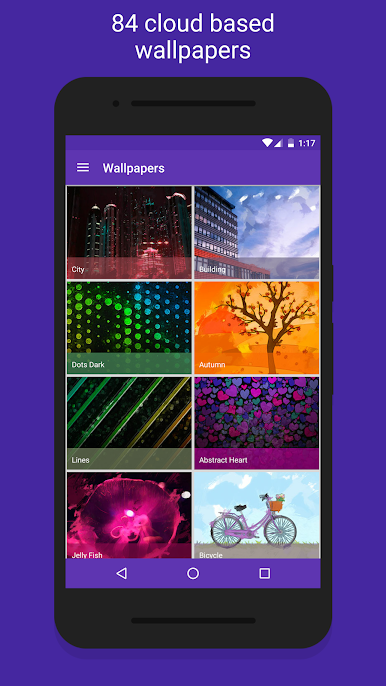
• Cloud based 84 Wallpapers to match the icons. All walls are around 2-18mb in size. Please be patient while it downloads and applies.
---------------------
Compatible Launchers
• Confirmed Compatibility (Tested on): Nova, Apex, ADW, OnePlus, Niagara, Posidon, Action, Go, Smart, Solo, Holo, Lucid, Evie
• May / May not support other launchers not tested on.
---------------------
Important Links
Twitter: https://twitter.com/gseth83
Discord Community: https://discord.gg/xzmrs6K
F.A.Q: http://gseth.com/faq
Play Drawon - Icon Pack on PC. It’s easy to get started.
-
Download and install BlueStacks on your PC
-
Complete Google sign-in to access the Play Store, or do it later
-
Look for Drawon - Icon Pack in the search bar at the top right corner
-
Click to install Drawon - Icon Pack from the search results
-
Complete Google sign-in (if you skipped step 2) to install Drawon - Icon Pack
-
Click the Drawon - Icon Pack icon on the home screen to start playing

