

ArcGIS Field Maps
Play on PC with BlueStacks – the Android Gaming Platform, trusted by 500M+ gamers.

Page Modified on: Mar 13, 2026
Run ArcGIS Field Maps on PC or Mac
Multitask effortlessly on your PC or Mac as you try out ArcGIS Field Maps, a Productivity app by Esri on BlueStacks.
About the App
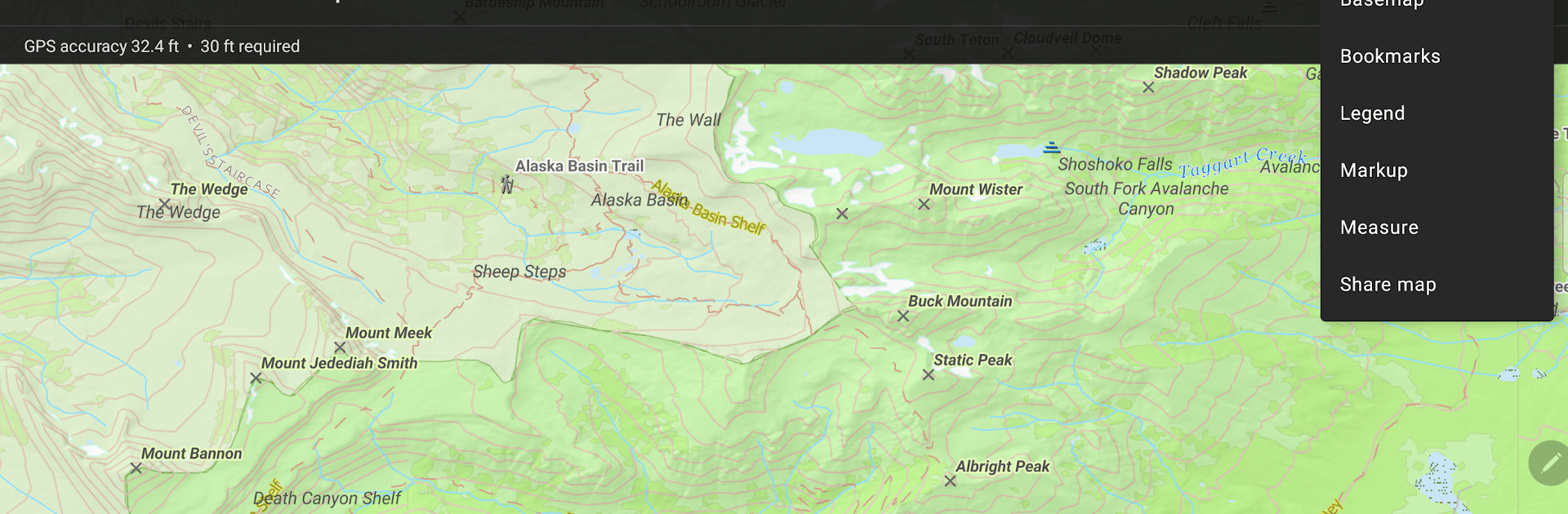
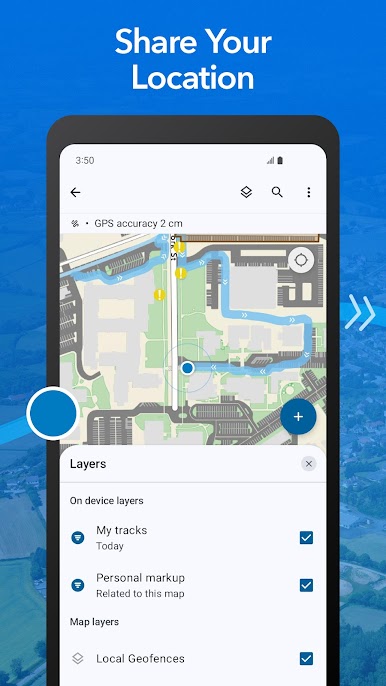
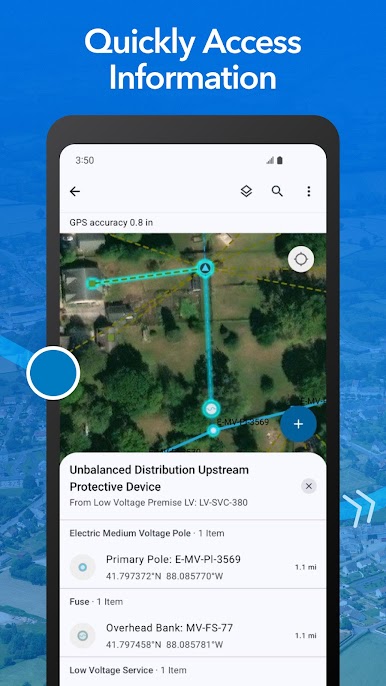
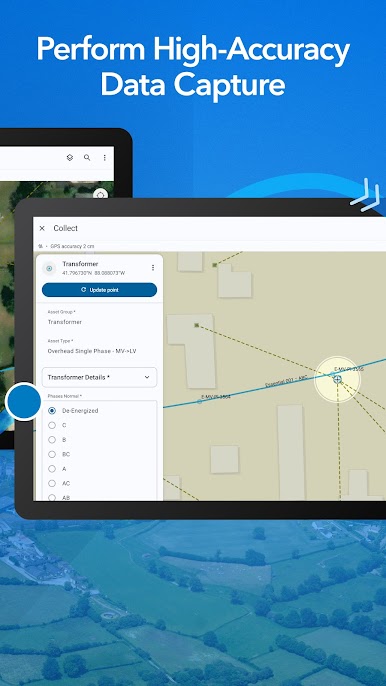
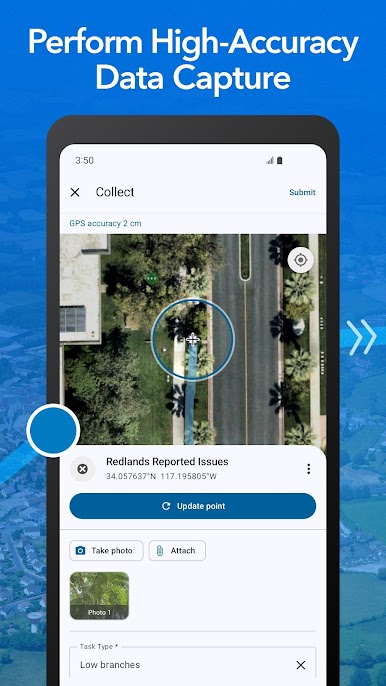
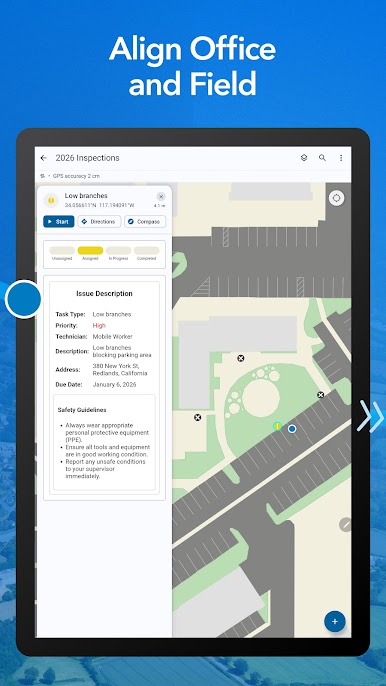
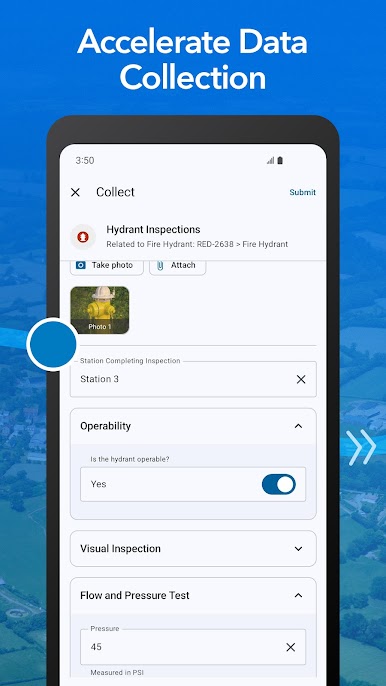
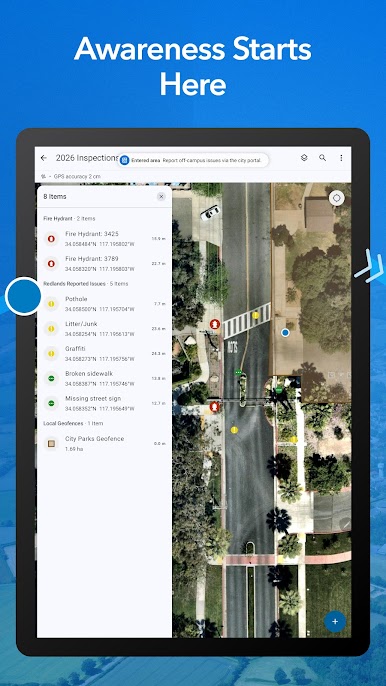
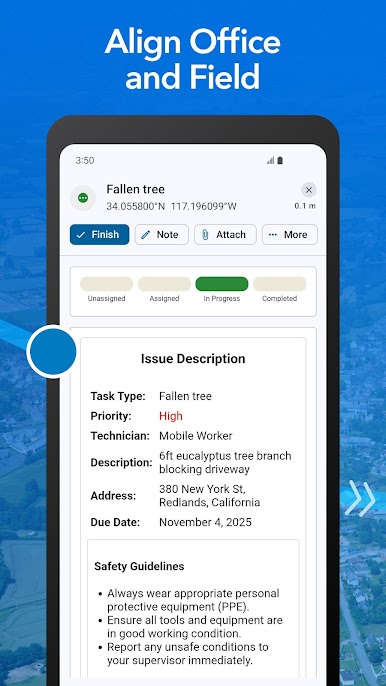
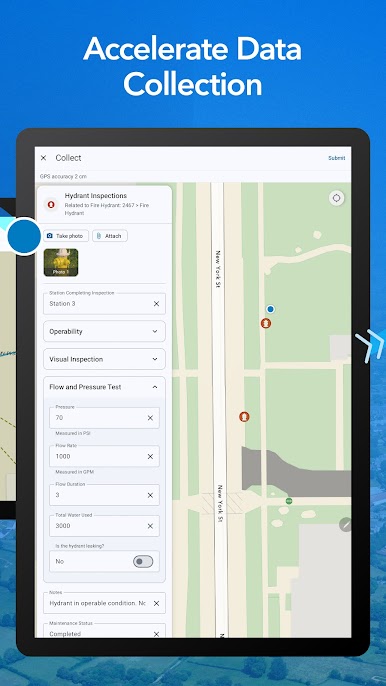
ArcGIS Field Maps by Esri is your go-to mobile ally for exploring and managing maps on the go. Organize, explore, and even update your geospatial data—all within one location-aware app. Expect seamless map use, rich data collection, and GPS capabilities wrapped up in a user-friendly interface.
App Features
-
High-Quality Map Viewing: Access and interact with beautifully crafted maps from ArcGIS, ensuring every detail is at your fingertips.
-
Offline Capability: Download maps straight to your device. You can work anywhere—even without an internet connection—without skipping a beat.
-
Smart Search Tools: Easily find features, coordinates, and places with intuitive search tools.
-
Data Collection: Gather points, lines, and areas effortlessly, using the intuitive interface or professional-grade GPS receivers.
-
Map Annotations: Make your mark with map annotations to share or keep for personal use.
-
Integrated Workflows: Sync up with other apps on your device, streamlining your field data processes efficiently.
Experience it on BlueStacks for an enhanced desktop setup!
BlueStacks gives you the much-needed freedom to experience your favorite apps on a bigger screen. Get it now.
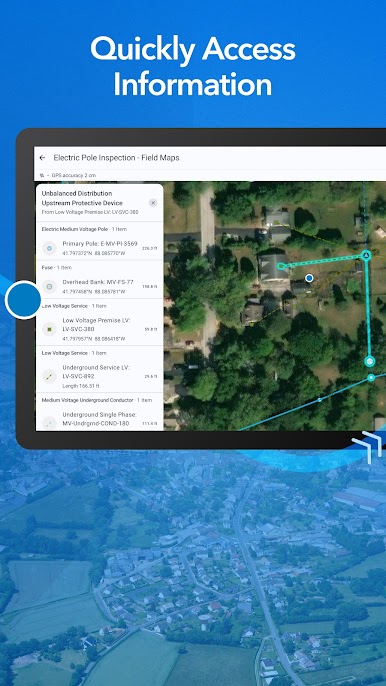
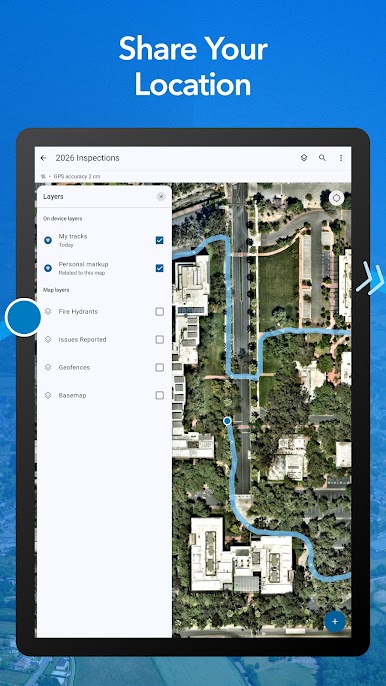
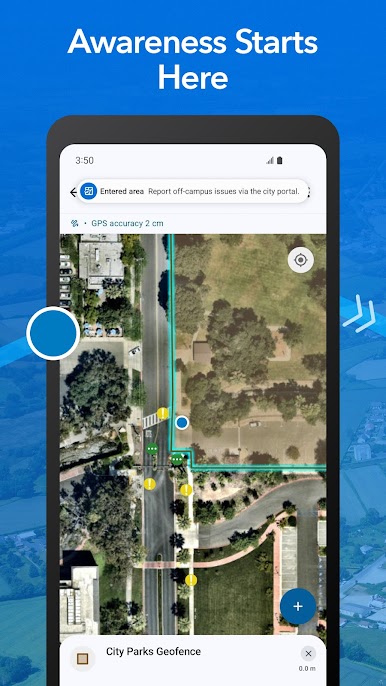
Play ArcGIS Field Maps on PC. It’s easy to get started.
-
Download and install BlueStacks on your PC
-
Complete Google sign-in to access the Play Store, or do it later
-
Look for ArcGIS Field Maps in the search bar at the top right corner
-
Click to install ArcGIS Field Maps from the search results
-
Complete Google sign-in (if you skipped step 2) to install ArcGIS Field Maps
-
Click the ArcGIS Field Maps icon on the home screen to start playing

