

Last Frontline Survival
Play on PC with BlueStacks – the Android Gaming Platform, trusted by 500M+ gamers.

Page Modified on: Apr 22, 2026
Play Last Frontline Survival on PC or Mac
Step into the World of Last Frontline Survival, a thrilling Action game from the house of etermax. Play this Android game on BlueStacks App Player and experience immersive gaming on PC or Mac.
About the Game
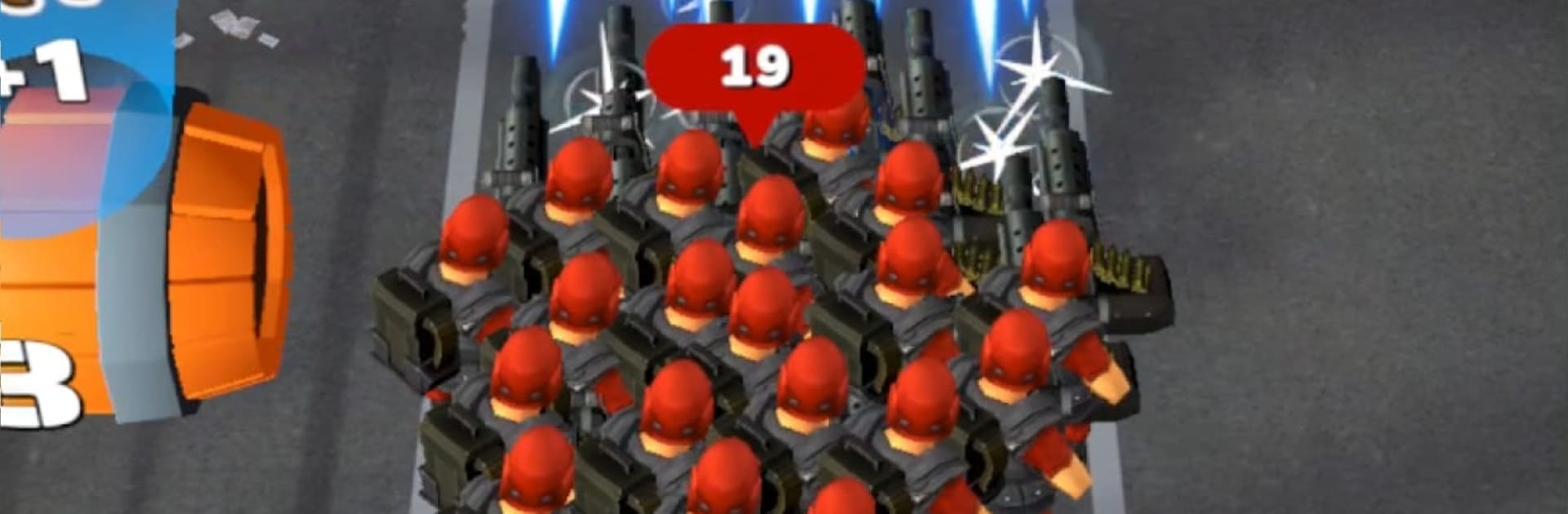
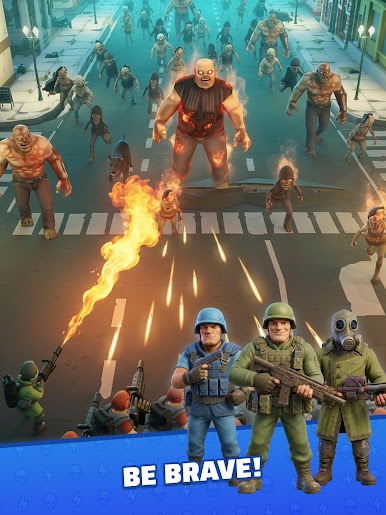
Last Frontline Survival is an Action blend of base defense, survival tactics, and smart hero merging where quick thinking keeps you breathing. The undead never stop, so you’re upgrading your shelter, timing your moves, and stacking a squad that can handle whatever shambles your way. It’s from etermax, built for short bursts or long runs—and if you like playing on a bigger screen with keyboard and mouse, it feels right at home on BlueStacks.
Game Features
- Tactical Action: Make snap calls under pressure—when to hold, when to push, and when to switch tactics—because hesitation gets you swarmed.
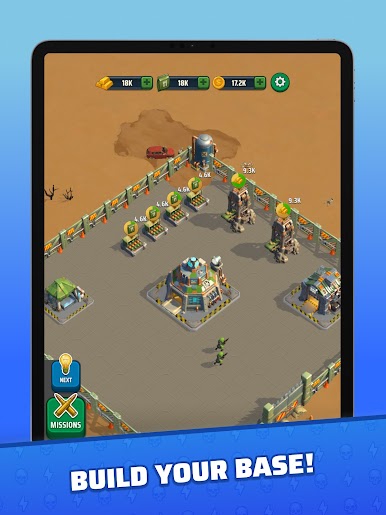
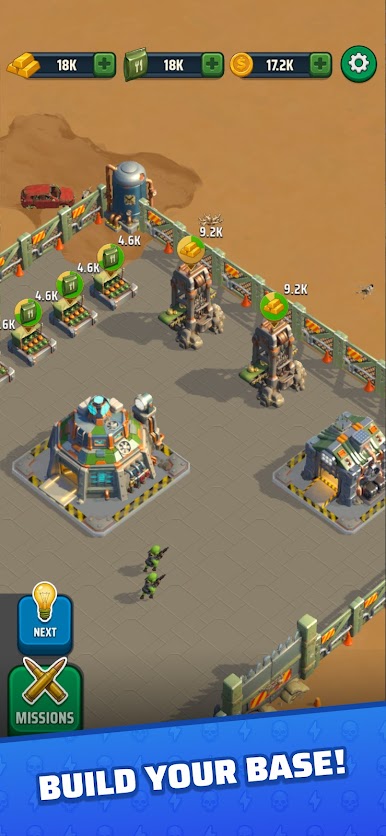
- Fortify the Last Base: Build, upgrade, and reinforce key structures so your shelter doesn’t crumble when the horde ramps up.
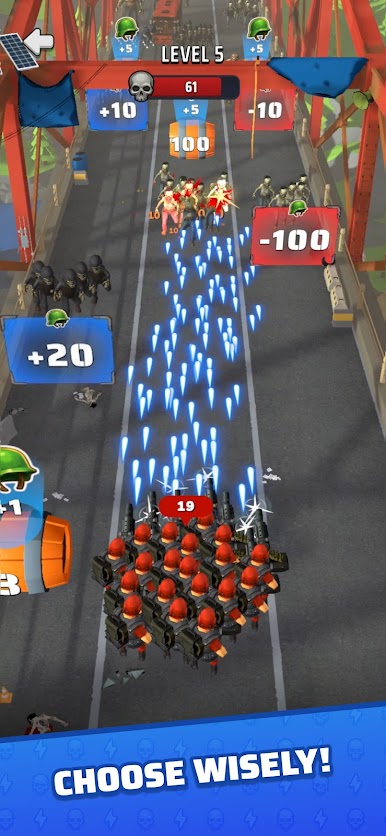
- Merge to Power Up: Combine heroes to unlock stronger versions, tighter synergies, and bigger plays without micromanaging a dozen menus.
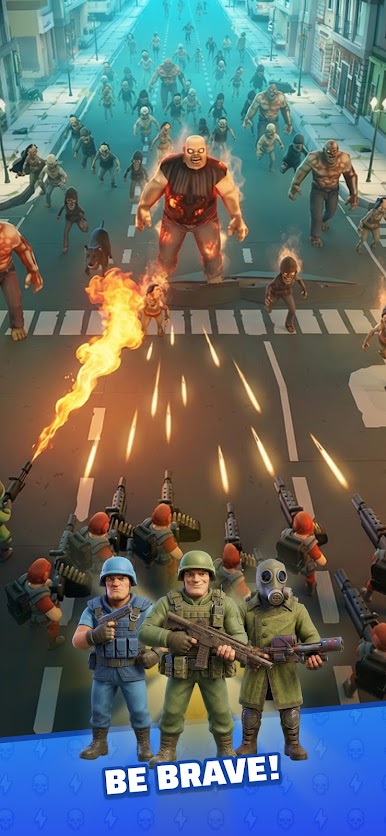
- Distinct Heroes: Recruit survivors with unique skills that reshape a fight, from crowd control to clutch saves when the line’s about to break.
- Dodge and Reposition: Pick safer paths, sidestep danger, and keep your team alive with smart movement rather than brute force alone.
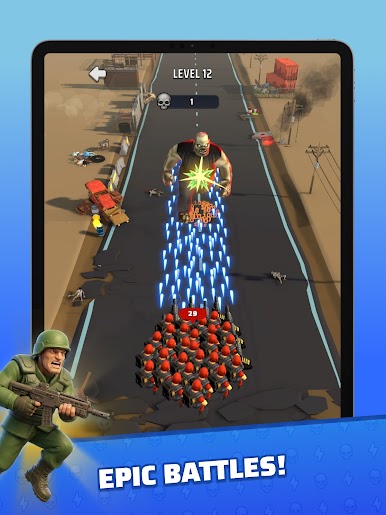
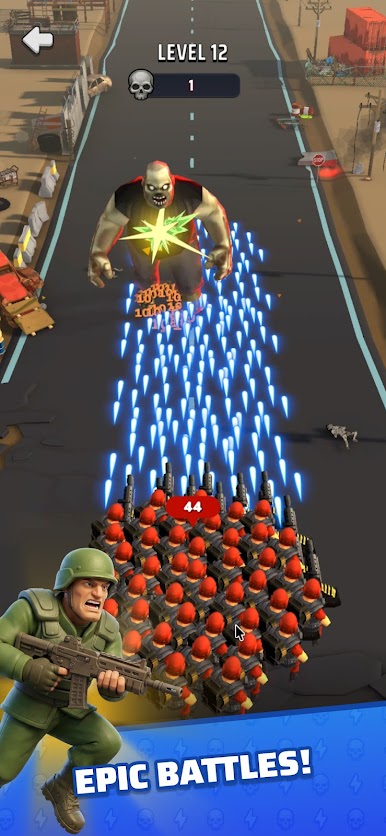
- Endless Waves, Rising Stakes: Expect relentless assaults that get tougher over time, turning early wins into hard-earned survival later on.
- Adapt on the Fly: Tweak loadouts, shuffle your lineup, and rethink your plan mid-run as new threats and stronger enemies show up.
Slay your opponents with your epic moves. Play it your way on BlueStacks and dominate the battlefield.
Play Last Frontline Survival on PC. It’s easy to get started.
-
Download and install BlueStacks on your PC
-
Complete Google sign-in to access the Play Store, or do it later
-
Look for Last Frontline Survival in the search bar at the top right corner
-
Click to install Last Frontline Survival from the search results
-
Complete Google sign-in (if you skipped step 2) to install Last Frontline Survival
-
Click the Last Frontline Survival icon on the home screen to start playing

