


Let's Voca 렛츠보카
Play on PC with BlueStacks – the Android Gaming Platform, trusted by 500M+ gamers.

Page Modified on: Mar 21, 2023
Play Let's Voca 렛츠보카 on PC
* Strictly selected headwords
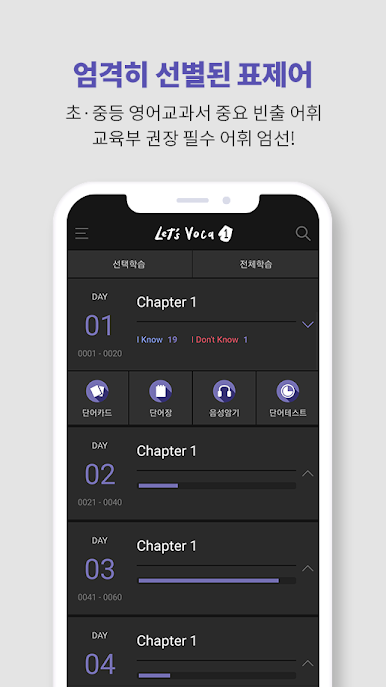
▶ Mandatory recommended by the Ministry of Education, carefully selected important frequent vocabulary for elementary and secondary English textbooks
* Various and extensive additional vocabulary
▶ Derivatives, synonyms, antonyms, idiom expressions, etc., including only the things you need to know among the many things that extend out of one headword.
[Let's Voca Features of Let's Voca App]
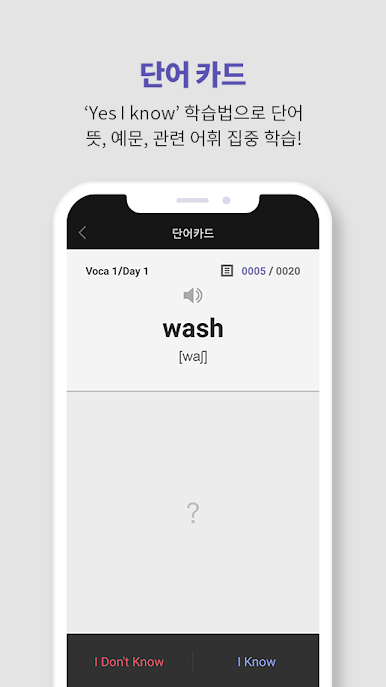
1. Word Card: With the ‘Yes I Know’ learning method, you can check words, meanings, and examples on one card, and it is easy to move to the next word with a single touch.
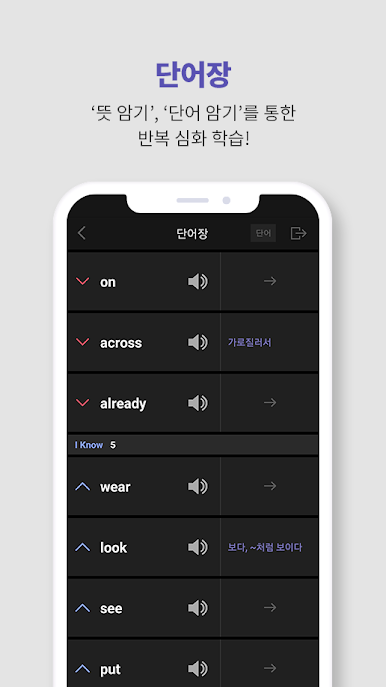
2. Vocabulary: In-depth study of words classified into'I don't Know' and'I Know' is possible depending on the learning result of the word card. You can see a word and memorize its meaning, or see a meaning and memorize a word.
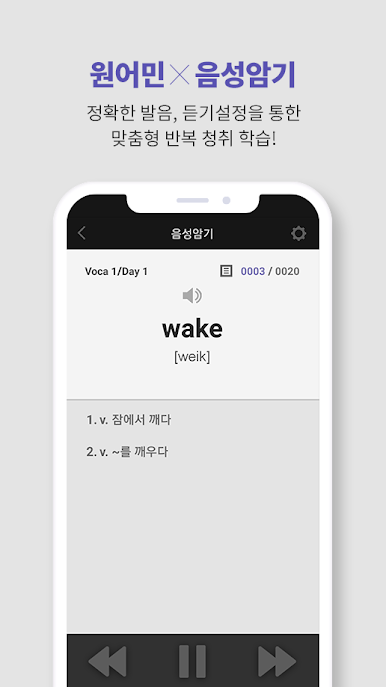
3. Voice memorization: Through the native speaker's voice for a total of 3900 words, it is possible to learn and memorize repeated listening, as well as accurate pronunciation listening. In addition, customized listening learning is possible through listening settings.
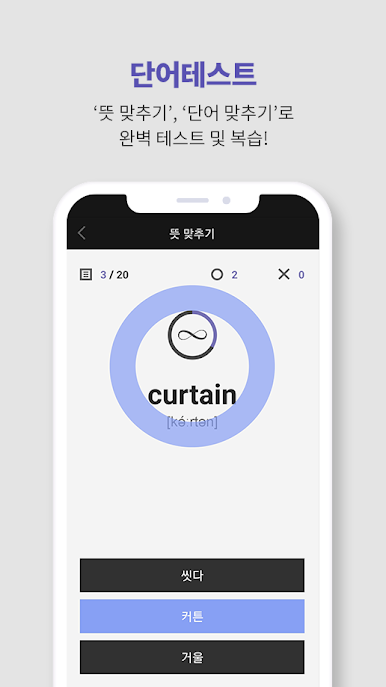
4. Matching meaning / Matching words: Memorized words can be checked and reviewed through a word test.
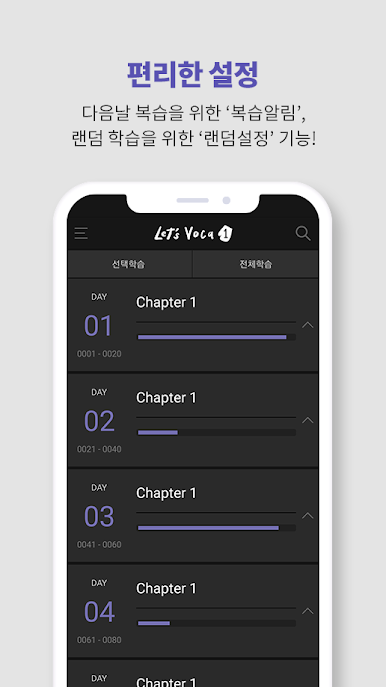
5. Review notification/random setting: You can do a review test at any time you want through a review notification of the wrong word in Matching Meaning and Matching Words the next day. Also, you can learn words in random order with random setting.
[Permission related]
The company does not separately collect and store personal information, and when installing the ETOOS APP, the call status information value, camera function rights in the mobile phone, recording function rights in the mobile phone, access rights to photos, media, and files in the mobile phone are required to provide services. To.
If the user's device is less than Android 5.9, consent and withdrawal of optional access rights cannot be provided.
Play Let's Voca 렛츠보카 on PC. It’s easy to get started.
-
Download and install BlueStacks on your PC
-
Complete Google sign-in to access the Play Store, or do it later
-
Look for Let's Voca 렛츠보카 in the search bar at the top right corner
-
Click to install Let's Voca 렛츠보카 from the search results
-
Complete Google sign-in (if you skipped step 2) to install Let's Voca 렛츠보카
-
Click the Let's Voca 렛츠보카 icon on the home screen to start playing

