


GraspJPN-HiraganaKatakana JLPT
Play on PC with BlueStacks – the Android Gaming Platform, trusted by 500M+ gamers.

Page Modified on: Aug 17, 2024
Run GraspJPN on PC or Mac
Let BlueStacks turn your PC, Mac, or laptop into the perfect home for GraspJPN, a fun Education app from TinyLin.
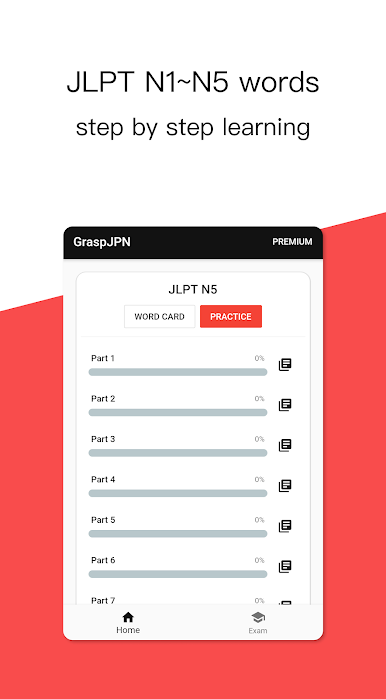
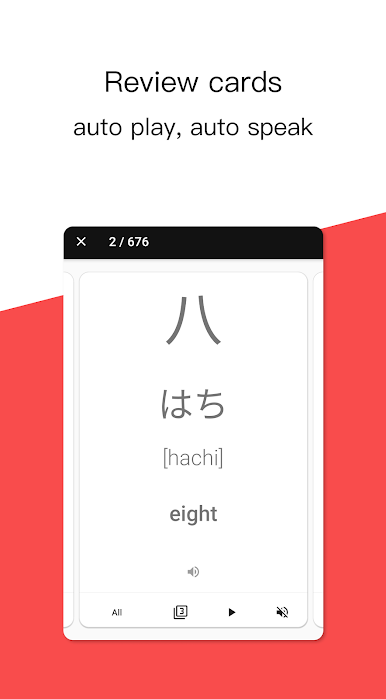
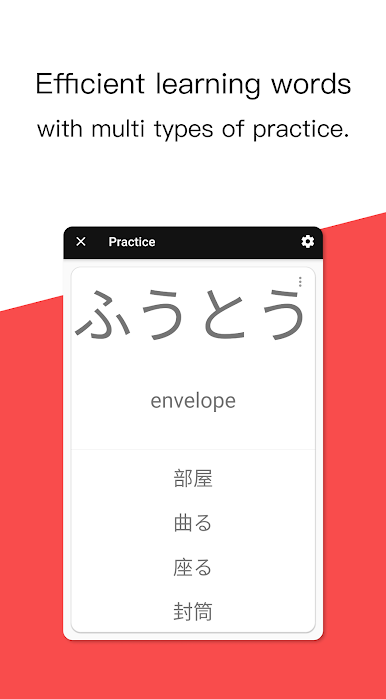
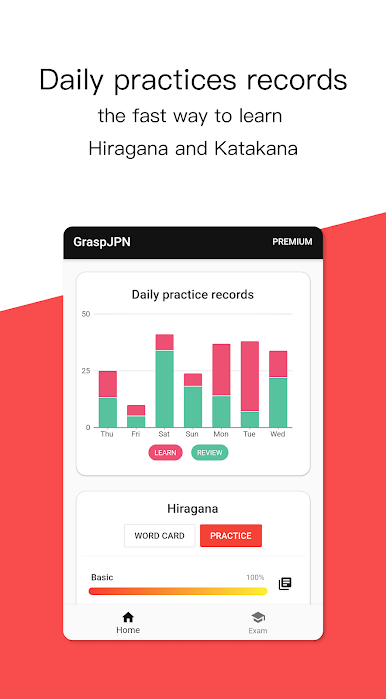
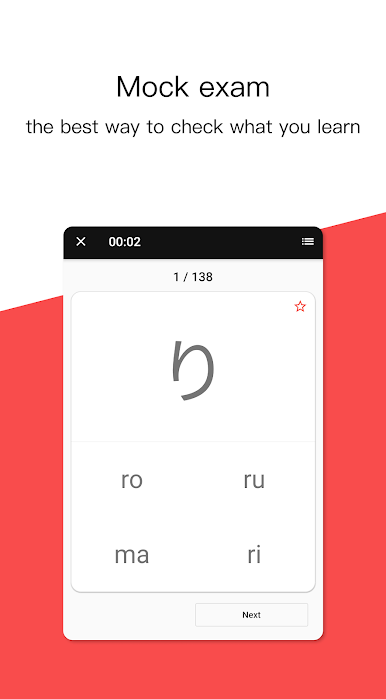
GraspJPN is a solid pick for anyone wanting to really sink their teeth into Japanese, especially those who want to go past just the basics. It covers a lot—hiragana, katakana, and then those N-levels (N2, N3, N4, N5), so it isn’t just for people totally starting out; there’s stuff for upper beginner to intermediate too. It’s split into sections where someone can practice reading or writing kana, or jump into vocabulary for different skill levels. The app isn’t just about memorizing, either; there’s stuff like listening and spelling practice, plus multiple choice, so users don’t feel stuck doing the same thing over and over. The word cards are straightforward and pretty handy if flashcards work well. There are also mock tests after practicing, which help see if all that time studying is actually sticking. Playing on PC with BlueStacks makes looking at all those characters way easier—less squinting, more focus. Anyone who wants a bit of structure while picking up Japanese might find it pretty useful, especially if tracking small wins feels rewarding.
Switch to BlueStacks and make the most of your apps on your PC or Mac.
Play GraspJPN-HiraganaKatakana JLPT on PC. It’s easy to get started.
-
Download and install BlueStacks on your PC
-
Complete Google sign-in to access the Play Store, or do it later
-
Look for GraspJPN-HiraganaKatakana JLPT in the search bar at the top right corner
-
Click to install GraspJPN-HiraganaKatakana JLPT from the search results
-
Complete Google sign-in (if you skipped step 2) to install GraspJPN-HiraganaKatakana JLPT
-
Click the GraspJPN-HiraganaKatakana JLPT icon on the home screen to start playing

