


My War: Frozen Survival
Play on PC with BlueStacks – the Android Gaming Platform, trusted by 500M+ gamers.

Page Modified on: Feb 28, 2026
Play My War: Frozen Survival on PC or Mac
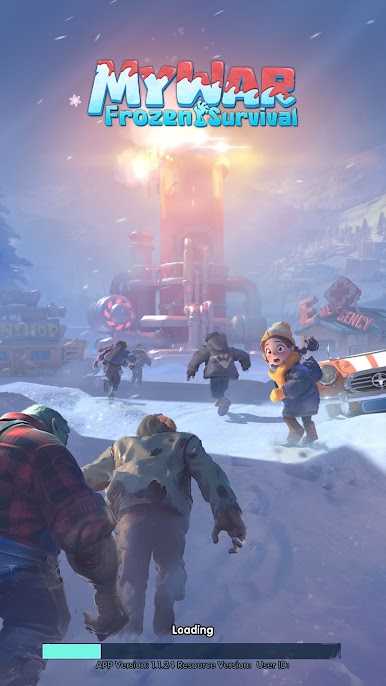
Explore a whole new adventure with My War: Frozen Survival, a Strategy game created by EVISTA PTE. LTD.. Experience great gameplay with BlueStacks, the most popular gaming platform to play Android games on your PC or Mac.
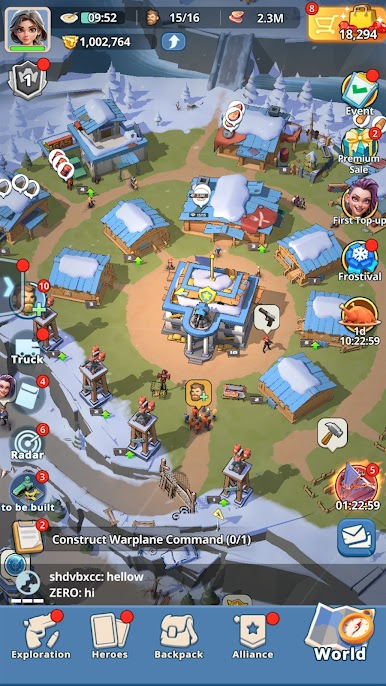
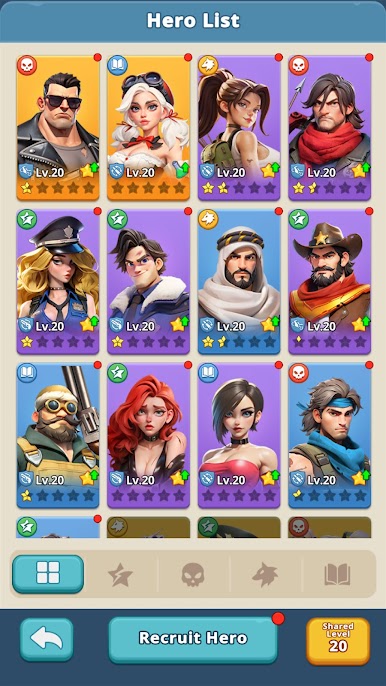
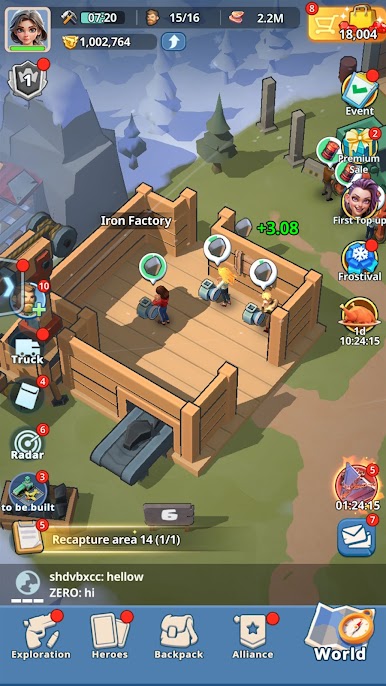
My War: Frozen Survival throws everyone into a full-on nuclear winter where the cold is basically the main boss. The map is a sheet of ice and ruined cities, so it turns into this steady rhythm of scavange runs for food, water, fuel, and meds, then hauling everything back to make the camp a little less miserable. Exploring feels tense because the good loot sits in sketchy spots like zombie nests and busted clinics, and wandering too far without a plan can wipe a team fast. Back at base it is all about shelter upgrades, heaters, storage, and a medic station that keeps the whole place from falling apart. Survivors are the real engine here. Each one has quirks and skills, so assigning the right person to hunting, crafting, patrols, or recon actually matters, and their small backstories give the grind some heart.
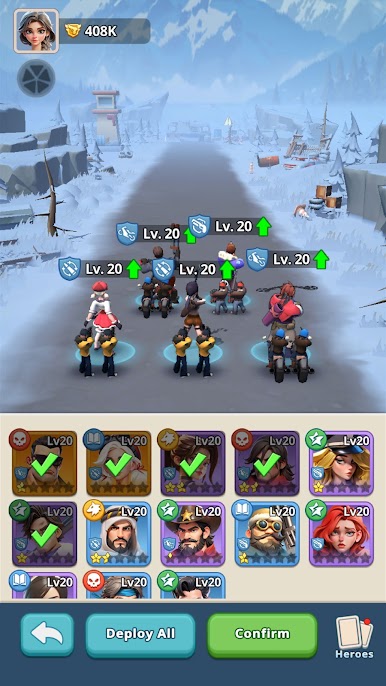
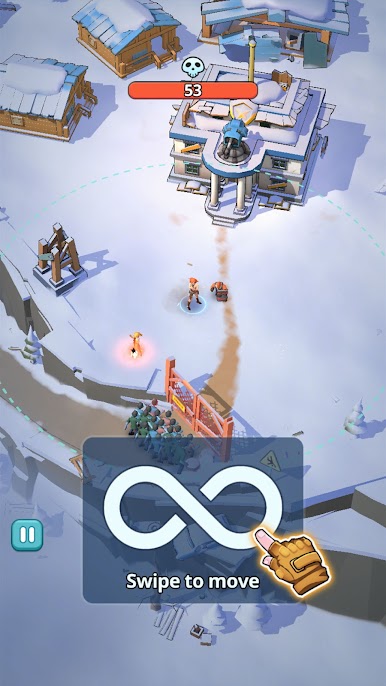
Combat is more about planning than button mashing. Scouting enemy camps, watching resource lines, then choosing a raid window pays off, and walls plus patrols do real work when raiders come knocking. Alliances help a lot, since coordinated fights against bigger factions can swing the server map, but that also means politics and scouting chat become part of the game. Expect the usual mobile strategy pace with timers and resource juggling, so patience helps. On PC with BlueStacks, the bigger screen and mouse make map scouting and base layout cleaner, and setting a couple hotkeys for routine stuff saves time when the storm hits again.
Ready to top the leaderboard? We bet you do. Let precise controls and sharp visuals optimized on BlueStacks lead you to victory.
Play My War: Frozen Survival on PC. It’s easy to get started.
-
Download and install BlueStacks on your PC
-
Complete Google sign-in to access the Play Store, or do it later
-
Look for My War: Frozen Survival in the search bar at the top right corner
-
Click to install My War: Frozen Survival from the search results
-
Complete Google sign-in (if you skipped step 2) to install My War: Frozen Survival
-
Click the My War: Frozen Survival icon on the home screen to start playing

