


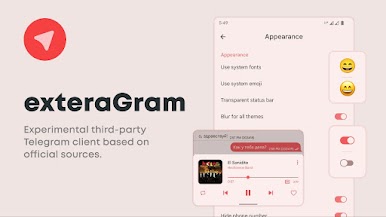
exteraGram
Play on PC with BlueStacks – the Android Gaming Platform, trusted by 500M+ gamers.

Page Modified on: Aug 15, 2022
Overview
• If you often record videos and share them with friends via Telegram, then you will like the function that activates the main camera of the device.
• In addition, voice message lovers will enjoy improved sound quality compared to the original client.
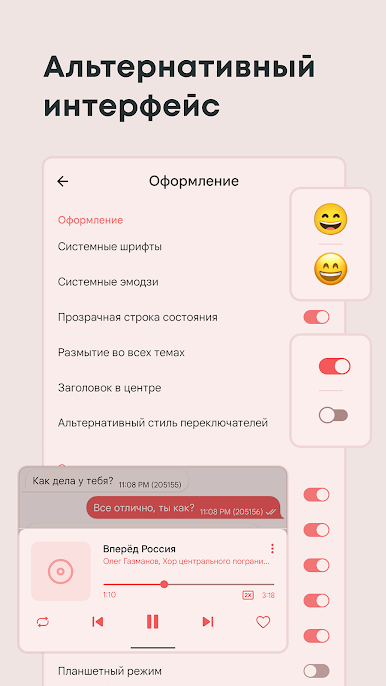
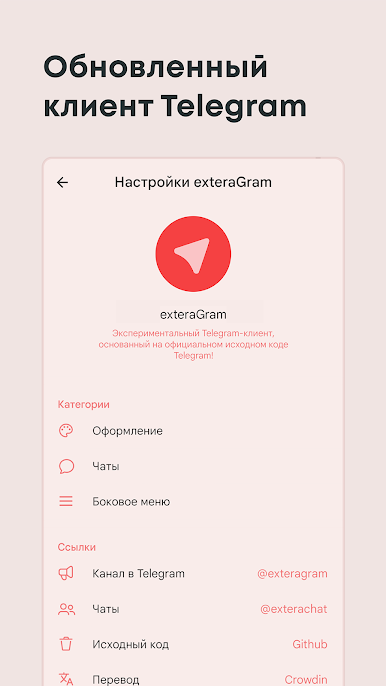
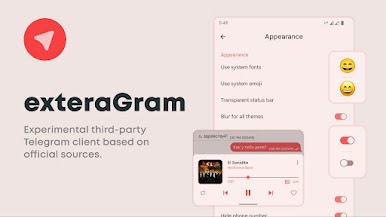
• If necessary, in the settings you can hide your own phone number, enable support for system fonts and custom emoji.
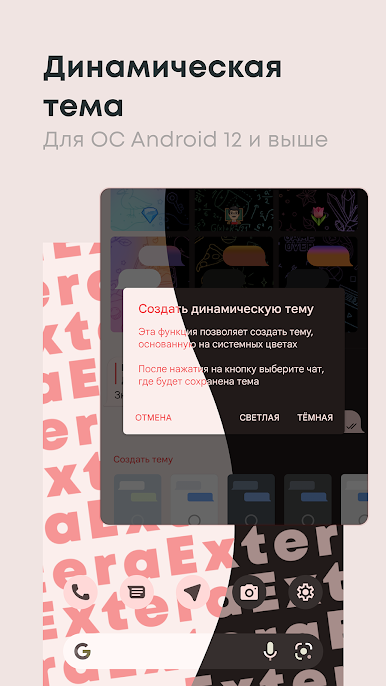
• Also, the client has support for a dynamic theme from Android 12, which will help you redesign your interface to the colors of the system.
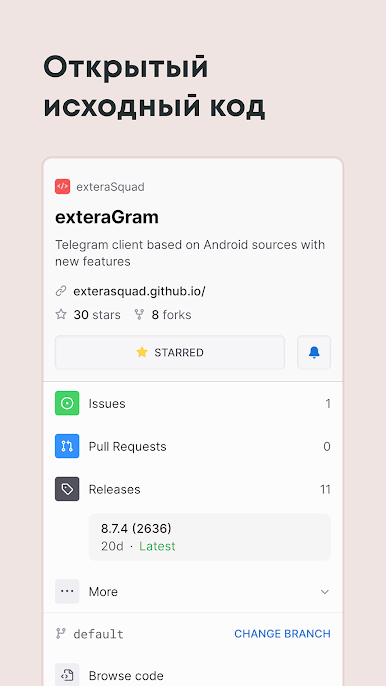
• Equally important are regular updates to keep you up to date with all the new features and functionality.
IMPORTANT:
The app developer is not related to the official Telegram team. All trademarks are the protected work of responsible companies.
Play exteraGram on PC. It’s easy to get started.
-
Download and install BlueStacks on your PC
-
Complete Google sign-in to access the Play Store, or do it later
-
Look for exteraGram in the search bar at the top right corner
-
Click to install exteraGram from the search results
-
Complete Google sign-in (if you skipped step 2) to install exteraGram
-
Click the exteraGram icon on the home screen to start playing

