


BMX Playground
Play on PC with BlueStacks – the Android Gaming Platform, trusted by 500M+ gamers.

Page Modified on: Mar 13, 2026
Play BMX Playground on PC
Take your bike across offroad trails and street parks, feel realistic physics with every jump, and master balance, timing, and control.
Balance your bike, keep momentum, and flip perfectly to land clean.
Each ride is powered by realistic physics, letting you feel each bump, jump, and curve. It’s not just a racing challenge — it’s about rhythm, timing, and the satisfaction of total control. Conquer ramps, nail combos, and turn parks into your personal offroad BMX playground.
🏁 𝗪𝗵𝗮𝘁 𝘆𝗼𝘂’𝗹𝗹 𝗱𝗼:
Ride your bike through open parks and rough offroad tracks
Pull off smooth flips and crazy stunts over ramps and rails
Test balance and control in fast riding challenges
Explore street BMX zones and wild offroad trails freely
Land clean flips, grind rails, and manage airtime
Unlock new bikes, riders, and tracks as you progress
⚡ 𝗙𝗲𝗮𝘁𝘂𝗿𝗲𝘀:
Realistic BMX stunt physics for smooth ride control
Massive offroad terrain and street parks to explore
Polished handling for flips, tricks, and jumps
Cinematic camera flow for immersive riding
Chill ride or intense racing challenge — your choice
Can you master the offroad path and perfect each flip? Flip, land, and flow through the world of BMX Playground!
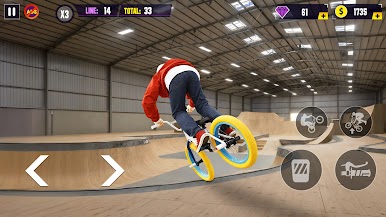
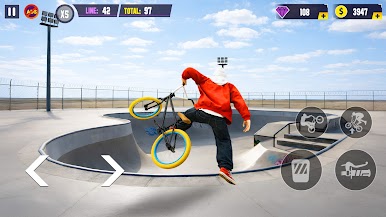
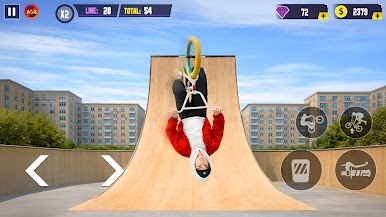
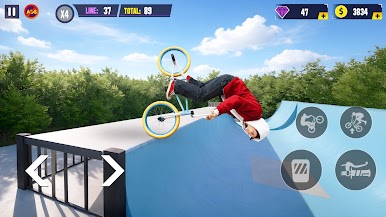
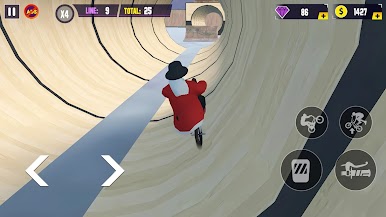
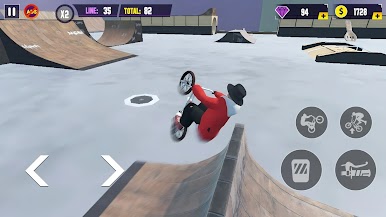
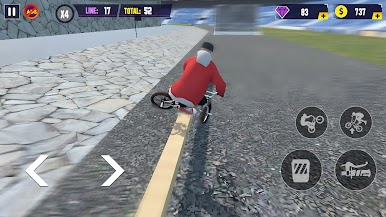
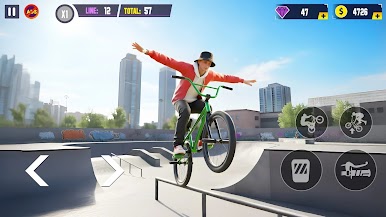
Play BMX Playground on PC. It’s easy to get started.
-
Download and install BlueStacks on your PC
-
Complete Google sign-in to access the Play Store, or do it later
-
Look for BMX Playground in the search bar at the top right corner
-
Click to install BMX Playground from the search results
-
Complete Google sign-in (if you skipped step 2) to install BMX Playground
-
Click the BMX Playground icon on the home screen to start playing

