


HOLLA - Live Video Call
Play on PC with BlueStacks – the Android Gaming Platform, trusted by 500M+ gamers.

Page Modified on: Jan 13, 2026
Play HOLLA - Live Video Call on PC
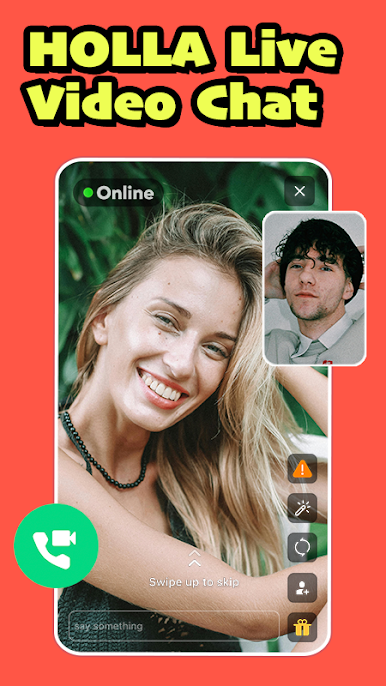
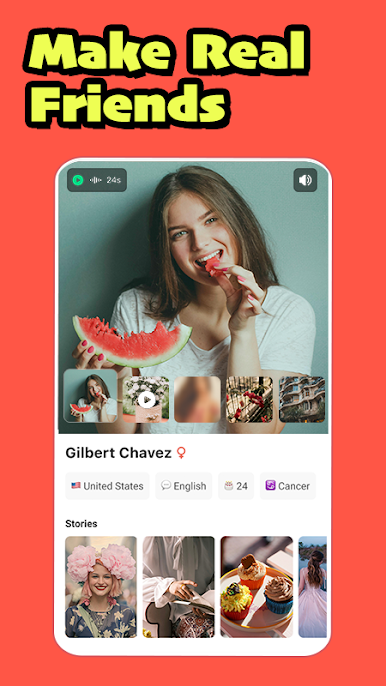
Join over 30 million users spanning 190 countries, where the power of HOLLA brings you face-to-face with new friends, each encounter a unique adventure in live video chat, voice chat, and text chat! HOLLA revolutionizes the way friendships are formed, simply by tapping your screen.
Here's What Awaits You:
- Engaging live video chat
- Interactive voice chat
- Vibrant text chat
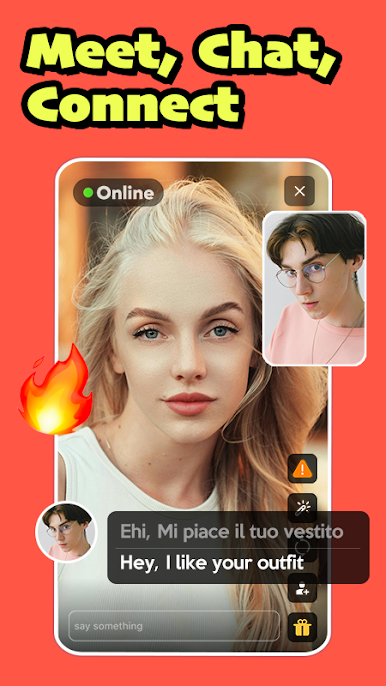
- Seamless real-time translation
- Secure and thriving community
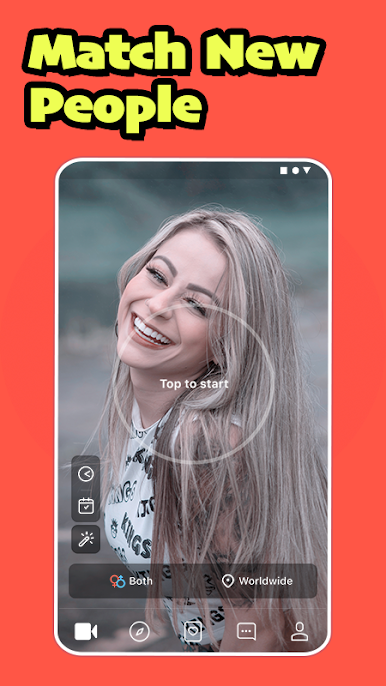
HOLLA is your gateway to captivating online conversations, live video interactions, and of course, the exhilarating world of video chat! Every tap brings a fresh face to your screen. You can enjoy unlimited video and audio calls, and for an added touch, explore premium features with customized matches!
Embark on a novel journey of face-to-face meetings, discovering new friendships that span diverse backgrounds. It's instant, it's exciting, and it's an incredible way to uncover new cultures and languages
To ensure a seamless experience, our 24/7 moderation system is designed to safeguard all users. Upon matching, screens remain discreetly blurred until faces come into view. Should you encounter any inappropriate behavior, simply report it, and our team will address it promptly. HOLLA places a premium on fostering a secure and positive community, so you can chat with peace of mind. Let's get started on this exciting journey!

Play HOLLA - Live Video Call on PC. It’s easy to get started.
-
Download and install BlueStacks on your PC
-
Complete Google sign-in to access the Play Store, or do it later
-
Look for HOLLA - Live Video Call in the search bar at the top right corner
-
Click to install HOLLA - Live Video Call from the search results
-
Complete Google sign-in (if you skipped step 2) to install HOLLA - Live Video Call
-
Click the HOLLA - Live Video Call icon on the home screen to start playing

