


Pornhub
Play on PC with BlueStacks – the Android Gaming Platform, trusted by 500M+ gamers.

Page Modified on: Jul 6, 2026
Play Pornhub on PC
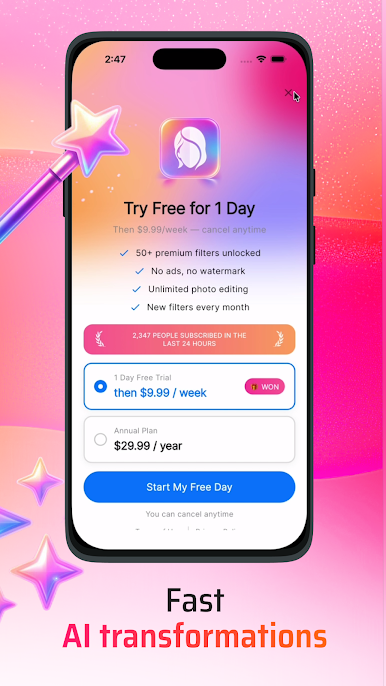
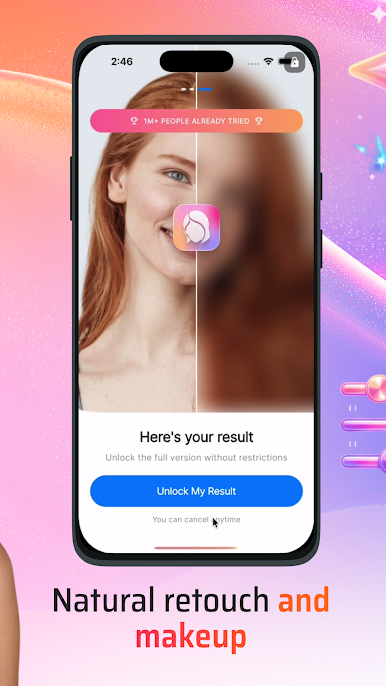
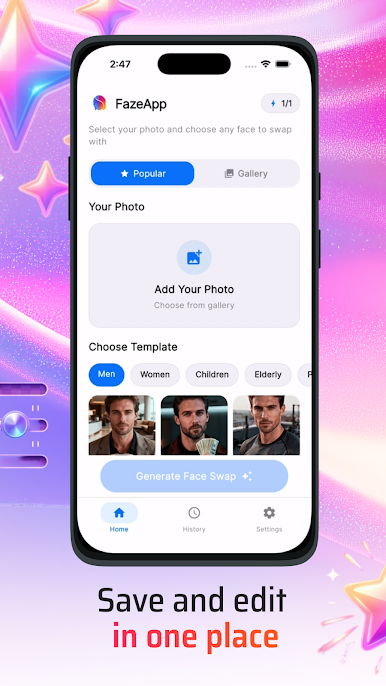
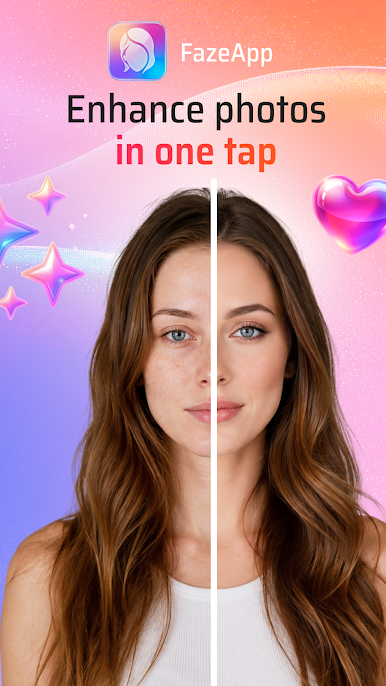
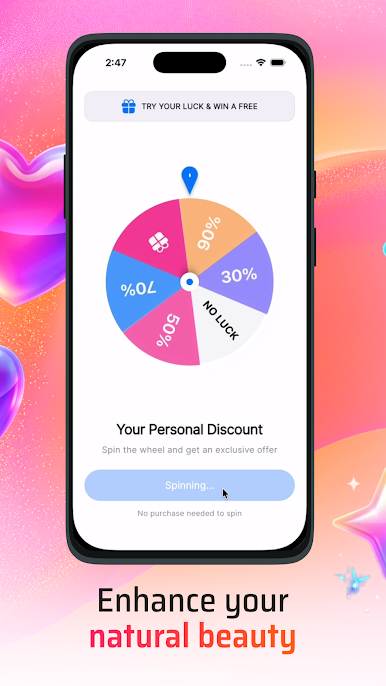
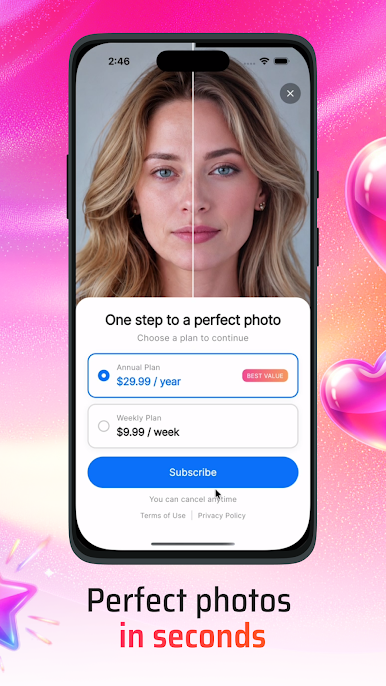
FazeApp lets you create realistic face swaps, AI avatars, trending video edits, and unique content in just a few taps. Whether you want to make viral social content, experiment with different looks, or generate fun AI creations, FazeApp makes the process fast and simple.
Features:
• AI face swap for photos and videos
• Create realistic AI avatars
• Trend-inspired video templates
• Fast AI-powered image generation
• Easy editing and sharing
• High-quality export
• Simple and intuitive interface
• Regular updates with new effects and styles
Create entertaining content, personalize your media, and explore the possibilities of AI creativity with FazeApp.
Download now and start creating with AI.
Play Pornhub on PC. It’s easy to get started.
-
Download and install BlueStacks on your PC
-
Complete Google sign-in to access the Play Store, or do it later
-
Look for Pornhub in the search bar at the top right corner
-
Click to install Pornhub from the search results
-
Complete Google sign-in (if you skipped step 2) to install Pornhub
-
Click the Pornhub icon on the home screen to start playing

