


Face Swap AI Video: FaceHub
Play on PC with BlueStacks – the Android Gaming Platform, trusted by 500M+ gamers.

Page Modified on: Dec 24, 2025
Run FaceHub -Face Swap&AI Video on PC or Mac
Multitask effortlessly on your PC or Mac as you try out FaceHub -Face Swap&AI Video, a Entertainment app by Creative Hive on BlueStacks.
About the App
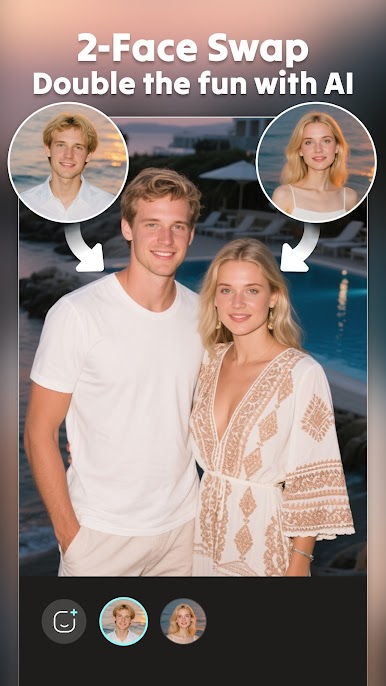
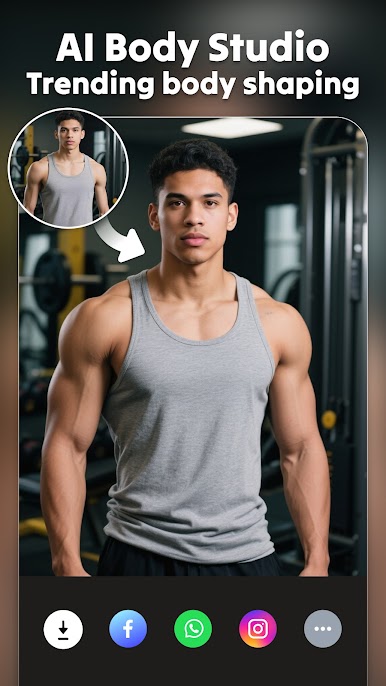
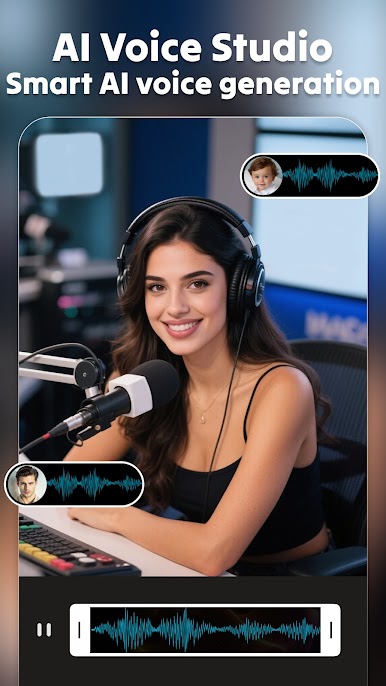
FaceHub -Face Swap&AI Video by Creative Hive transforms your photos and videos with mind-blowing AI special effects. Dive into face swaps, AI-driven video generation, and create everything from AI hugs to animated GIFs. Use AI tools to edit photos, videos, and even remove unwanted elements. Whether you’re making a celebrity face swap video or turning your selfies into stunning art, this app has you covered.
App Features
✨ FACE SWAP
– Swap faces on both photos and videos.
– Personalize content with trending filters and effects.
– Experiment with face swaps, including gender variations.
💡 AI TOOLS EDIT
– Animate photos and videos with AI enhancements.
– Reshape your childhood and explore diverse avatars.
– Apply one-tap stylized filters and retouch faces.
🎉 PHOTO ANIMATION & VIDEO EDITOR
– Animate your photos with music and effects.
– Create short videos and bring your photos to life.
😊 DIFFERENT STYLES
– Experience different historical eras and styles.
– Create vintage and mock wedding photos.
Create incredible face swap videos using FaceHub with BlueStacks for a seamless experience on a larger screen.
BlueStacks gives you the much-needed freedom to experience your favorite apps on a bigger screen. Get it now.






Play Face Swap AI Video: FaceHub on PC. It’s easy to get started.
-
Download and install BlueStacks on your PC
-
Complete Google sign-in to access the Play Store, or do it later
-
Look for Face Swap AI Video: FaceHub in the search bar at the top right corner
-
Click to install Face Swap AI Video: FaceHub from the search results
-
Complete Google sign-in (if you skipped step 2) to install Face Swap AI Video: FaceHub
-
Click the Face Swap AI Video: FaceHub icon on the home screen to start playing

