


Call Santa 2 - Prank App
Play on PC with BlueStacks – the Android Gaming Platform, trusted by 500M+ gamers.

Page Modified on: Mar 16, 2025
Play Call Santa 2 - Prank App on PC
💋 Speak to Santa to feel the Christmas cheer
🎅 Receive a call from Santa for gift ideas
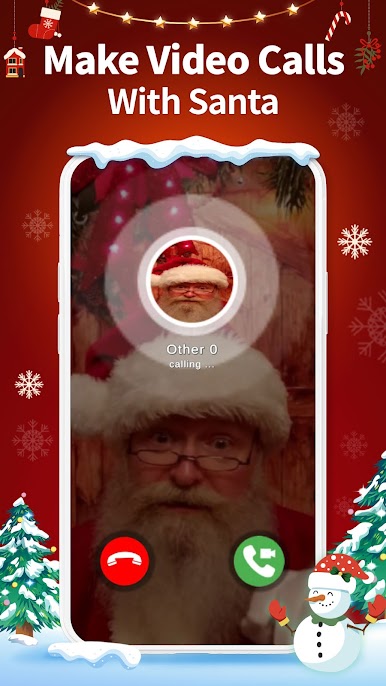
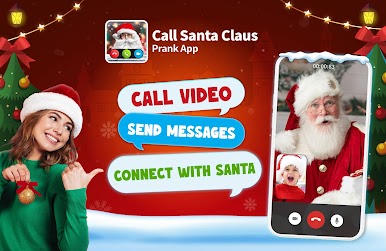
📲 Make a fake video call with Santa to prank your friends
Everything is right here, let's make Christmas more exciting with this SANTA PRANK APP!
🎄 FESTIVE FEATURES 🎄
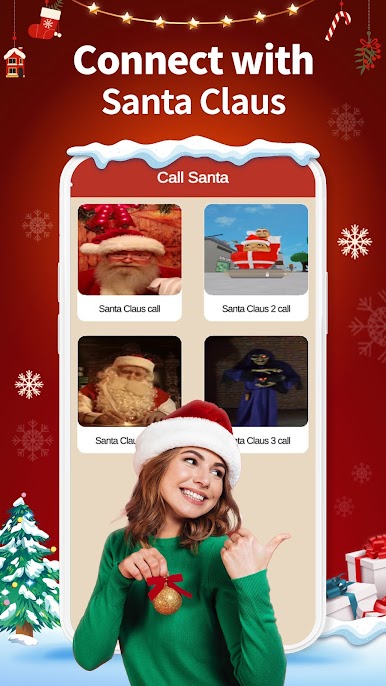
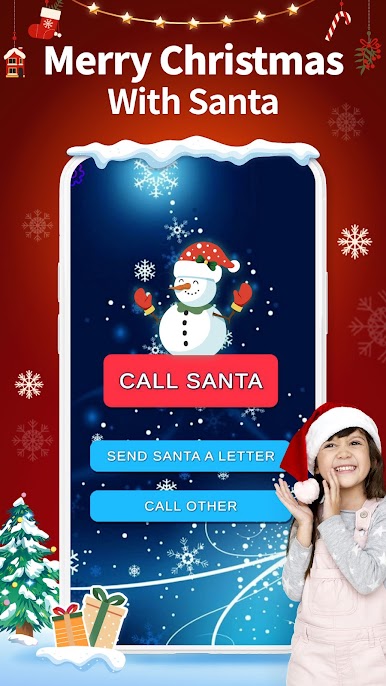
📞 Get a call from Santa Claus: Wondering how to call Santa? Just use this app for a fake call. Pretend to talk to Santa and prank friends with this call imitation app full of Santa in the prank dial
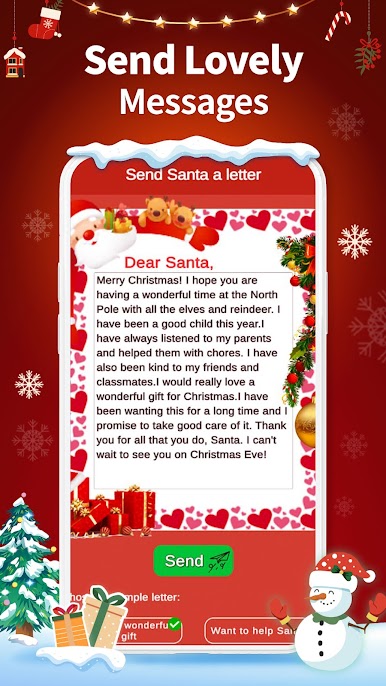
📹 Fake video call from Santa: Just tap 'Call Santa' for a realistic video call or send messages to Santa using this prank app. Make a call to Santa in your leisure time, before bedtime, or even before heading to work.
🗨 Chat with Santa: Share your wishes with Santa Claus. Let the magic of Christmas sparkle as your messages reach the North Pole.
🎊 Wanna make this holiday unforgettable? Well, DOWNLOAD NOW! It's FUN, and FREE!!!
Don't forget this is a prank app and just a call imitation with recorded video, there is no real person connecting with you. Everything is only for fun prank calling 😁📱
And from all of us at the Era Team, thank you for making our holidays brighter. Your support fills us with joy and inspires us to create even merrier games. Wishing you all the joy and hope that our prank app will be a part of your happiness this season! 🥰
Era Team
Play Call Santa 2 - Prank App on PC. It’s easy to get started.
-
Download and install BlueStacks on your PC
-
Complete Google sign-in to access the Play Store, or do it later
-
Look for Call Santa 2 - Prank App in the search bar at the top right corner
-
Click to install Call Santa 2 - Prank App from the search results
-
Complete Google sign-in (if you skipped step 2) to install Call Santa 2 - Prank App
-
Click the Call Santa 2 - Prank App icon on the home screen to start playing

